Guess the Chords is a focused ear-training app designed for musicians who want to sharpen harmonic recognition through listening and real musical contexts. In the first moments you use Guess the Chords you’ll hear short loops of actual chord progressions—triads, sevenths and extended voicings—and be prompted to identify what you hear under time pressure or in relaxed practice. The app balances game-like competition with structured study so that skills transfer directly to performance, arranging and songwriting.
Key features
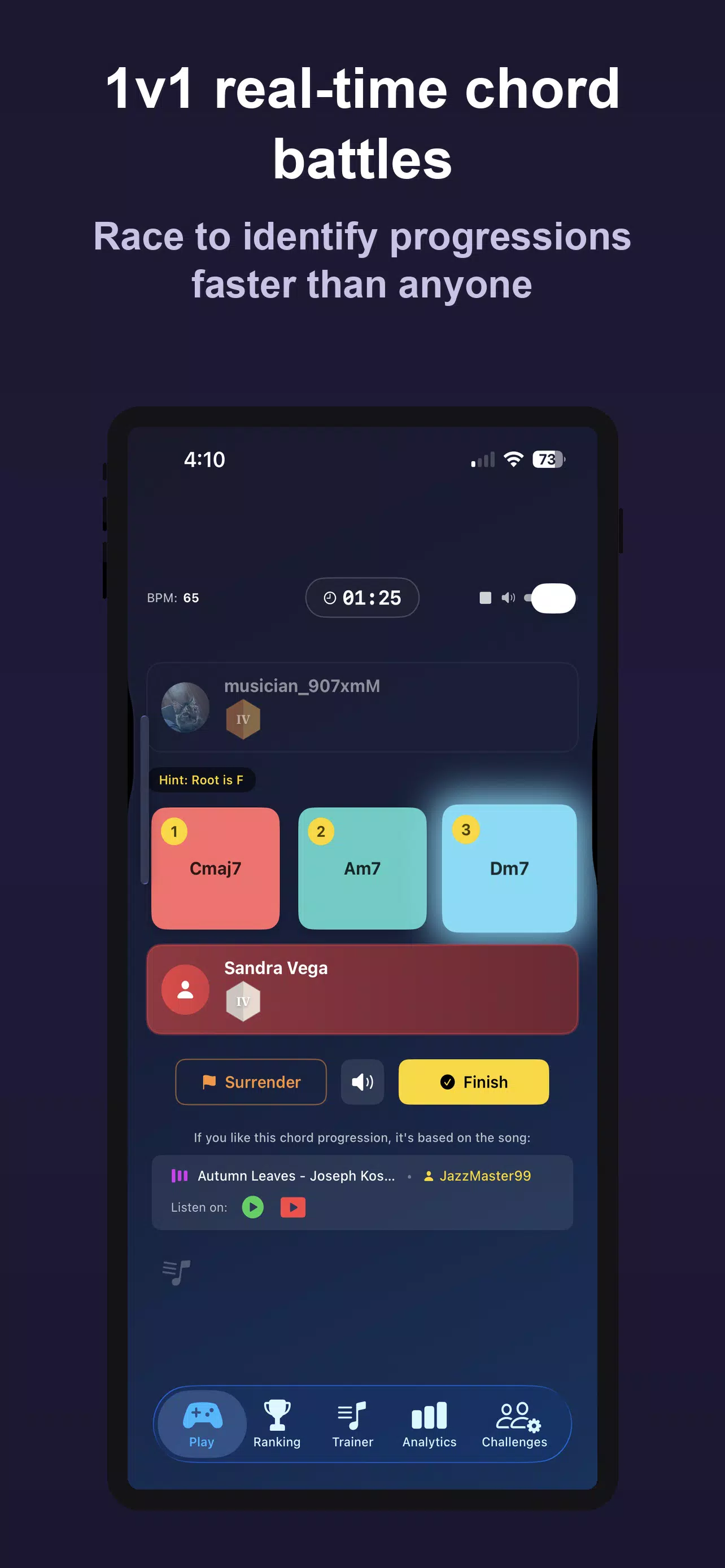
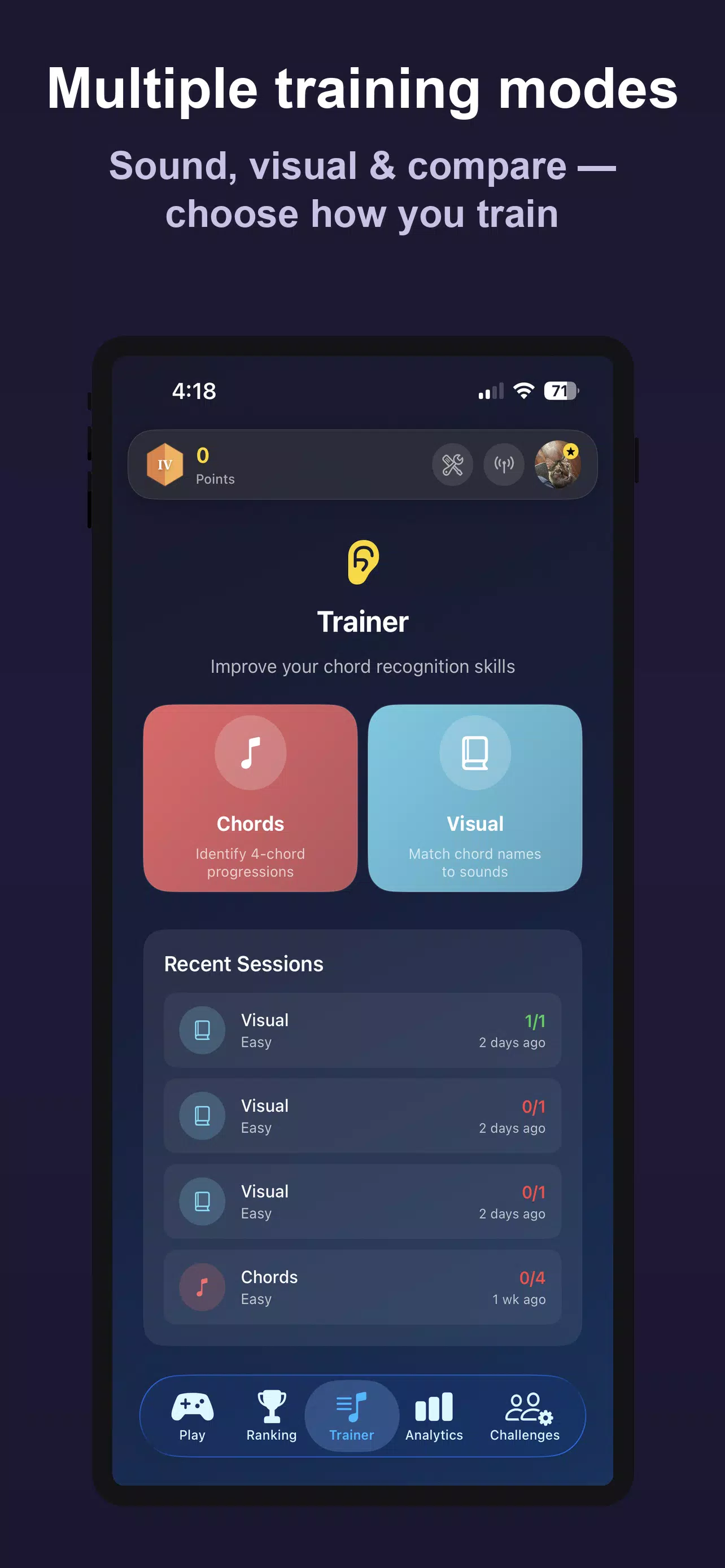
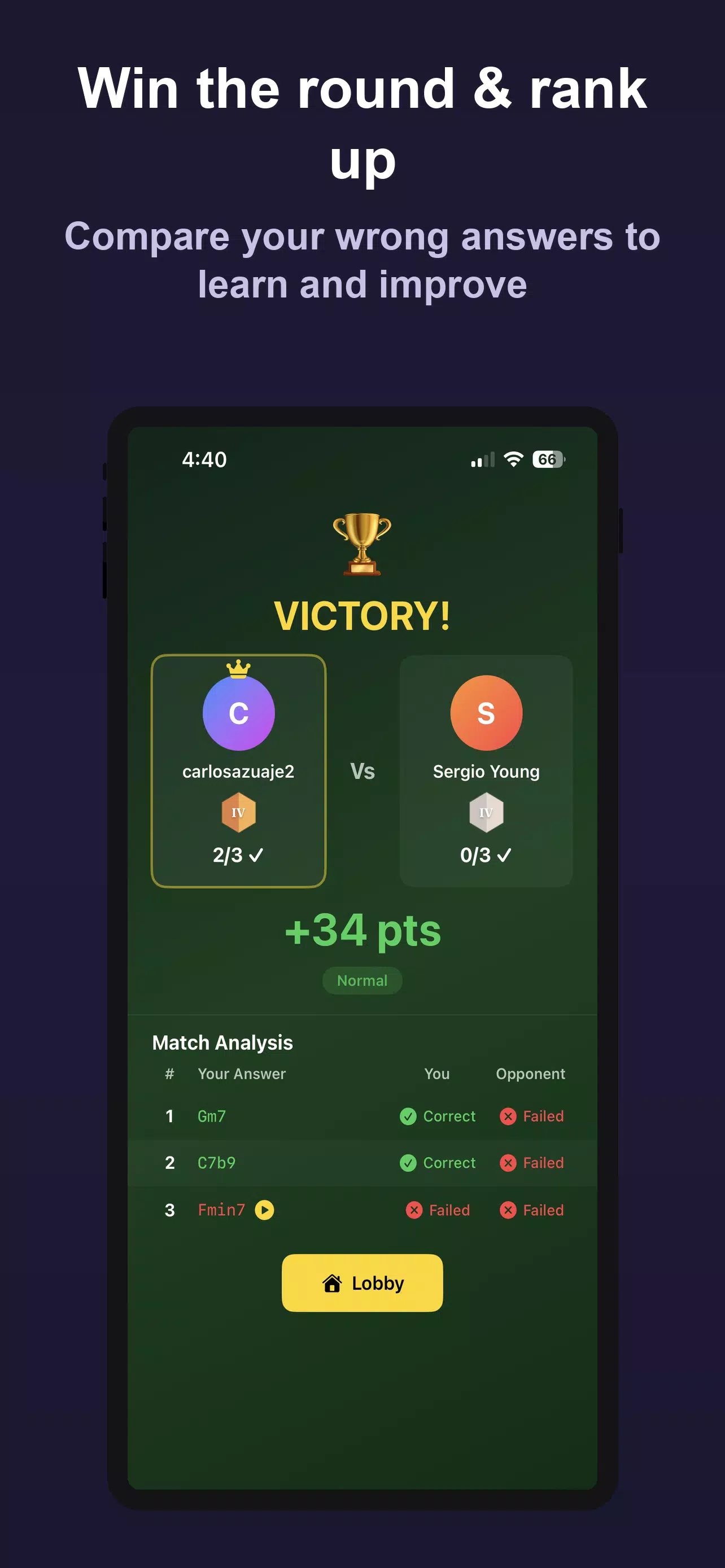
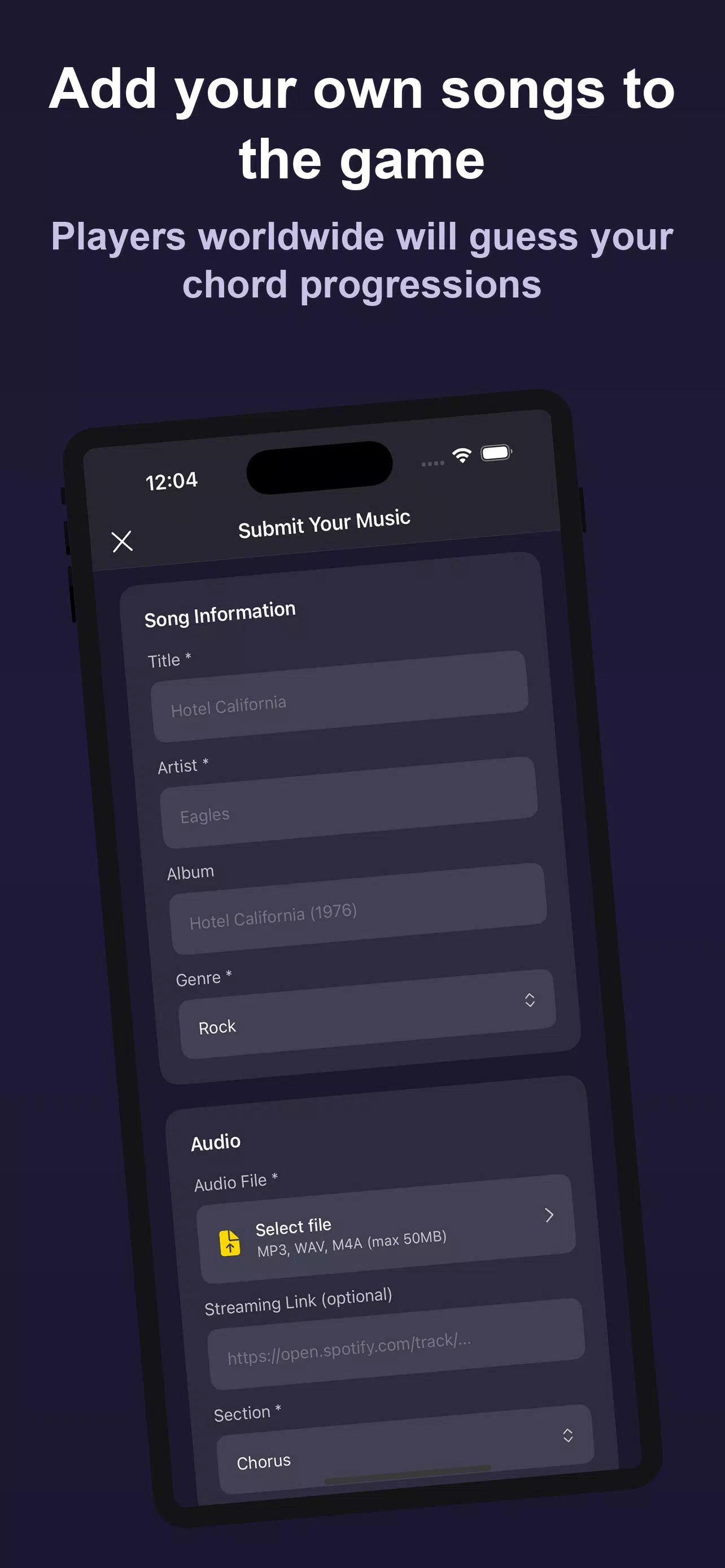
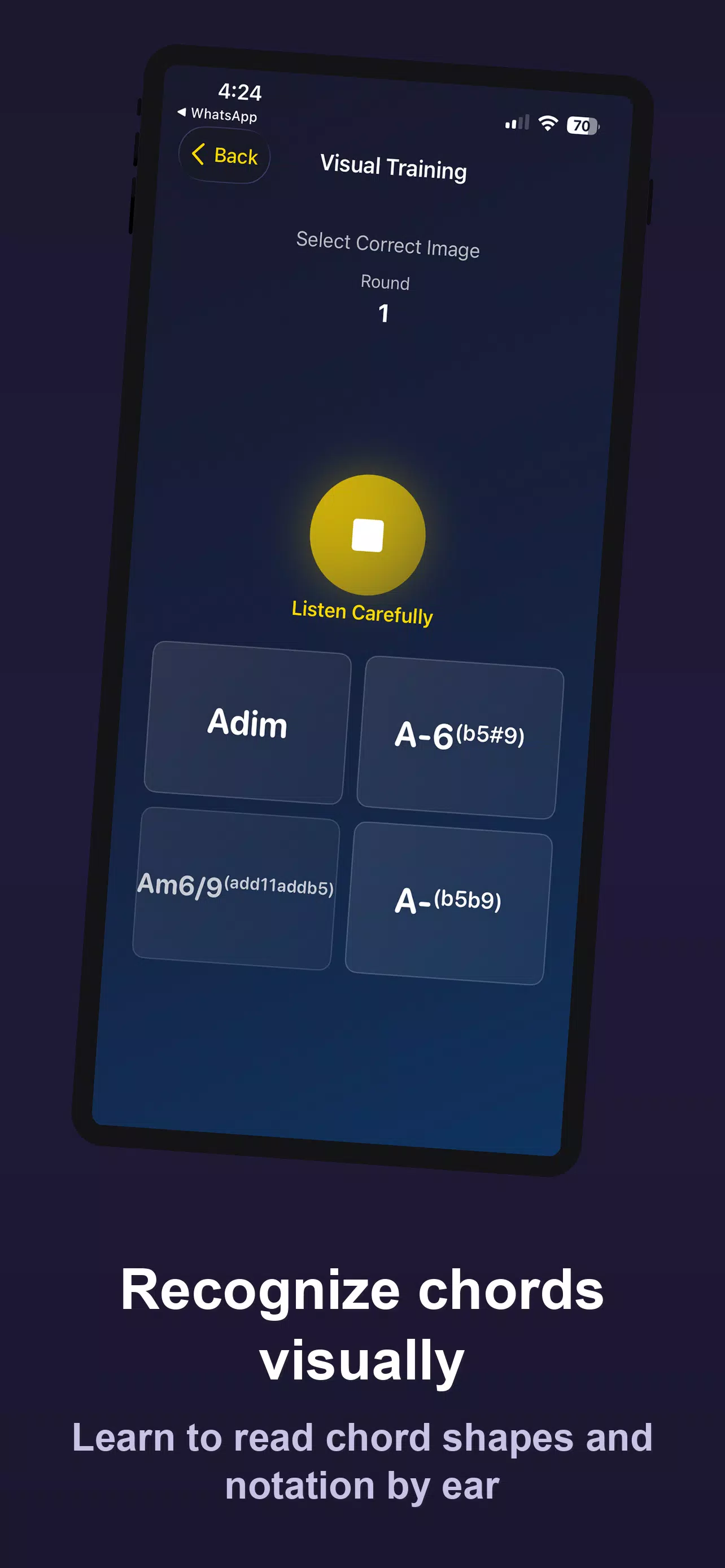
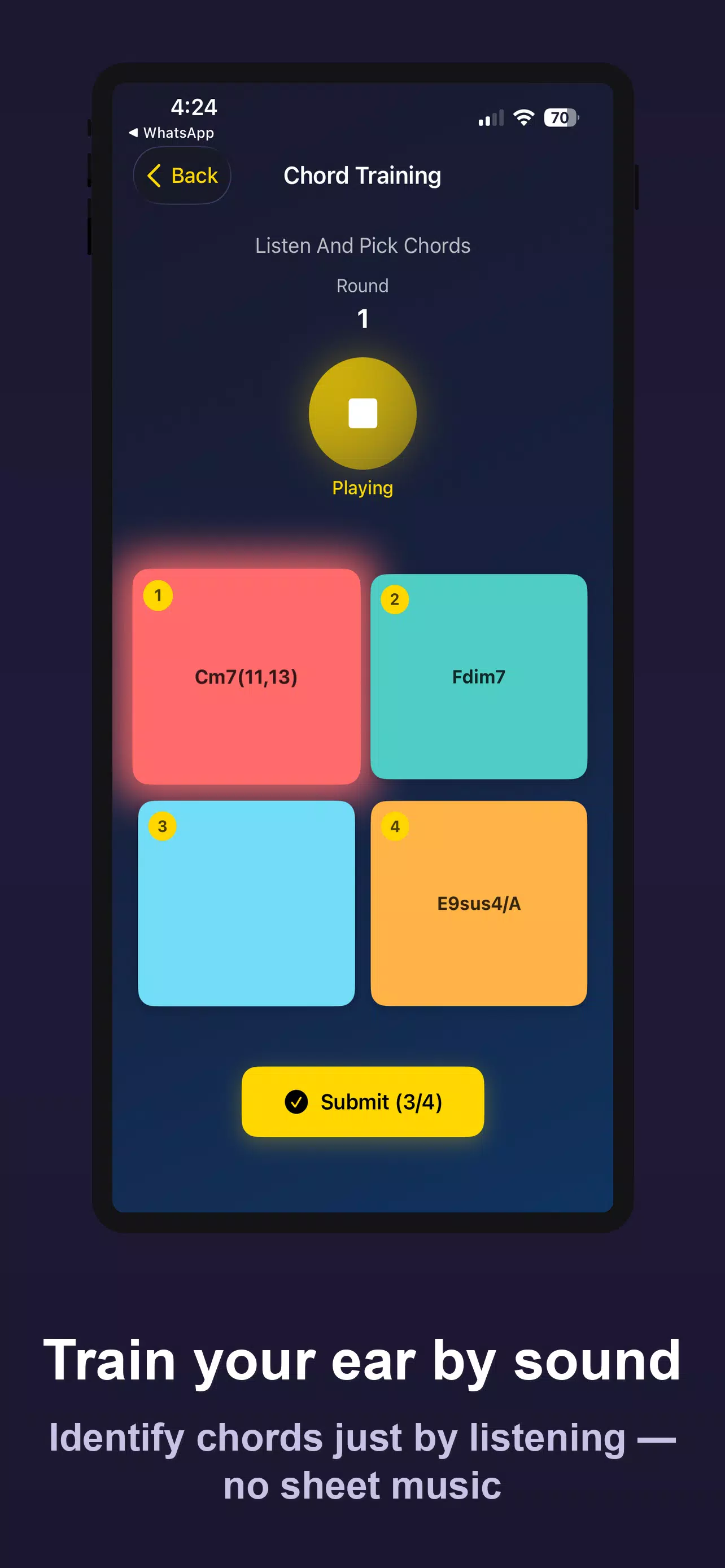
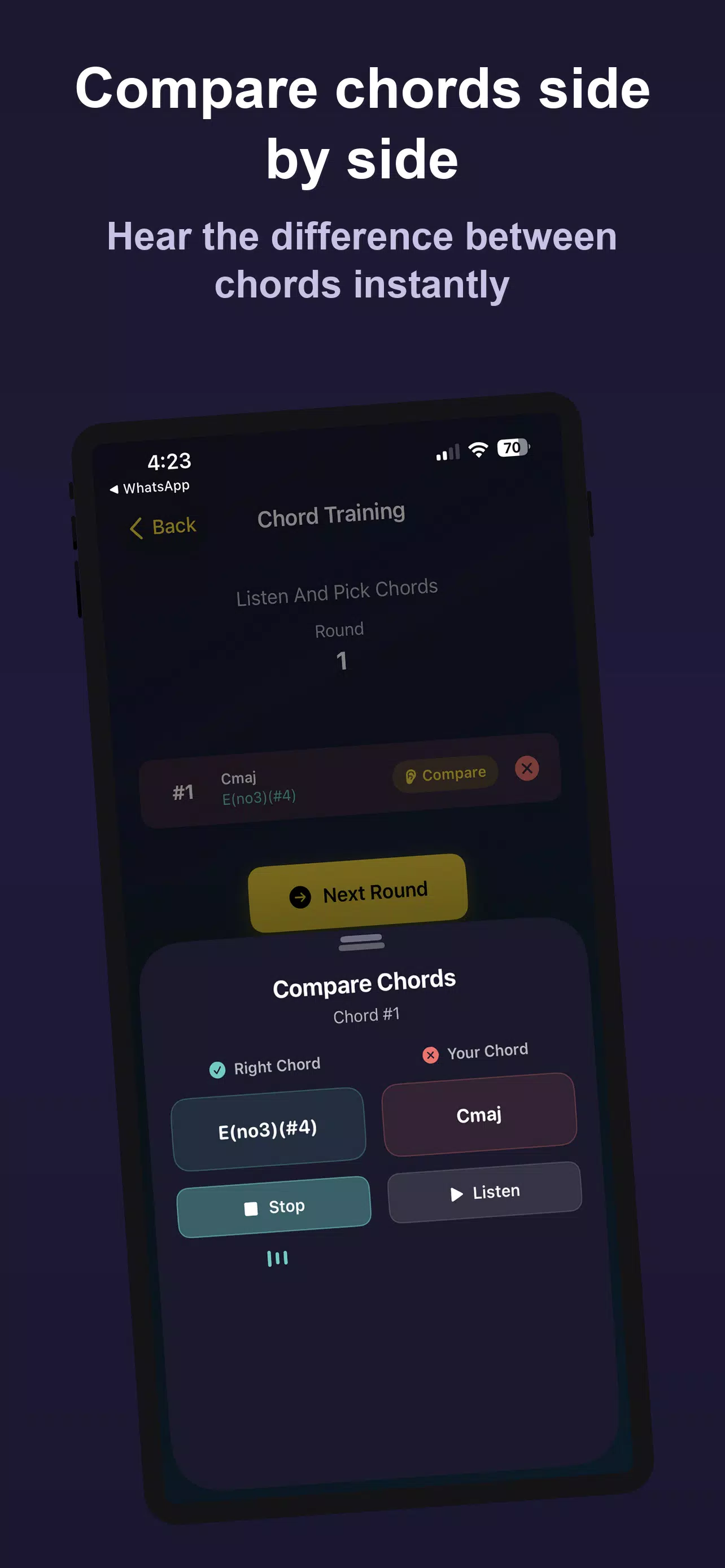
The core of Guess the Chords is its dual approach: real-time ranked 1v1 matches that test speed and accuracy, and concentrated practice modes for deliberate learning. In matches you earn points for correct identifications and faster responses, while practice sessions remove the clock and focus on repetition, comparison and targeted drills. A Sound Training mode strips away visual cues so you rely purely on aural memory, and a Visual Training mode shows chord shapes, voicings and on-screen representations to link ears with theory. The Compare Chords tool plays two chords back-to-back so you can train to hear subtle differences between inversions and extensions. There is also a submission feature that lets you upload short progressions so others can try to guess your material and discover your music through in-app links.
Gameplay and controls
Gameplay emphasizes short, repeatable rounds and straightforward controls. In competitive matches the interface presents the loop, a small choice panel and a response timer; tap the answer to lock it in and move to the next progression. In practice modes you can scrub within a loop, replay sections at different speeds and toggle between hearing full voicings or isolated notes. Controls are optimized for one-handed use on phones: large, labeled answer buttons, clear visual feedback for correct or incorrect choices and simple menu navigation make training fast to pick up. Haptic and audio feedback settings let you tune the sensory cues to your preference.
Progression, levels and challenge systems
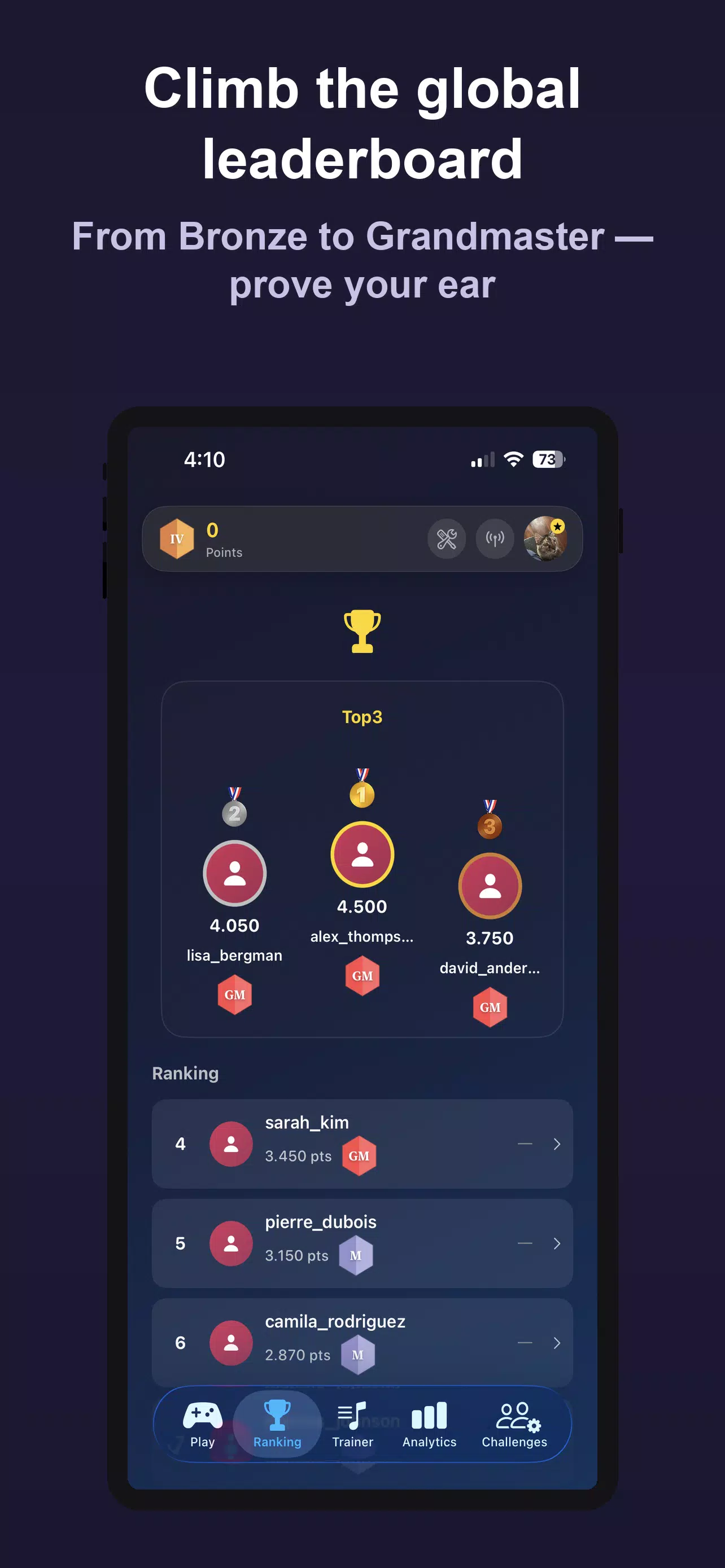
Progression in Guess the Chords is measured both by points earned in matches and by detailed practice statistics. The app tracks accuracy by chord type—major, minor, dominant, diminished, seventh variations and common extended voicings—so you can see which areas need work. Levels unlock progressively harder progressions and more complex voicings, and the point-based scoring system provides short-term goals while longer-term milestones record improvements across weeks. Challenge systems include themed drills that focus on specific harmonic functions (cadences, ii–V–I movement, modal interchange) and optional speed modes that tighten the response window to simulate live performance pressure.
Visual style and accessibility
Guess the Chords uses a clean, distraction-free visual design intended to keep attention on sound and musical structure. Clear diagrams of chord shapes, waveform views of loops and color-coded feedback make it easier to correlate what you hear with what you see. Accessibility options include scalable text, high-contrast color themes, adjustable audio playback speeds and an option to separate left/right channels for ear-specific training. These settings help players with different hearing profiles or visual preferences use the app comfortably.
Customization and personalization
Customization focuses on tailoring practice to your musical interests. You can choose genre-leaning loop sets that emphasize pop-style triads, jazz-leaning extended voicings or singer-songwriter progressions, and you can create custom practice playlists from submitted material. Audio settings allow you to emphasize bass or treble to make low-register voicings clearer, and practice targets let you focus on chords you get wrong most often so study sessions are efficient and focused.
Replay value and user experience
Replay value comes from short, addictive rounds, growing difficulty and measurable improvement. The mix of competitive matches and solo drills means you can warm up with practice and then apply those skills in head-to-head play, or simply use the app as a daily ear-training routine. Progress reports summarize recent sessions, highlight trends and recommend drills. The interface is designed to minimize friction: quick session start, immediate feedback and a compact history view that helps you track retention over time.
Offline practice and who it’s for
While real-time matches require an internet connection, Guess the Chords includes offline practice modes so you can train without a network. These local drills preserve core tools—sound-only exercises, visual study and the compare feature—so practice is continuous even when you’re on the move. The app is geared to students, hobbyists and professional musicians who want practical aural skills that apply to performance, arranging and songwriting; it supports varied learning paces from beginner-friendly slow drills to advanced exercises for complex jazz voicings.