Miracast for Screen Mirroring
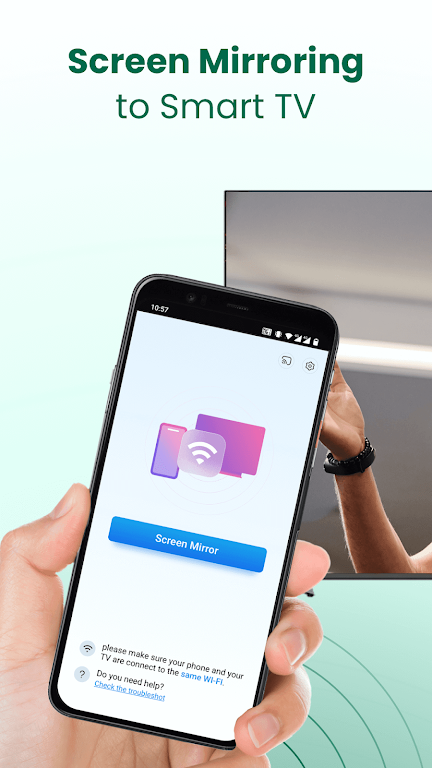
Miracast for Screen Mirroring lets you mirror your Android phone or tablet display to a Miracast-enabled smart TV. Use the app to view photos, play videos, enjoy music, or mirror apps and games on a larger screen for shared viewing or presentations.
Key features
Screen mirroring: Mirror your Android device display in real time to a smart TV that supports Miracast over a Wi‑Fi connection.
Multimedia playback: Stream videos, photos and audio from your device to the TV for a better viewing experience.
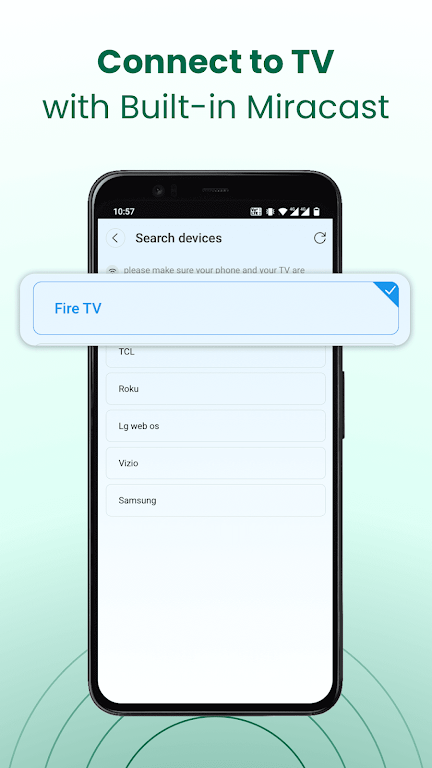
Quick connection: Simple, one-tap connection workflow to pair your device with a Miracast-enabled TV or display on the same network.
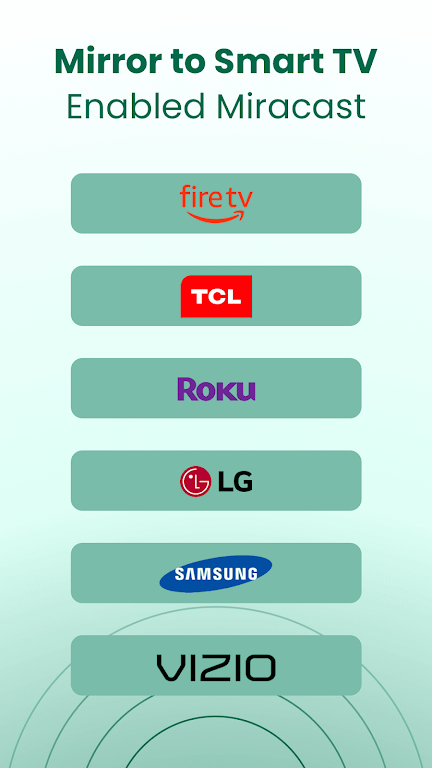
Broad device support: Compatible with many TVs and streaming devices that implement Miracast. Compatibility varies by brand and model.
Use cases: Share photos with family, stream web video, play mobile games on a larger screen, or present slides and documents during meetings.
Requirements and notes
Both your Android device and the target TV must be on the same Wi‑Fi network and the TV must support Miracast or have Miracast mode enabled. Performance depends on network quality and device capabilities. Check your TV documentation for Miracast settings and compatibility.