Miracast Screen Mirroring | TV
Miracast Screen Mirroring | TV lets you mirror your smartphone display to smart TVs, laptops, and tablets that support Miracast. Use the app to share videos, music, photos, and other on-screen content from your phone to compatible external displays.
Requirements: a device with Miracast hardware support, Android 4.2 or later, and both the phone and the receiver connected to the same Wi‑Fi network or paired via Wi‑Fi Direct where supported. Check your TV or adapter documentation for compatibility; some devices list this feature as "Wireless Display" or "Screen Mirroring."
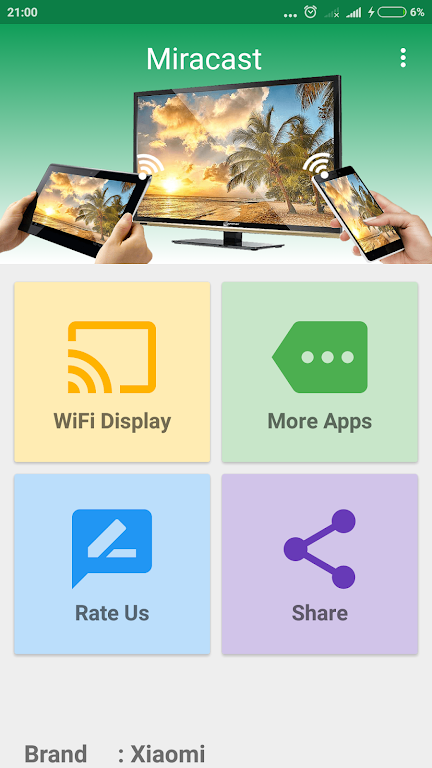
Key features: playback of common media formats on supported displays; easy screen mirroring for media sharing and presentations; quick access to the wireless display function to begin casting; guidance to verify Miracast/Wireless Display support on receivers.
Connectivity and performance: the app is optimized for Wi‑Fi connections. Streaming quality depends on network conditions and device capabilities. Streaming over mobile data may be limited by bandwidth and your carrier plan.
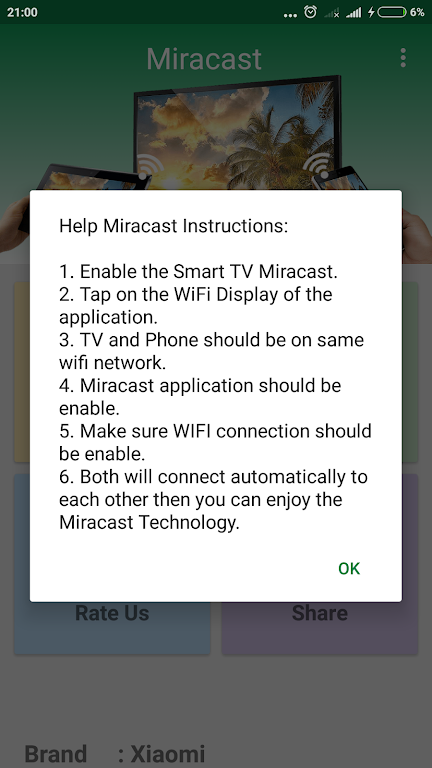
How to use: install and open the app, enable the wireless display/Miracast option on your TV or receiver, select the target display from the app, and start mirroring. Once connected, your phone's screen and supported media will appear on the external display.
Miracast Screen Mirroring | TV provides a straightforward way to cast your phone's screen and media to compatible devices with a simple, user-friendly interface and clear compatibility guidance.