SetEdit: Settings Editor — Advanced Android Settings Editor
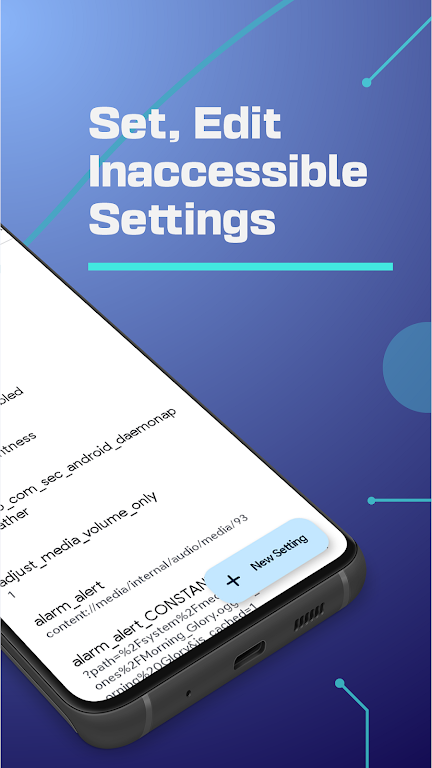
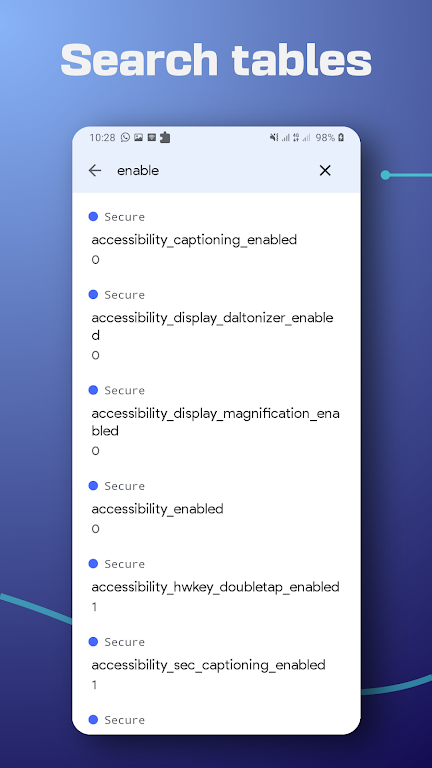
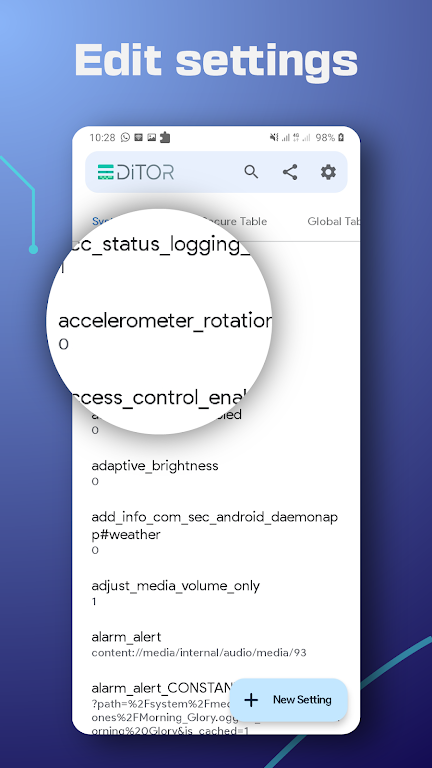
SetEdit is a settings database editor for Android that allows advanced users to view and edit many system-level settings without root. It displays Android settings as key–value pairs across the SYSTEM, GLOBAL, SECURE, and ANDROID namespaces. Use SetEdit to customize interface behavior, adjust display refresh options, fine-tune power preferences, and make other system-level changes. Editing system settings can affect device behavior, so proceed with caution and keep backups.
Key features
System UI customization: Edit values that influence parts of the system interface such as control center elements, toolbar behavior, colors and background blur where supported by your device and firmware.
Display refresh settings: Modify available refresh-rate related settings (for example switching between supported modes such as 90Hz or 60Hz) when supported by your hardware and build.
Battery and power preferences: Adjust settings that affect battery-saving behavior and power profiles to better balance battery life and performance.
Network and tethering configuration: Change network-related preferences such as preferred network bands and tethering parameters. These changes depend on device capabilities, firmware and carrier policies; SetEdit does not guarantee bypassing carrier restrictions or providing free services.
Other system tweaks: Modify additional system flags such as vibration behavior, launcher animation settings and other device-level options where permitted.
Important notes: Some settings require elevated permissions or ADB to modify (for example writing SECURE settings). Incorrect edits can make apps or the system unstable. Uninstalling the app may not revert all changes. Only use SetEdit if you understand Android settings and have a backup or restore plan.