App Permission Manager Android
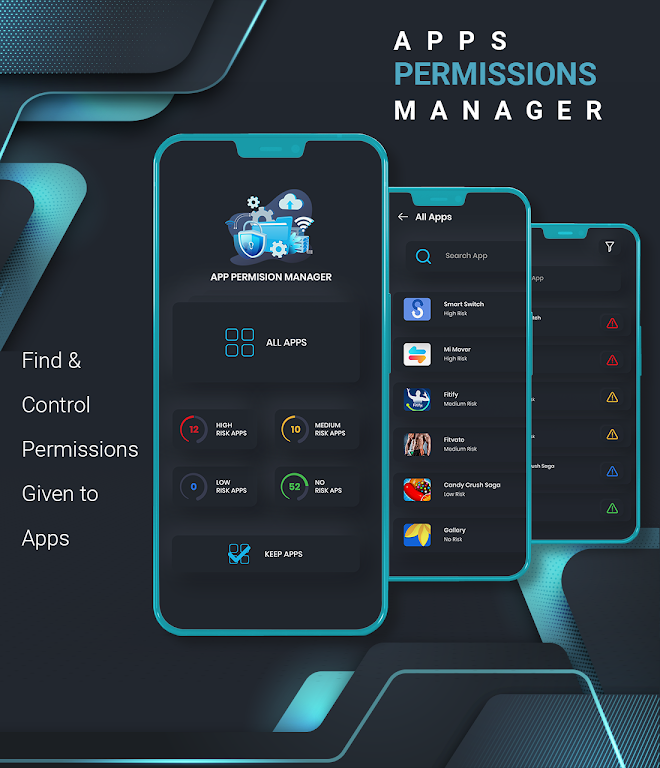
App Permission Manager Android helps you review and control the permissions used by apps on your device. Use it to see which permissions each installed app requests, identify permissions that affect privacy or security, and grant or revoke access to protect your personal data.
Features
List all app permissions: View permissions used by installed apps in a clear, readable format to understand what each app can access.
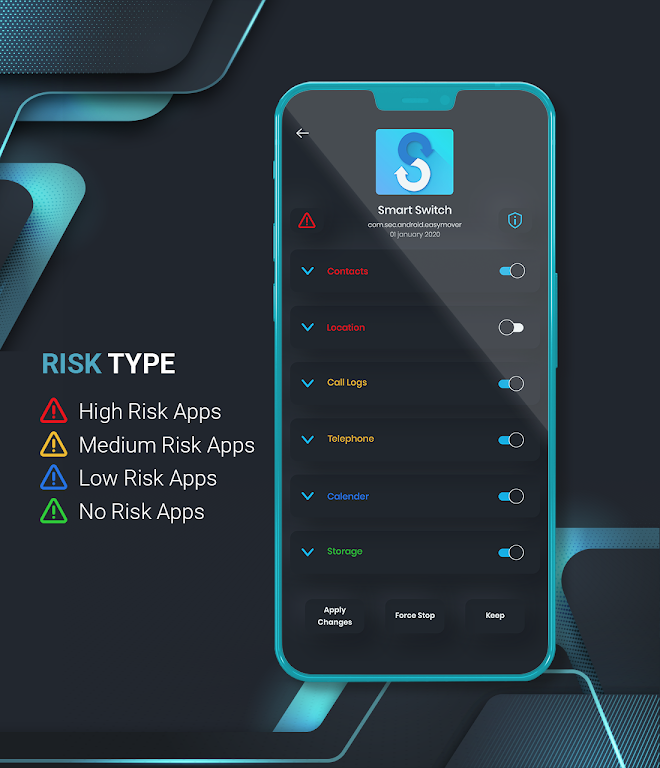
Manage permissions quickly: Grant or deny permission requests, revoke access when needed, and view granted permissions for apps at a glance.
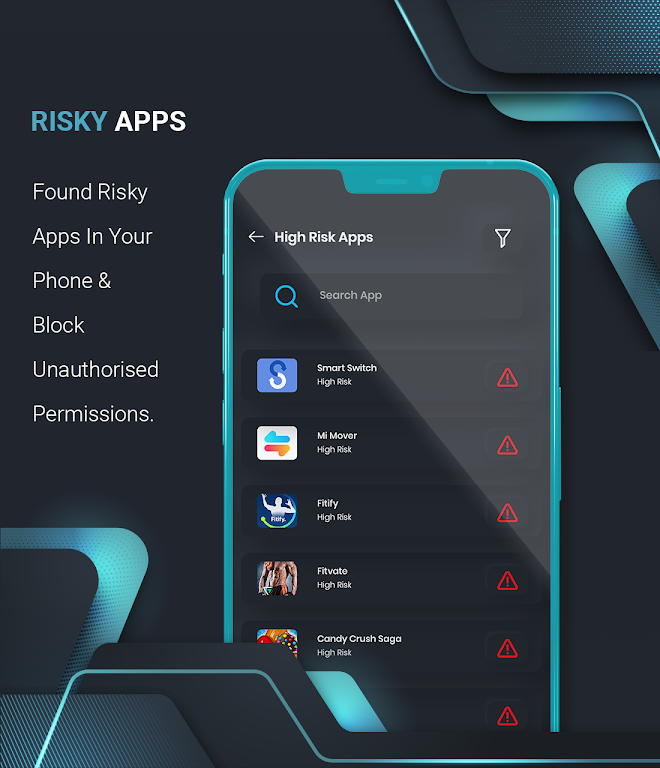
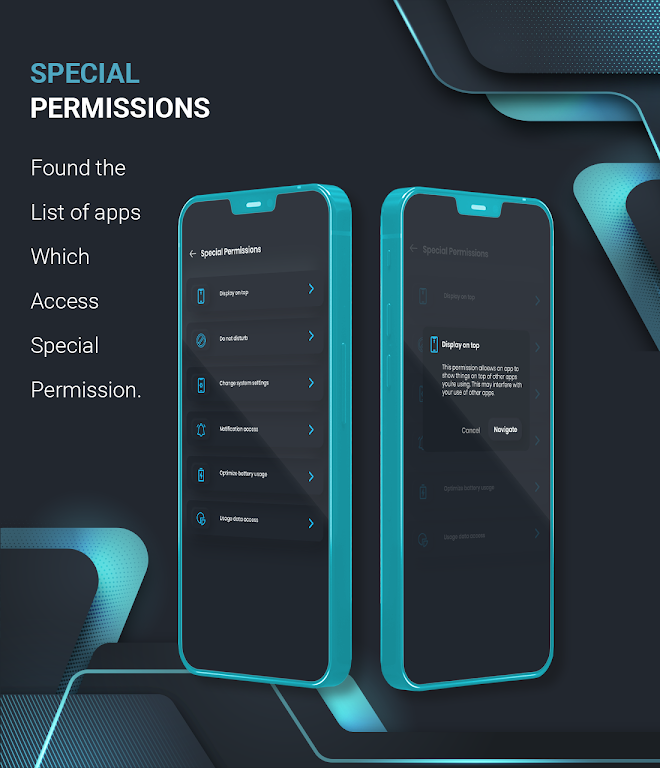
Focus on security-sensitive permissions: Highlight permissions that may impact privacy or device security so you can make informed choices.
Time-saving tools: Access permission details quickly without installing additional tools or performing separate searches.
Easy-to-use interface: Designed for straightforward navigation and clear explanations to help users manage permissions confidently.
Privacy protection: A useful tool for users who want to control app access and protect personal information on their Android device.
Together, these features provide a practical way to monitor and manage app permissions and improve the security of your Android device.