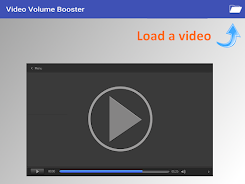
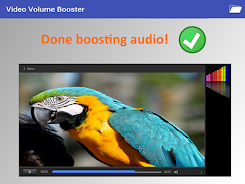
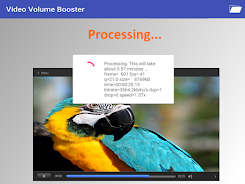
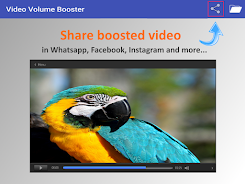
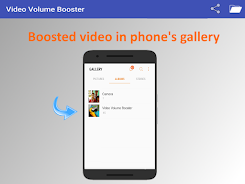
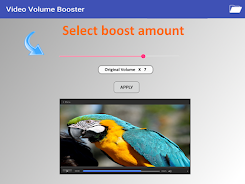
Video Volume Booster lets you quickly raise or lower the sound level of any short video on your device and save the edited clip back to your gallery for playback or sharing. It is useful when low recording volume makes videos hard to hear or when you need to soften loud audio before sending a clip to friends. The app processes selected videos, provides simple controls for volume adjustment, and offers direct sharing to messaging apps, social platforms and email. Casual users who want a fast, focused audio fix for clips will find it handy.
Key Features
Increase or decrease the audio level for a selected video with simple controls. Save the boosted or reduced-volume video directly to your device gallery for local playback. Share edited videos instantly via messaging, social apps and email using standard Android share options. The app presents a simple, focused interface for one-touch volume adjustments. The free version supports short clips and an in-app upgrade removes length limits and ads.
Advantages
Video Volume Booster is easy to use for quick audio fixes and requires no technical audio editing skills. You can raise or lower volume to match your listening needs and preserve the edited files locally so you always keep a copy in your gallery. The output is compatible with common messaging and social applications, and an in-app purchase unlocks unlimited clip length and removes ads for uninterrupted use.
Disadvantages
The basic free version supports boosting videos of 30 seconds or less and includes ads. Full functionality requires an in-app purchase to remove the time limit and ads.
Version Information
Video Volume Booster free/basic edition allows volume changes on videos up to 30 seconds. Purchasing the full version inside the app removes the time limit and delivers an ads-free experience with unlimited video boosting.