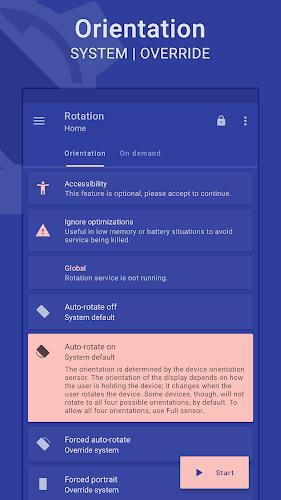
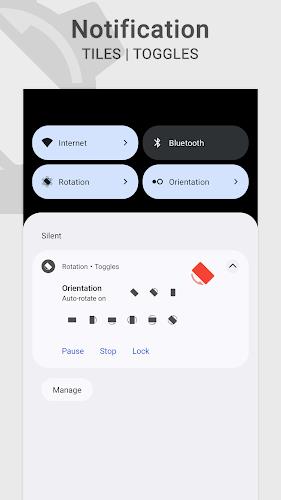
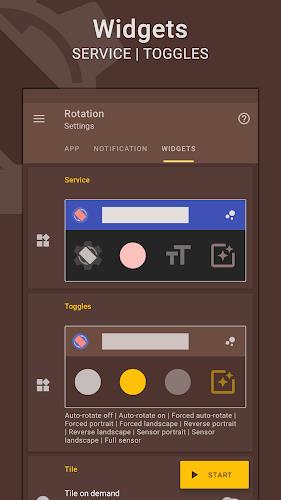
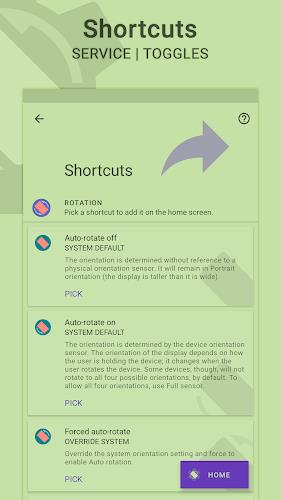
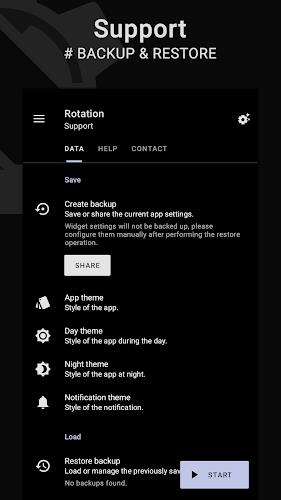
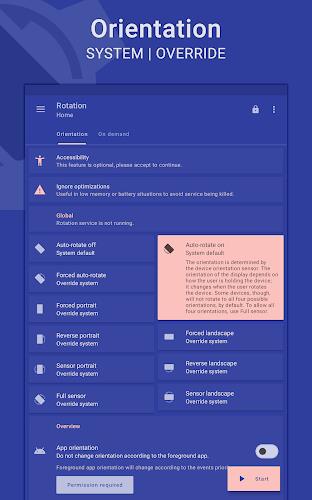
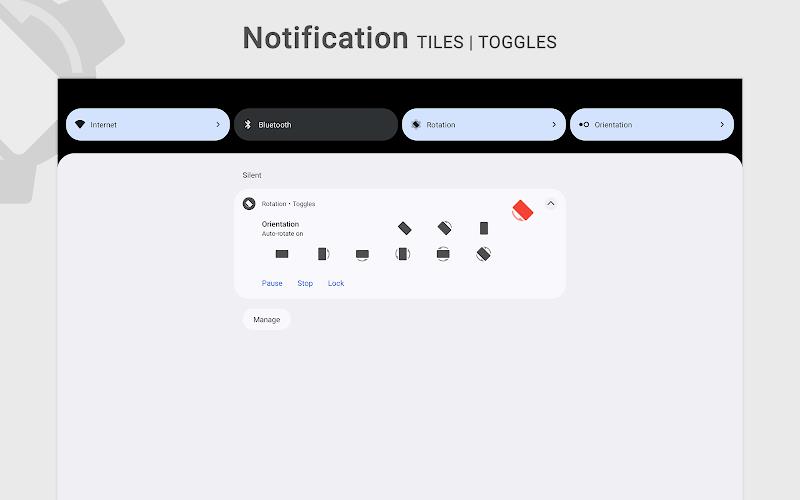
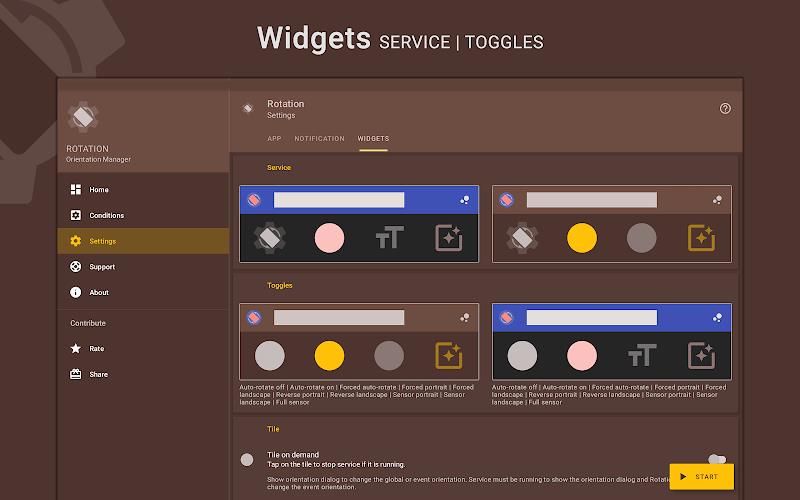
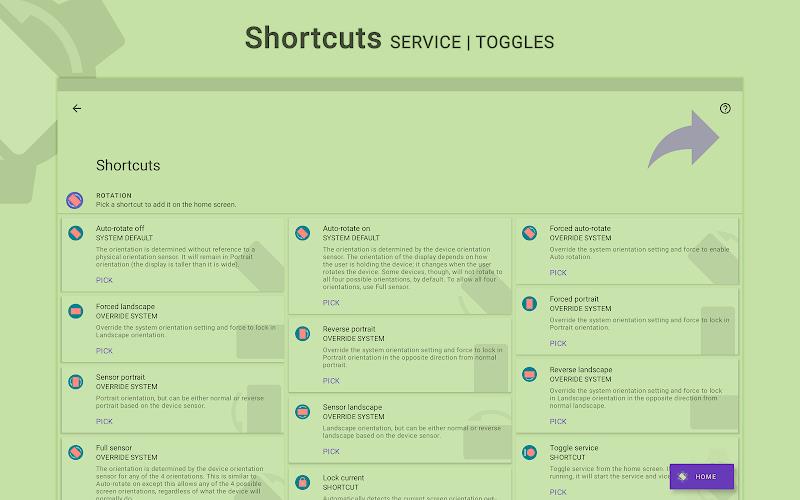
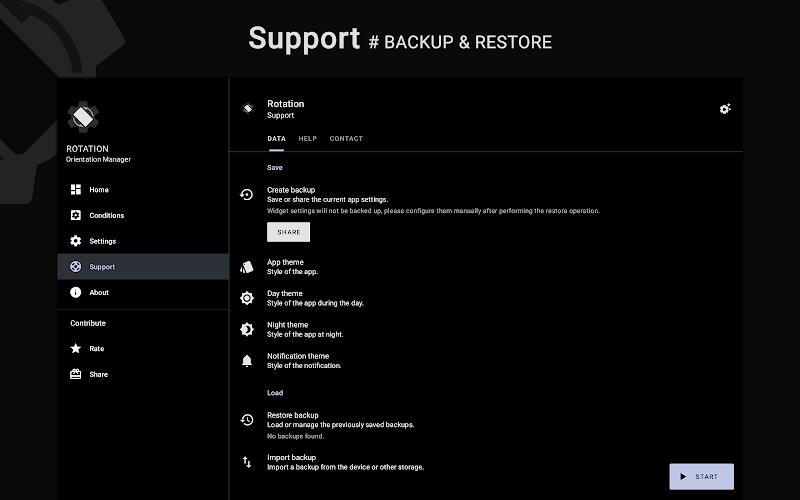
Rotation | Orientation Manager is a versatile tool for managing your device's screen orientation. With a wide range of modes to choose from, including auto-rotate on/off, forced portrait/landscape, and sensor portrait/landscape, you can customize your device's display to suit your needs. You can also set specific orientations for different events like calls, charging, and app usage. Plus, with themes, widgets, and shortcut options, you can easily access and control your device's orientation settings. Available in multiple languages and with a variety of permissions to enhance your user experience, Rotation is a must-have app for optimizing your device's display.
Features of Rotation | Orientation Manager:
Orientations: Rotation offers a wide range of orientation modes, including auto-rotate on/off, forced portrait/landscape, sensor portrait/landscape, and more.
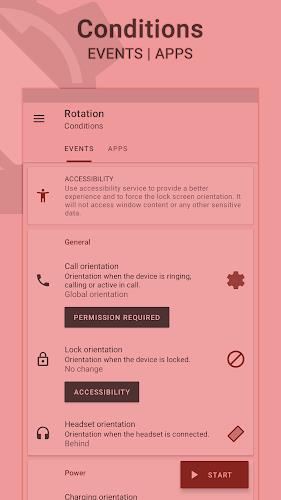
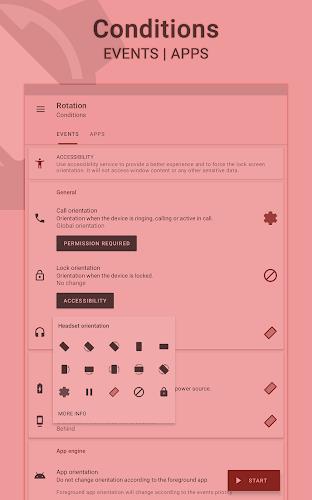
Conditions: Customize orientation settings based on events like calls, locking the device, or connecting a headset or charger.
Themes: Enjoy a dynamic theme engine that adjusts based on the background to ensure visibility.
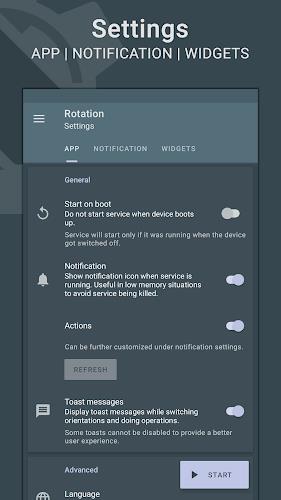
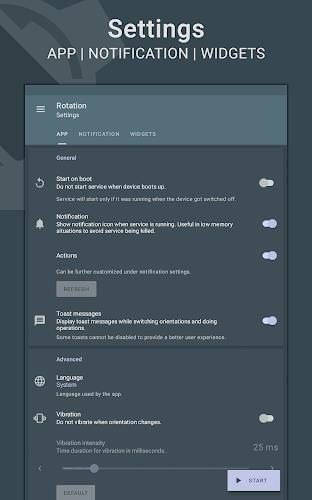
Others: Convenient features like starting on boot, notifications, widgets, and more.
Playing Tips
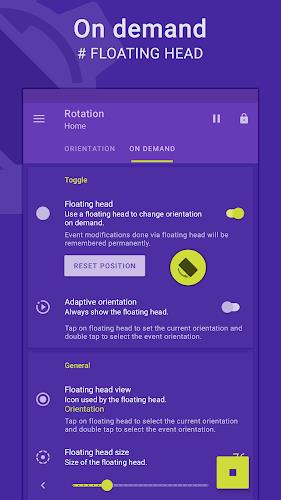
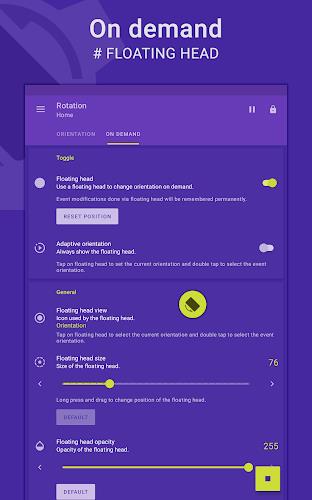
Customizable Floating Head: Access the floating head feature to easily adjust orientation on the go.
Quick Setup: Use the setup wizard for easy configuration of major features.
Rotation Key: Purchase the Rotation Key for advanced features and support the app's development.
Conclusion
With Rotation | Orientation Manager, managing your device's screen orientation has never been easier. From a wide range of orientation options to customizable events settings, this app caters to all your needs. Don't hesitate to explore its features and make the most of your device's display capabilities. Download Rotation now and take control of your screen orientation with ease.