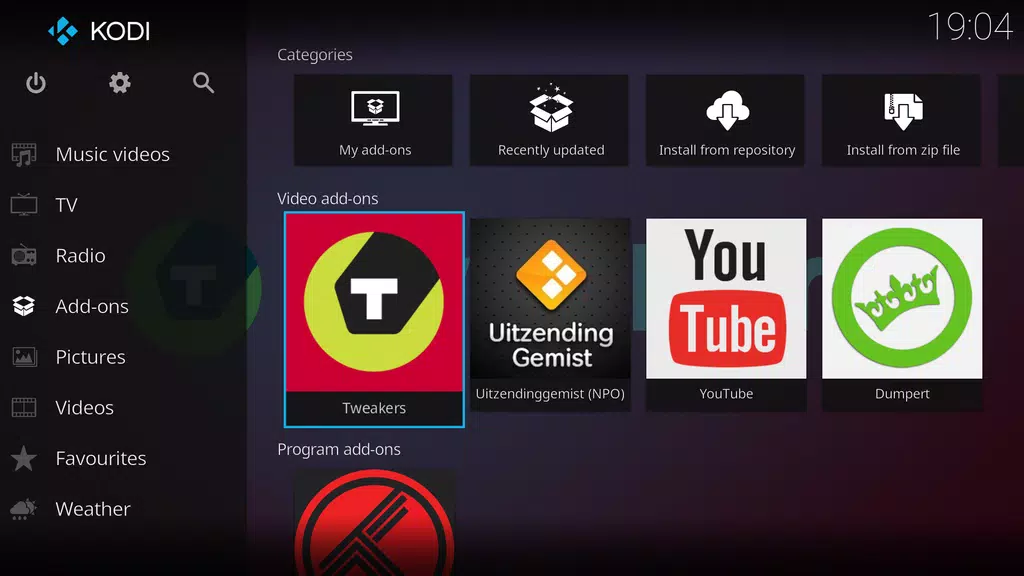
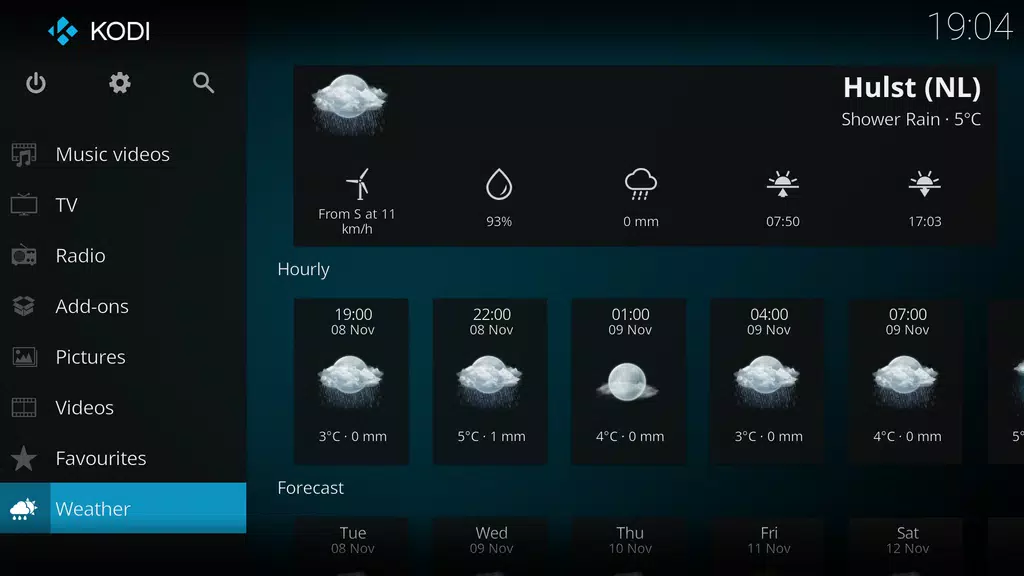
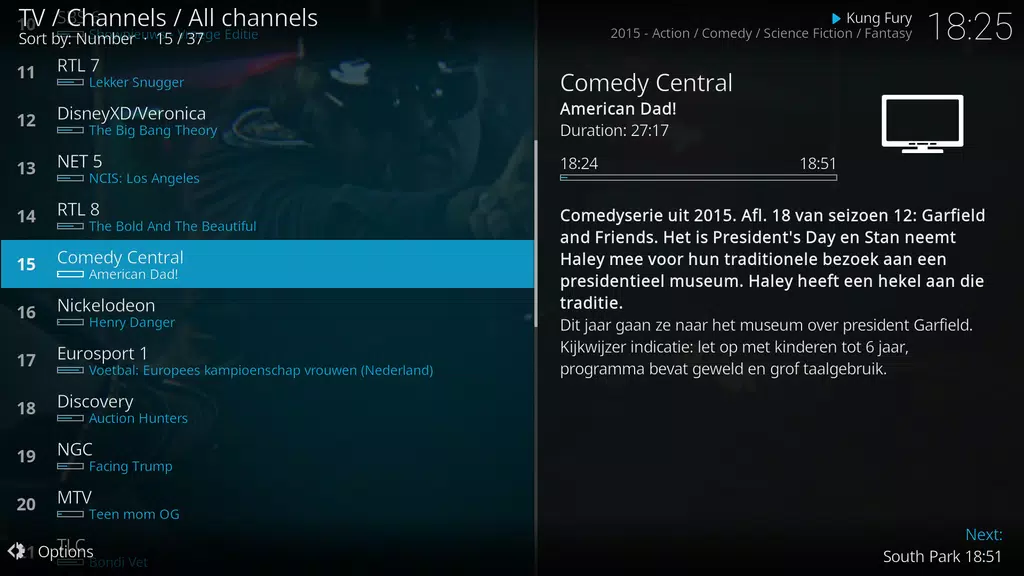
Kodi discover the ultimate entertainment hub for your home with Kodi media center. This award-winning, free, and open-source software transforms your HTPC into a versatile media player and organizer with a sleek 10-foot user interface. Easily navigate through your favorite videos, photos, podcasts, and music from various sources like your hard drive, local network, optical disc, or even the internet using just a remote control. With the new Estuary skin, Kodi is now faster and more user-friendly than ever. Remember, Kodi does not provide content - you must add your own or explore third-party plugins with caution. Join the Kodi community and enhance your home entertainment experience today! Visit kodi.wiki for more information.
Features of Kodi:
- Wide Range of Media Compatibility
Kodi media center supports a variety of digital media formats, making it a versatile option for all your media needs. Whether you want to watch videos, view photos, listen to podcasts, or stream music, Kodi® has you covered.
- Customizable User Interface
The Estuary skin offers a modern and user-friendly interface, allowing you to easily navigate through your media collection. With customizable options, you can personalize your viewing experience to suit your preferences.
- Cross-Platform Compatibility
Available on multiple platforms, including Windows, Mac, Linux, Android, and iOS, Kodi ensures that you can access your media library on any device. This seamless integration enhances your entertainment experience wherever you are.
Playing Tips of Kodi:
- Utilize Add-Ons
Explore the wide range of third-party plugins available for Kodi® to enhance your media access. From streaming services to live TV channels, add-ons can provide additional content for a more comprehensive entertainment experience.
- Organize Your Library
Take advantage of Kodi®'s library organization features to categorize and group your media files efficiently. By creating playlists and favorites, you can easily access your favorite content without searching through your entire collection.
- Customize Settings
Adjust Kodi settings to optimize your viewing experience. From video playback preferences to audio settings, customizing the app to your liking can enhance your overall enjoyment of media content.
Conclusion:
Kodi media center offers a comprehensive and customizable platform for managing your digital media collection. With its wide range of media compatibility, customizable user interface, and cross-platform compatibility, Kodi provides a seamless entertainment hub for all your viewing needs. By utilizing add-ons, organizing your library, and customizing settings, you can enhance your media experience and make the most of what Kodi has to offer. Download Kodi® today and transform your media viewing experience.