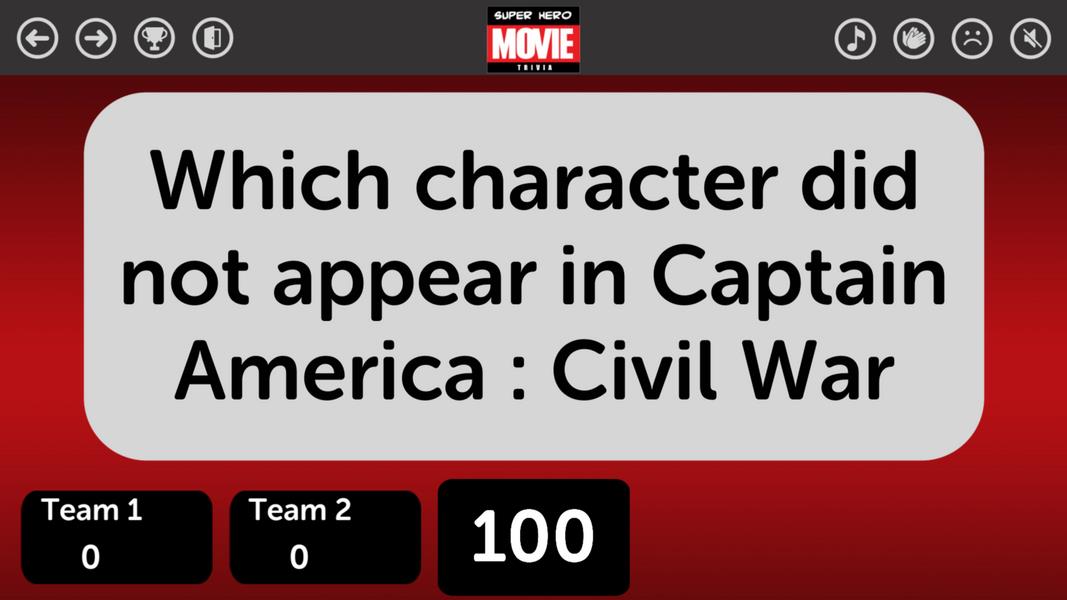
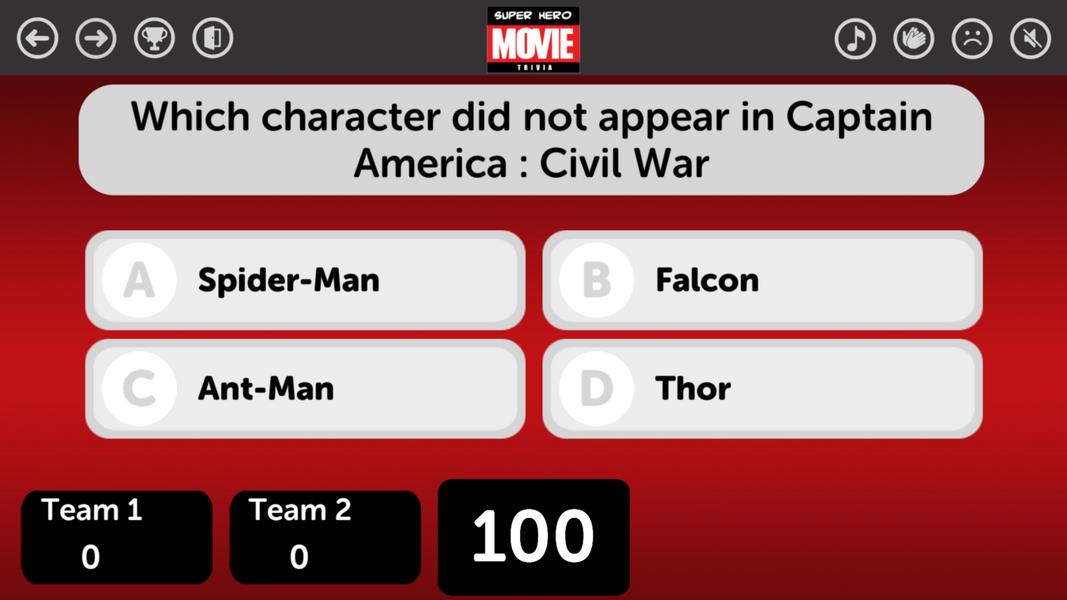
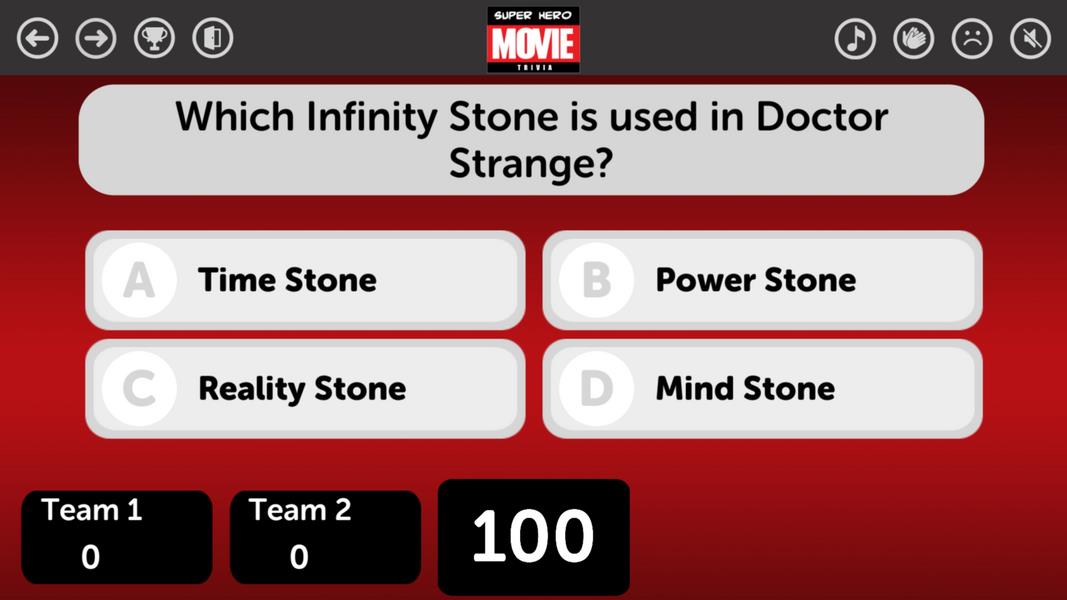
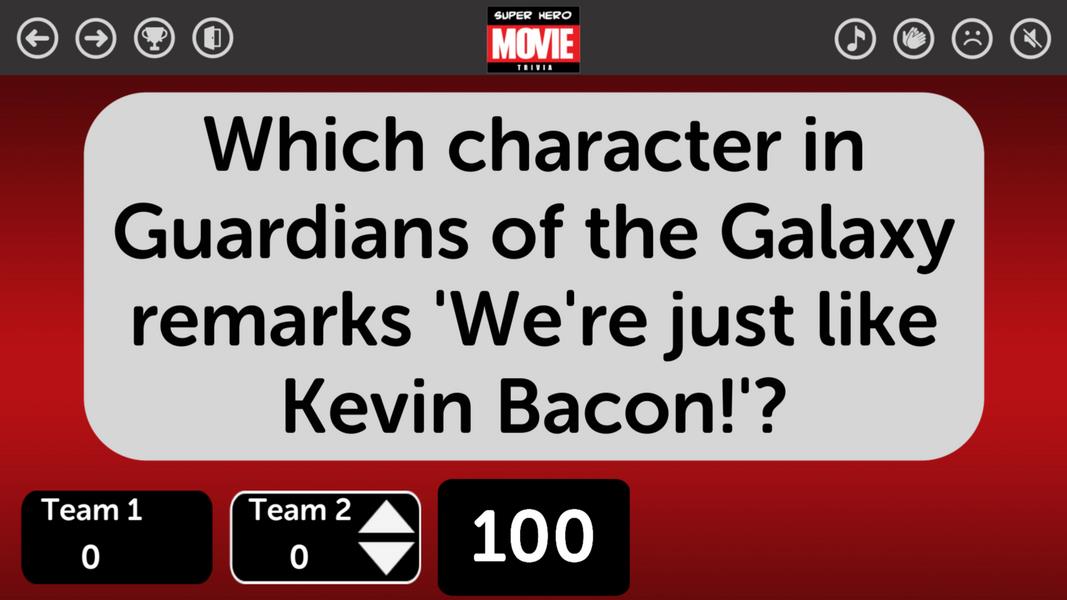
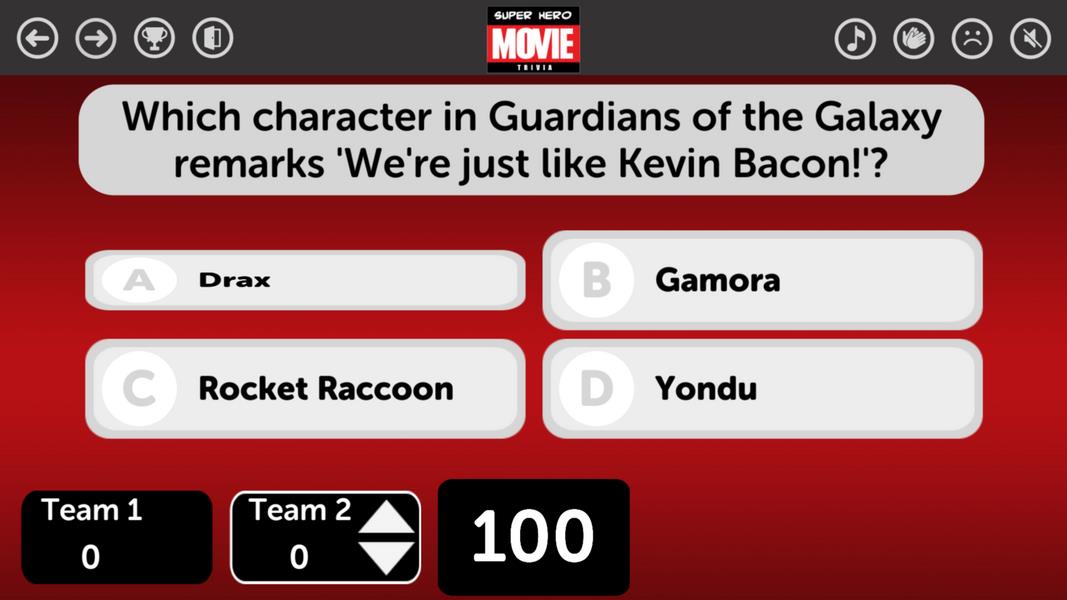
TriviaMaker is a versatile, TV-style quiz builder designed for teachers, presenters, and event hosts who want to create interactive quizzes quickly. TriviaMaker combines a cloud-based editor with an intuitive, touch-friendly interface so you can design multiple-choice rounds, survey-style Feud rounds, or category grid boards and then present them on a larger screen. The app stores quizzes online for easy access from different devices while keeping the workflow straightforward for live classrooms, corporate training sessions, and pub-quiz nights.
Key Features
The core of TriviaMaker is its flexible editor that supports three main formats: Grid, Feud, and Trivia. Each format lets you set question text, add images or videos, and choose answer options with optional point values and timers to control pacing. The cloud storage system keeps content synced, and sharing via a URL or duplicating templates makes it simple to reuse and adapt shows. Multimedia support includes picture and video attachments for richer question prompts and the ability to produce printable answer keys or slide outlines for offline reference.
How it Works
Creating a quiz in TriviaMaker follows a clear workflow: pick a format, add or import questions, customize visuals, and then present. The editor uses drag-and-drop elements and clearly labeled controls so items like category tiles and answer reveal animations are easy to arrange. Progression within a quiz is organized by rounds and question order; hosts can set timers per question, assign point values, and choose reveal behaviors to increase or decrease difficulty on the fly. This structure makes it straightforward to plan sessions with warm-up rounds, main competition segments, and final bonus questions without complex setup.
Presentation and Controls
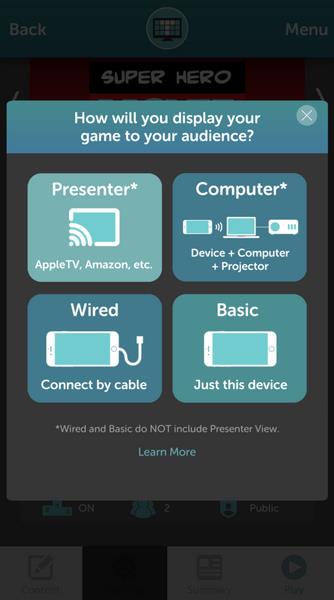
Presentation options include casting or streaming to a big screen or connecting with a cable for in-room displays. TriviaMaker provides on-screen controls to advance questions, toggle the scoreboard, and play sound effects. For touchscreens and tablets, the app offers large tap targets and simple swipe actions; on laptops, common keyboard shortcuts speed up navigation. Hosts can control timers and reveal answers manually or let the system run automatic transitions, so you decide how tightly paced your event will be.
Customization and Visual Style
Visual customization is a strong point: adjust colors, fonts, background images, and logos to match your event branding or classroom theme. Animations and sound cues are optional, allowing a range from minimal professional presentations to energetic game-show style visuals. Templates and theme presets help you start fast, and saving customized templates lets you maintain a consistent look across repeated sessions. All visual options are designed to remain readable and accessible in different lighting conditions and screen sizes.
Progression, Replay Value, and Challenge Systems
Progression in TriviaMaker is driven by rounds and question sequencing rather than player-level mechanics, which makes the app ideal for repeated use across different groups. You can build a library of quizzes and templates that grow over time, enabling faster setup for recurring classes or events. Replay value comes from easy remixing: adjust question difficulty, swap multimedia, or modify timers to refresh content. Challenge systems include adjustable timers, point modifiers, and optional tie-breaker rules you can configure per session to keep competitions engaging.
Accessibility and Offline Use
TriviaMaker aims to be usable in diverse environments by offering large, clear text, adjustable contrast, and simple navigation for presenters who rely on keyboard or touch input. While quizzes are kept in the cloud for syncing across devices, a quiz that has been opened on the presenting device can be run locally during a session if network connectivity is limited; this makes it practical for venues with unreliable Wi-Fi. Hosts should open and verify the presentation device before showtime to ensure media assets are available if network access is intermittent.
Limitations and Practical Notes
There are a few practical limitations to keep in mind. Cloud storage requires creating an account to save and sync quizzes, and some casting or display features depend on the venue's screen and cables. Certain interactive extras, such as a separate buzzer system or external accessories, may need additional apps or hardware to integrate fully with a live show. Despite these constraints, TriviaMaker remains a time-saving tool for building engaging, reusable quiz shows with a professional appearance.