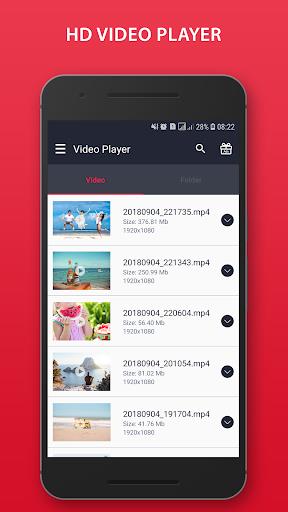
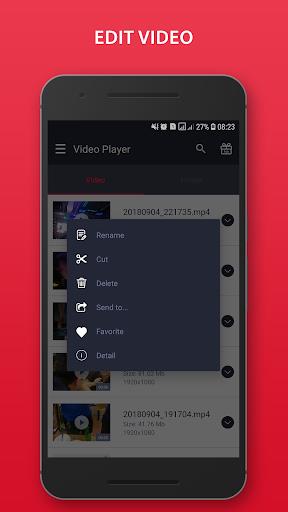
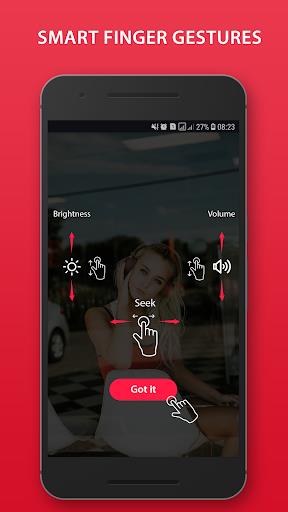
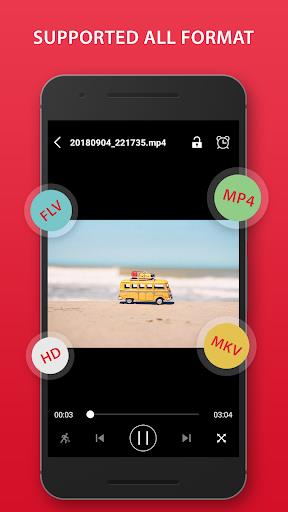
Video Player is a stunning HD media player for Android that plays virtually every video format and handles 4K/ultra HD files with smooth hardware decoding. The app automatically scans phone memory and SD cards to locate videos, offers resume playback, gesture controls for brightness and volume, and a clean, easy-to-use interface. If you need broad format support (MP4, MKV, AVI, FLV, WMV, RMVB and more), quick file management, and extras like a video locker and ringtone cutter, Video Player delivers a compact, free solution that balances performance and simplicity for everyday viewing.
Key Features
⭐ Plays all popular formats including MP4, MKV, AVI, FLV, WMV, RMVB, 3GP and more.
⭐ HD and 4K/ultra HD playback with hardware decoding for smoother video performance.
⭐ Automatic scanning of phone memory and SD card plus thumbnails for easy browsing.
⭐ Resume playback, fast forward/rewind and playback speed control for flexible viewing.
⭐ Gesture controls for brightness and volume, night mode and quick mute.
⭐ File management tools: multi-select play/share/delete, video locker, folder view and ringtone cutter.
Advantages
✅ Video Player supports a wide range of formats and handles high-definition and 4K files in a single app.
✅ Hardware decoding and fast scanning help deliver smooth playback and quick access to media.
✅ Intuitive interface with folder view and thumbnails makes it easy to find and organize videos.
✅ Extra utilities such as a video locker, virtualizer/presets for music and a ringtone cutter add useful value.
Disadvantages
❎ Smooth 4K playback and hardware decoding performance depend on the device's processing and GPU capabilities.
❎ The feature list focuses on local playback and utility tools; advanced streaming, network features or detailed subtitle/codec customization are not described.