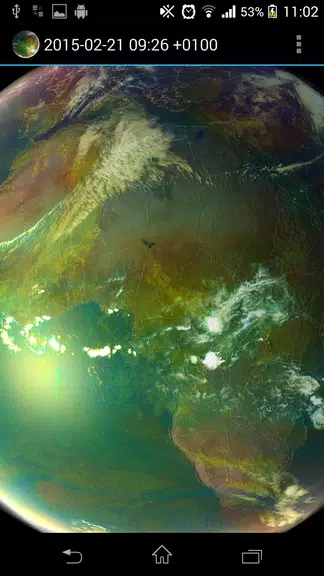
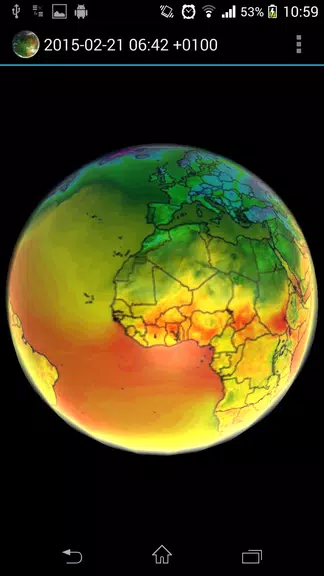
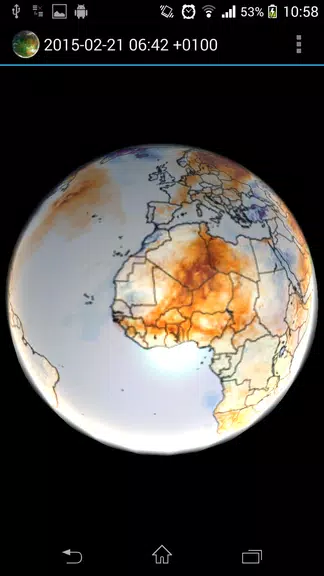
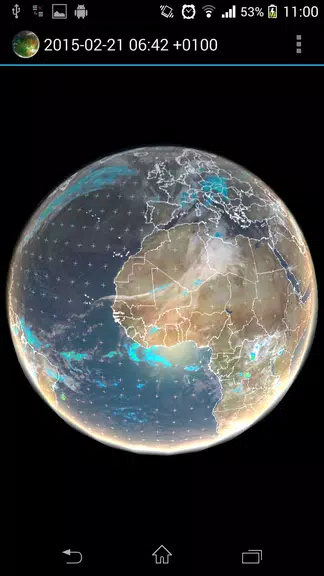
Engage with real-time weather data and historical information like never before with this innovative Earth Viewer app. Explore the planet with live satellite imagery, global forecasts, and climate data sets to monitor global warming trends. Simply tap the settings icon, choose a view, and watch the weather come to life with dynamic animations. With access to a variety of satellite imagery, including precipitation, temperature, wind speed, and more, you can stay informed about Earth's conditions at a glance. From climate forecasts to aurora predictions, this app offers a unique and interactive way to view our world. Explore the Earth in a whole new way today!
Features of Earth Viewer:
Real-time Weather Data: Earth Viewer provides users with live weather updates, satellite data, global forecasts, and historical data. By tapping into various sources such as Climate Reanalyzer and METEOSAT satellites, users can stay informed about weather patterns worldwide.
Global Warming Monitoring: The application visualizes datasets that are essential for monitoring global warming trends. Users can access information on air temperature, precipitation, wind speed, and more, helping them understand the impact of climate change on our planet.
Interactive Features: Earth Viewer offers a range of interactive features such as imagery selection, live sunlight simulation, bump mapping, and data caching for offline use. Users can customize their viewing experience and explore different visualizations of Earth's data.
Educational Value: With access to real-time satellite imagery and weather forecasts, Earth Viewer serves as a valuable educational tool. Users can learn about meteorology, climate science, and environmental issues while exploring the interactive features of the application.
Playing Tips for Earth Viewer:
Customizing Settings: To enhance your experience with Earth Viewer, tap the three dots at the upper right-hand corner to access the settings menu. From there, you can select different satellite views, adjust imagery settings, and personalize your viewing preferences.
Patience with Downloads: When selecting a satellite view or updating data, Earth Viewer may take a few moments to download the information. Make sure you have a stable internet connection and be patient as the application fetches the latest data for you to view.
Interacting with Animations: To pause or play the animated weather visuals, simply double-tap on the screen. This feature allows you to control the flow of imagery and explore different weather patterns and forecasts in motion.
Conclusion:
Experience the wonders of our planet Earth with Earth Viewer, an innovative application that provides real-time weather data, satellite imagery, and educational resources at your fingertips. Stay informed about global weather patterns, monitor climate changes, and enjoy interactive features that enhance your understanding of our planet's dynamic environment. Download Earth Viewer today and embark on a visual journey through the Earth's atmosphere, oceans, and continents, right from your mobile device.