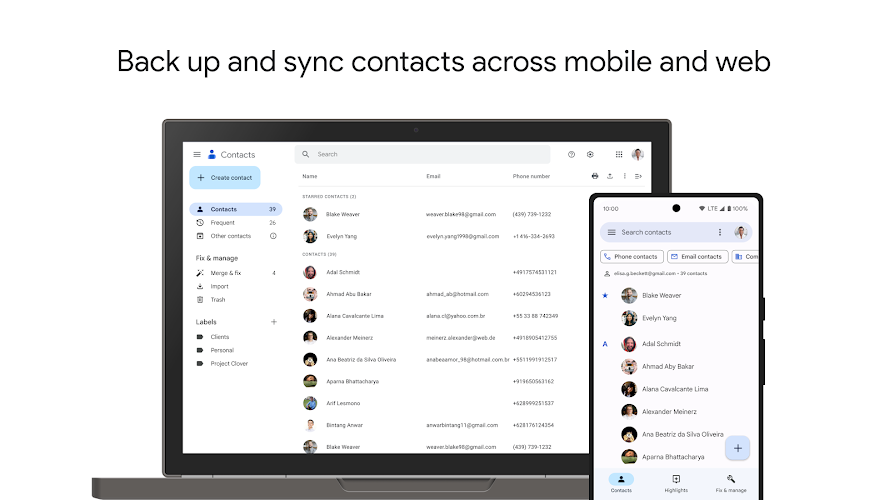
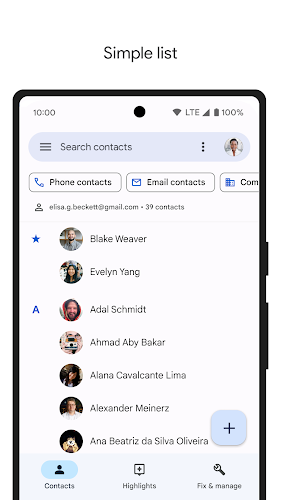
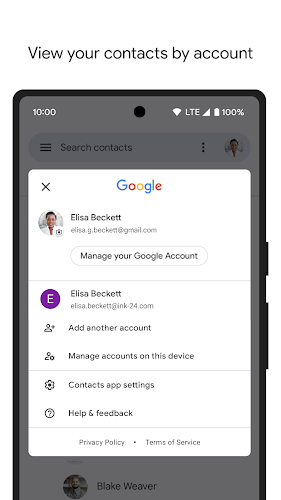
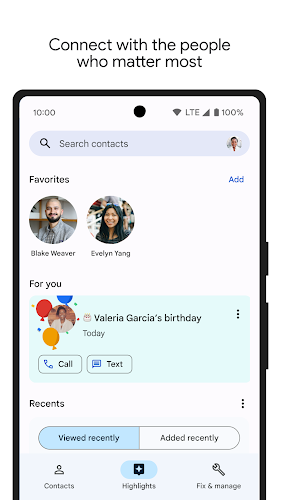
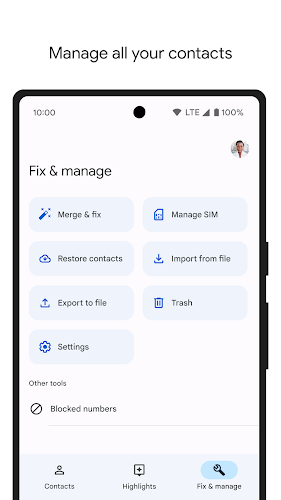
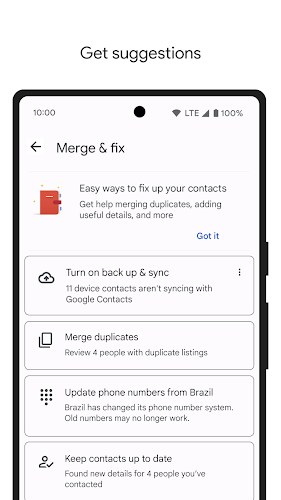
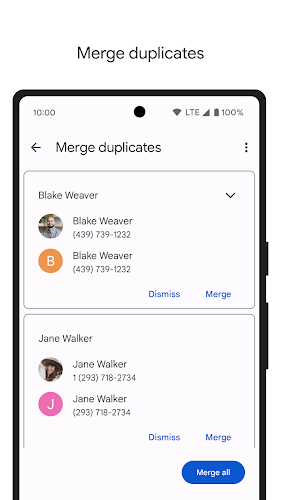
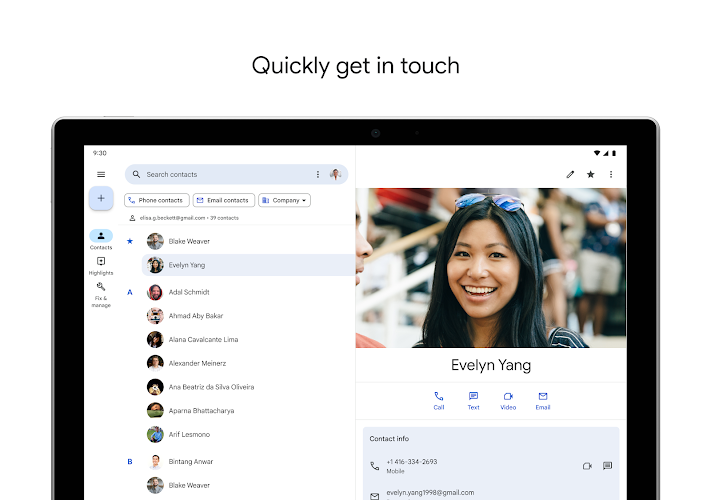
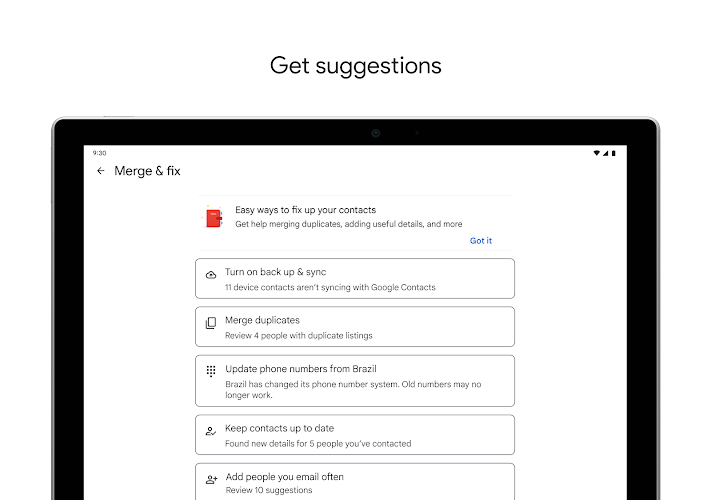
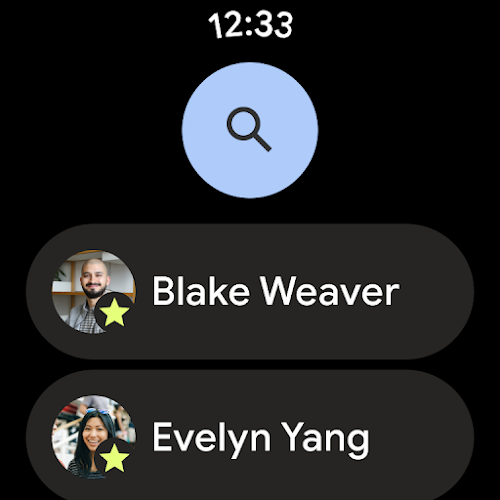
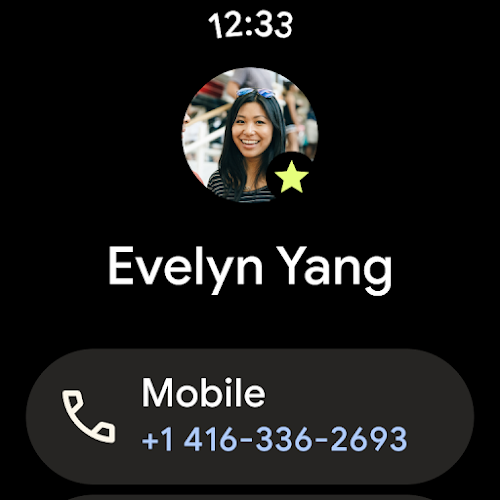
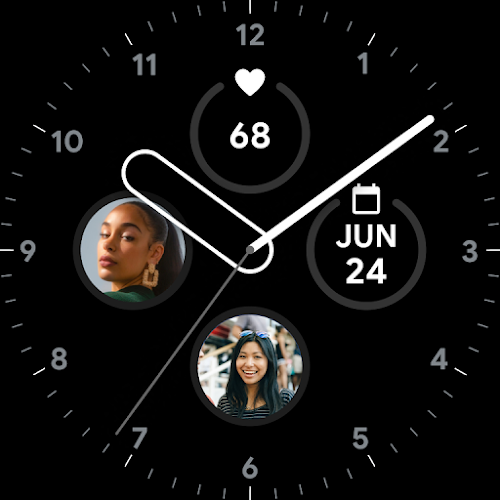
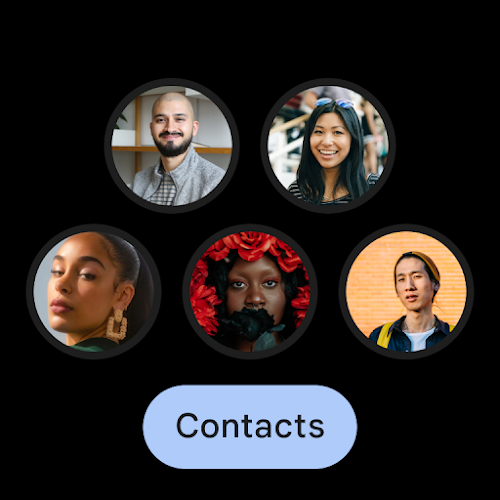
Contacts is a simple yet powerful mobile app designed to help users efficiently manage their personal and professional contacts. Whether you're looking to keep track of family, friends, colleagues, or business associates, Contacts provides an intuitive interface that allows for quick access, organization, and communication. The app eliminates the need for complicated contact lists, offering a streamlined solution to store and organize all your important contact details in one place. It's perfect for those who want to keep their contacts organized without the clutter or hassle of multiple apps.
Features of Contacts:
1. Centralized Contact Management: Contacts allows users to store all their personal and professional contacts in one place. The app organizes information such as phone numbers, emails, and addresses, ensuring easy access whenever needed.
2. Contact Grouping: With the ability to group contacts into categories (e.g., family, friends, coworkers), you can quickly find and communicate with specific groups, making it easier to organize your social and professional networks.
3. Sync Across Devices: Contacts syncs seamlessly with your device’s native contact list and other apps, ensuring that your contact information is always up-to-date across multiple devices. This is ideal for users who need to access their contacts from both their smartphone and tablet.
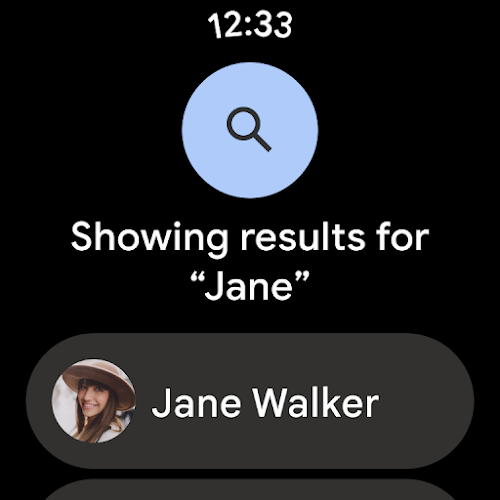
4. Efficient Search Function: The app includes a powerful search tool that allows you to quickly find a contact by name, email, phone number, or other criteria. This feature saves time when you're trying to reach someone quickly, even if you have a large list of contacts.
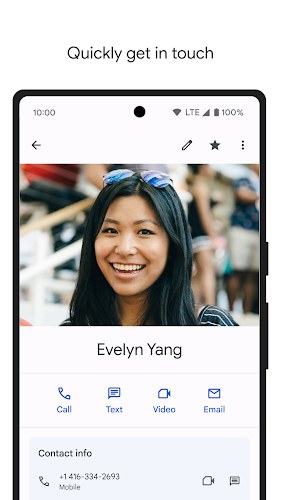
5. Integration with Messaging and Calling Apps: Contacts integrates with your messaging and calling apps, allowing for direct calling or messaging with just a tap. This makes it easier to stay in touch with your contacts without needing to switch between different applications.
FAQs about Contacts:
1. Is Contacts compatible with both Android and iOS devices?
- Yes, Contacts is available for both Android and iOS devices. The app integrates with your device’s native contacts and supports synchronization across platforms, allowing for a seamless experience across devices.
2. Can I import my contacts from other apps into Contacts?
- Yes, Contacts allows you to import contacts from other apps or platforms, such as Google Contacts or iCloud. This ensures that you can quickly migrate your existing contacts into the app without losing any information.
3. Does Contacts have any privacy or security features?
- Contacts ensures the privacy of your contact information by allowing users to set up password protection and encryption for their data. This ensures that only authorized users can access sensitive contact details.
4. Can I back up my contacts in the app?
- Yes, Contacts offers a backup feature that allows you to save your contact list to the cloud. This ensures that your contact information is safe, even if you lose or upgrade your device.
5. Are there any limitations to using Contacts for free?
- The basic features of Contacts, including contact management and synchronization, are free. However, advanced features such as premium backup options, unlimited contact grouping, and enhanced privacy controls are available through a paid subscription.
Conclusion:
Contacts is an excellent choice for anyone looking for a simple, organized way to manage their contact list. Its ease of use, powerful search function, and seamless syncing capabilities make it a reliable tool for personal and professional use. While the app works well for most users without any cost, those seeking advanced privacy features or additional backups may want to consider the premium version. Overall, Contacts is a practical and efficient tool for anyone looking to keep their contact information organized and easily accessible.