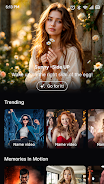
LuminoVid: AI Video Generator helps you turn text, images, or short clips into shareable videos using AI-guided templates and simple editing controls. The app supports script-based scene generation, basic trimming, text overlays, and export options for common platforms, making it practical for quick content creation.
Key features
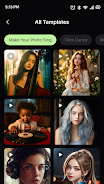
LuminoVid: AI Video Generator includes text-to-video conversion that turns a written script into timed scenes with adjustable pacing and scene length. A template library offers presets for various aspect ratios and social formats that you can customize. Editing tools let you trim clips, arrange scenes, add transitions and captions, and include background music. For audio, generate a synthetic voiceover or import recordings and set audio levels before exporting. Export and share with selectable resolution and format suitable for common hosting and social platforms.
Getting started
To get started with LuminoVid: AI Video Generator, create a new project, enter or paste your script, add media or pick a template, then preview and refine each scene with the provided prompts and adjustable settings. The workflow is designed for creators, educators, and marketers who need an efficient, controlled way to produce short video content ready for sharing.