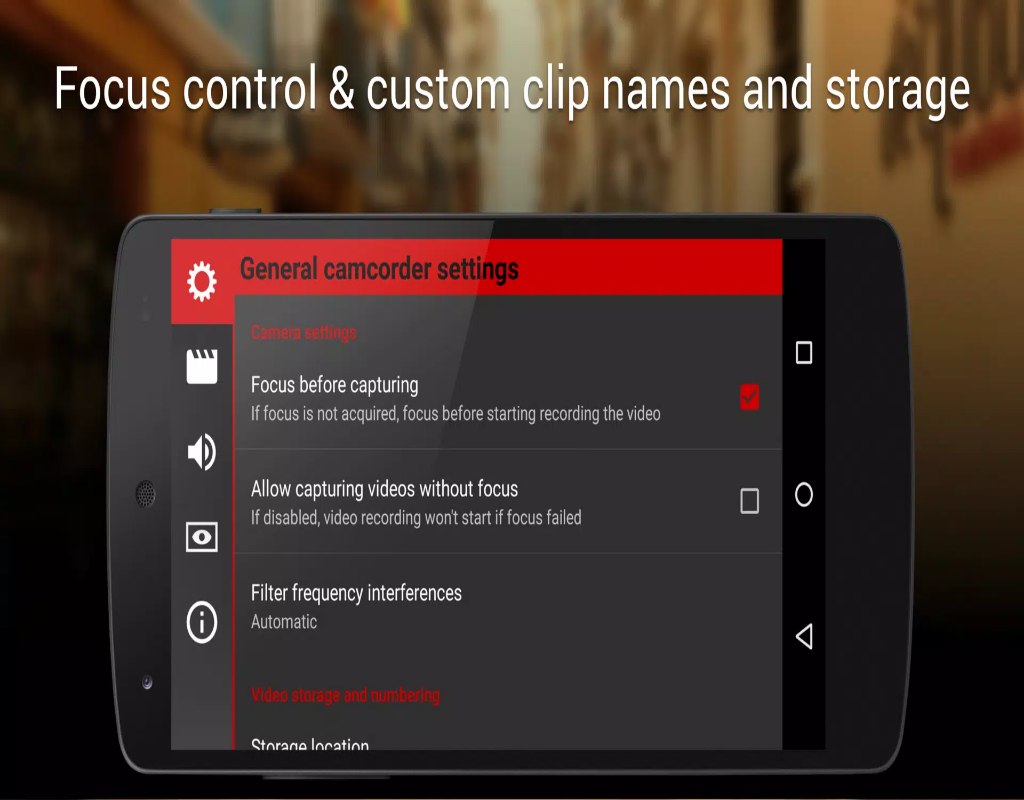
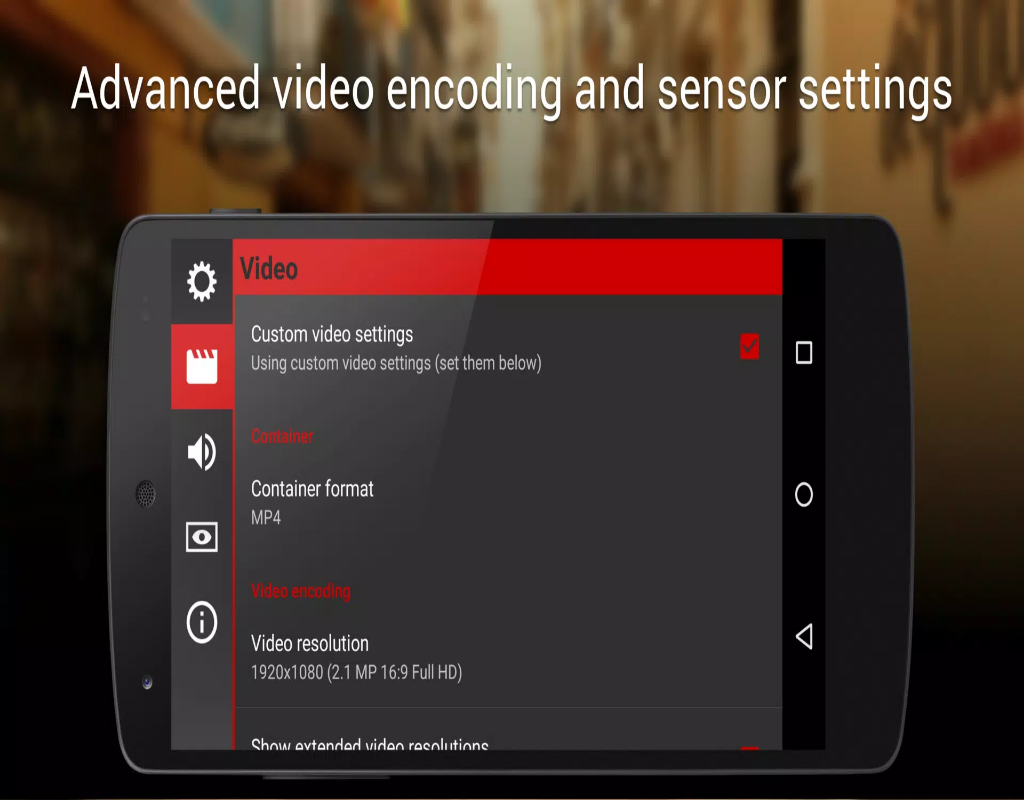
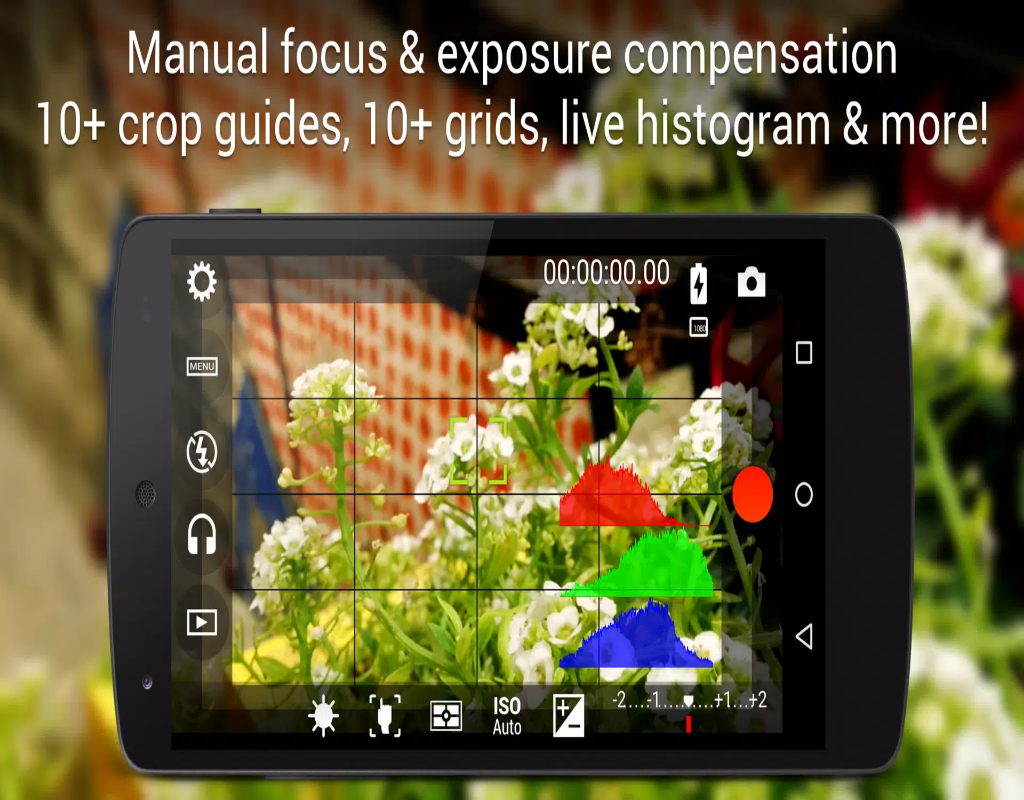
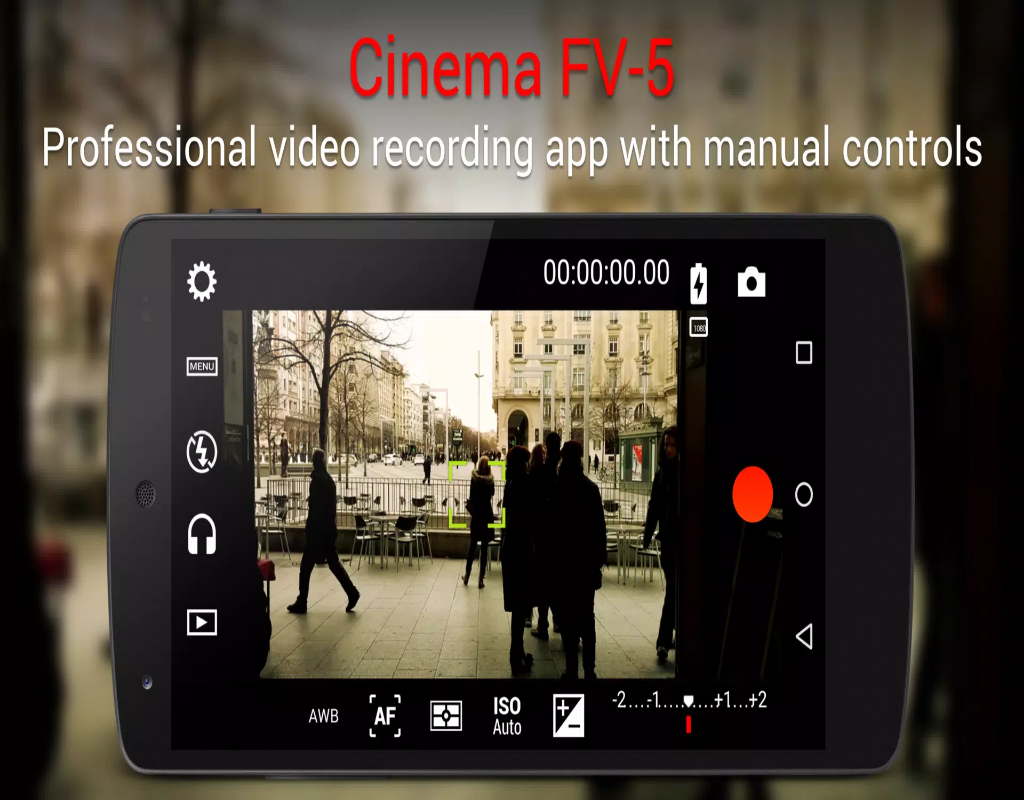
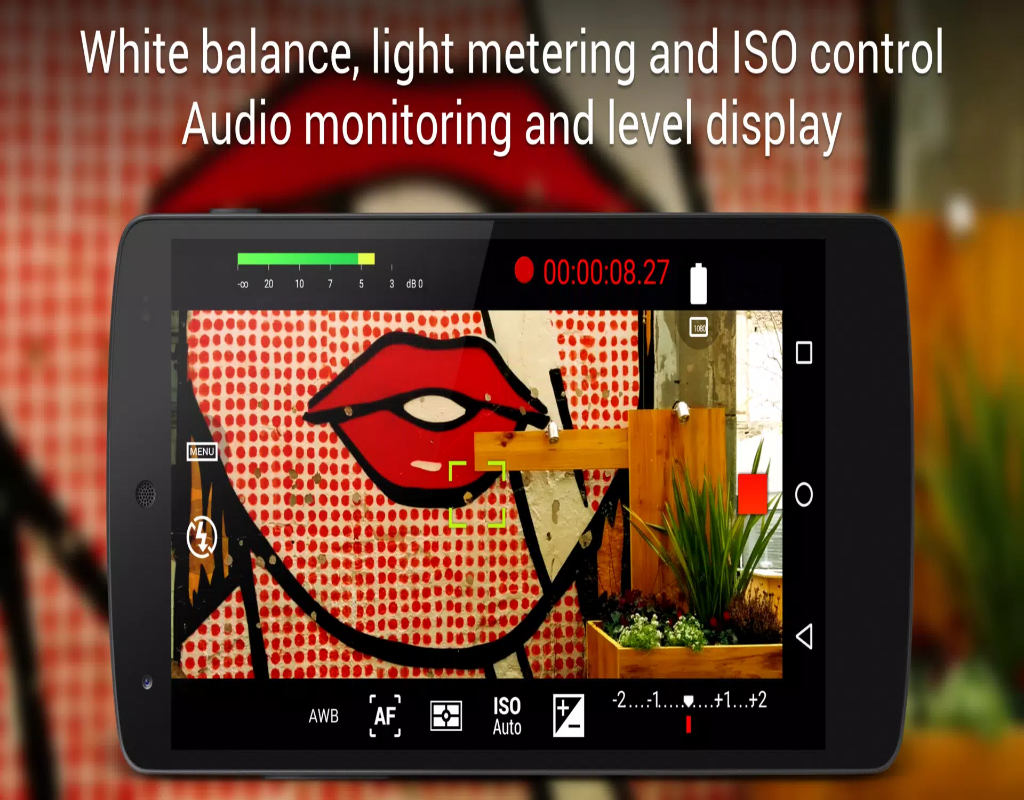
Cinema FV-5 is a professional video recording app that offers advanced features typically found in high-end video cameras. Designed for users who want to capture high-quality videos with full control over camera settings, Cinema FV-5 allows you to adjust parameters like focus, exposure, ISO, and white balance to suit any filming environment. Whether you're a filmmaker, vlogger, or just an enthusiast looking to capture cinematic footage, Cinema FV-5 provides the tools you need for a more hands-on, customizable filming experience. Its user-friendly interface makes it easy for both beginners and experts to create stunning videos.
Features of Cinema FV-5:
1. Manual Camera Controls: Cinema FV-5 offers manual controls for focus, exposure, ISO, shutter speed, and white balance, giving you full creative control over how your videos look.
2. High-Quality Video Recording: Capture videos in up to 4K resolution, ensuring your footage is sharp, detailed, and ready for professional editing.
3. Log and Flat Color Profiles: Choose between log or flat color profiles to capture footage with maximum dynamic range, ideal for post-production editing and color grading.
4. Audio Level Control: Adjust the audio levels manually during recording to ensure clear and consistent sound, avoiding distorted or low-quality audio.
5. Customizable Overlays: Add real-time overlays like histograms, waveforms, and focus peaking to help you monitor your footage and ensure you're getting the perfect shot.
Playing Tips for Cinema FV-5:
1. Use Focus Peaking for Precision: Enable focus peaking to highlight the areas of your shot that are in focus. This will help ensure your videos are sharp and professional-looking.
2. Lock Exposure and Focus: Lock the exposure and focus settings to avoid sudden shifts in lighting or focus during recording, especially in fast-moving scenes.
3. Experiment with Frame Rates: Play with different frame rates depending on the effect you want—higher frame rates like 60fps or 120fps can give your videos a smooth, cinematic feel.
4. Record in Log for Better Editing: If you plan to color grade your footage in post-production, use the log color profile to retain more details in both the highlights and shadows.
5. Monitor Audio Levels: Use the audio level control to keep your sound balanced. If you're using an external microphone, make sure the input levels are neither too low nor too high.
Conclusion:
Cinema FV-5 is an exceptional app for those who want to take their mobile video recording to the next level. With manual camera controls, high-quality recording options, and advanced features like log profiles and audio monitoring, it’s a perfect tool for filmmakers and content creators. Whether you’re shooting a vlog, a short film, or just capturing memories, Cinema FV-5 ensures you have the tools and flexibility needed to achieve cinematic results. If you’re serious about video production on your smartphone, Cinema FV-5 is a must-have app.