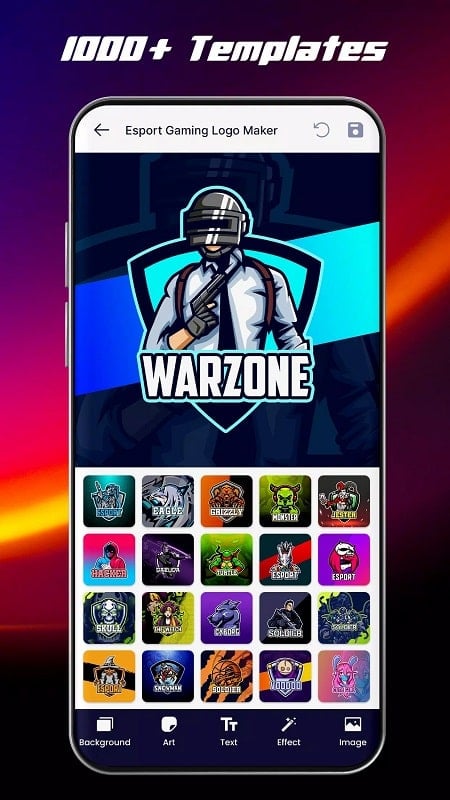
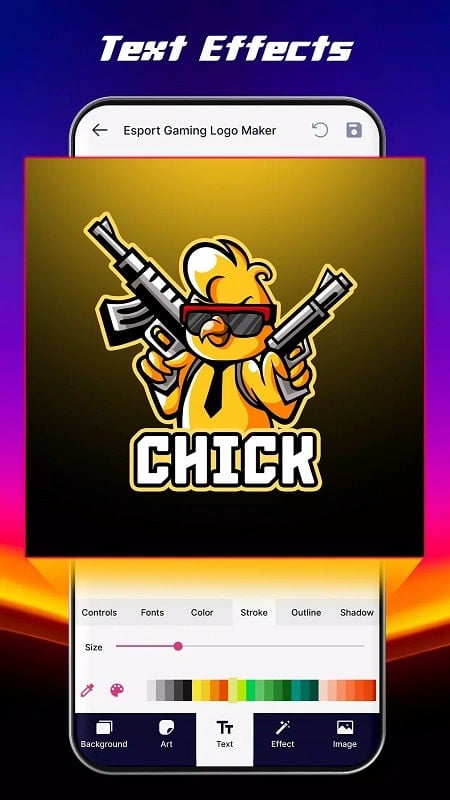
Gaming Logo Maker is a focused design app that helps creators craft distinctive logos and icons with speed and precision. Geared toward anyone who needs a strong visual identity—whether for a new title, a streamer brand, or a creative project—Gaming Logo Maker combines a large template library with granular controls over background, icon, text and effects. The app emphasizes customization: users pick components, balance color and scale, and quickly generate polished results ready to save or share. If you want to iterate on dozens of concepts without starting from scratch, this app streamlines the process.
Core Functions
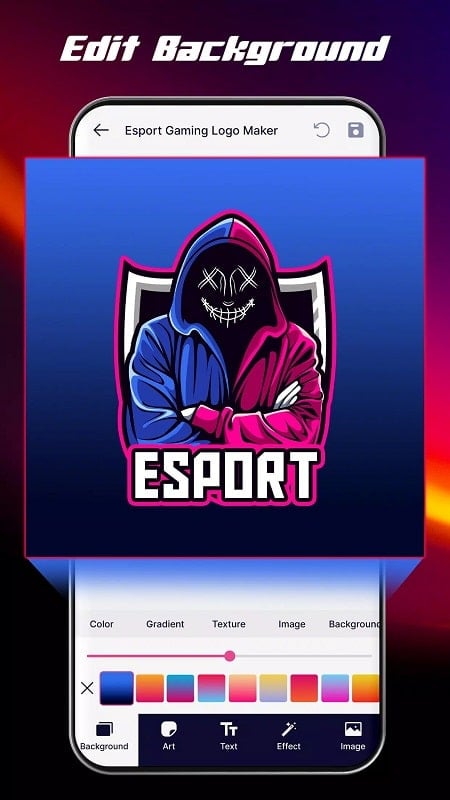
The core functions center on modular logo construction: choose from hundreds of templates and treat each piece—background, icon, text, and effect—as an independent layer. A built-in painting toolbar supports freehand edits and simple retouching while alignment tools help position elements precisely. Color controls include dark and light presets plus suggested palettes to create a coherent theme. For depth and emphasis the app offers 3D rotation and a suite of filters and finishes so logos can shift from flat to glossy or matte with a few taps.
Key Features
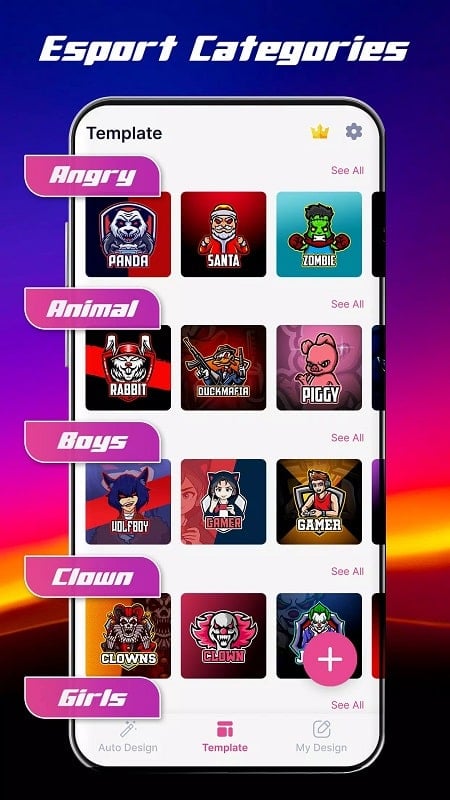
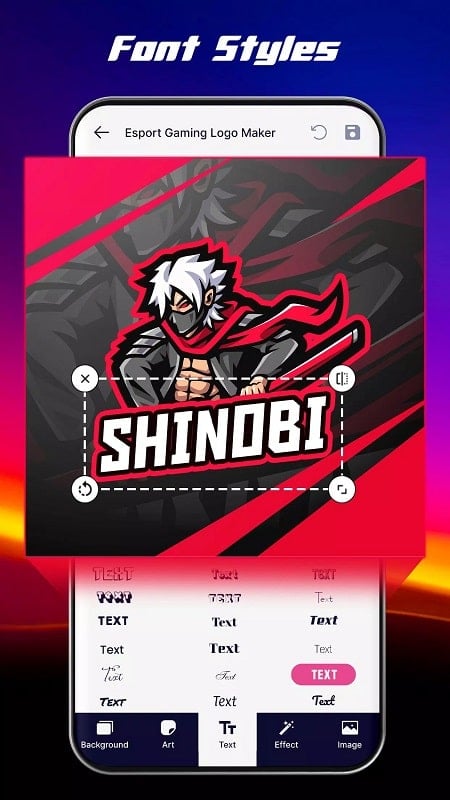
Templates and components are the standout features: hundreds of ready-made designs plus separated elements let you mix and match quickly. The color palette supports multi-tone coordination and a scale bar for fine adjustments. More than 100 font choices give range from delicate to bold typography with options for size, rotation, borders and color. Visual enhancement tools include 30 preset patterns, classic and high-contrast filters, neon themes and layered effects to create professional-looking icons. Exporting and sharing are built into the workflow so outputs can be saved and distributed to social channels rapidly.
User Experience
Gaming Logo Maker aims for a short learning curve: common tasks like placing a mascot icon, selecting a main color, or balancing text size are handled through intuitive controls. The interface encourages experimentation—swap icons, try different fonts, toggle filters—and most designs can be completed in minutes. Attention to detail is supported by alignment guides and adjustable effect intensities, letting users refine shadows, highlights and finishes until the composition reads well at any scale. Community sharing fosters inspiration and quick feedback loops.
Conclusion
This app provides a compact but capable toolkit for anyone producing visual identities. Gaming Logo Maker makes it easy to iterate fast while retaining control over subtle design choices, from typography to 3D accents, so creators can produce memorable icons without needing advanced graphic software.