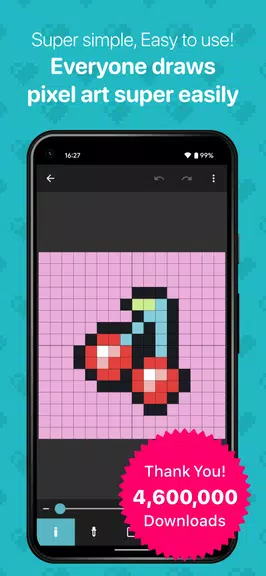
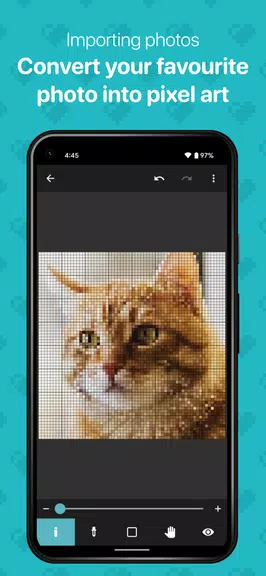
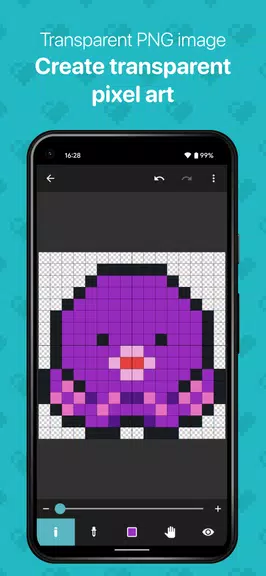
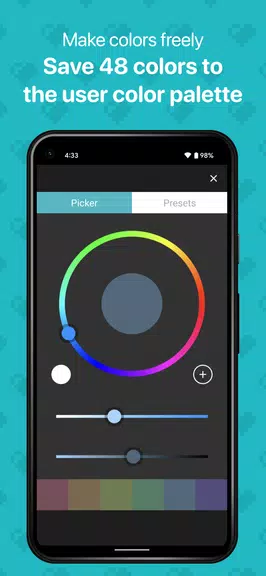
Unleash your inner artist with 8bit Painter, a user-friendly pixel art creation app that has been recognized as an "8bit Painter" on Google Play in Japan. With over 4.6 million downloads, this app is perfect for beginners in pixel art, as well as those looking to design SNS icons, bead patterns, cross-stitch patterns, player skins for games, and even NFT art. Customize your canvas size to your liking and easily convert your favorite images into pixel art. Save up to 48 colors in the "User Color Palette" and export your artwork in transparent PNG format. With the option to back up and transfer your artwork data, you can create with peace of mind. Say goodbye to ads with the "Ad Remover" purchase, ensuring a seamless creative experience. Let your imagination run wild with 8bit Painter!
Features of 8bit Painter:
- Intuitive and Easy-to-Use: 8bit Painter focuses on simplicity, making it easy for beginners to create pixel art without feeling overwhelmed by unnecessary features.
- Customizable Canvas Sizes: With a variety of size options and the ability to change the canvas size during creation, users have the flexibility to work on projects of any scale.
- Image Conversion: Easily import your favorite images and convert them into pixel art, allowing for endless creative possibilities.
- Color Options: Save up to 48 colors in the User Color Palette, with an additional 96 colors available in the Preset Color Palette for even more customization.
- Export Options: Export your artwork in transparent PNG format, choose from different image sizes, and even export your artwork data to external storage for safekeeping.
- Ad-Free Experience: Purchase the Ad Remover to enjoy an ad-free experience while using the app, with the option to restore purchases if needed.
FAQs of 8bit Painter:
- Can I use 8bit Painter to create NFT art?
- Yes, 8bit Painter is great for creating NFT art with its intuitive tools and customizable features.
- How many colors can I save in the User Color Palette?
- You can save up to 48 colors in the User Color Palette, with an additional 96 colors available in the Preset Color Palette.
- Is it possible to export my artwork data for backup?
- Yes, you can export your artwork data to external storage such as Google Drive, Dropbox, or an SD card for safekeeping.
- Does purchasing the Ad Remover remove ads permanently?
- Yes, purchasing the Ad Remover allows you to enjoy an ad-free experience with the option to restore purchases if needed.
Conclusion:
8bit Painter offers a user-friendly experience for creating pixel art, making it ideal for beginners and experienced artists alike. With customizable canvas sizes, image conversion tools, a wide range of color options, and convenient export features, users can unleash their creativity with ease. Plus, the option to remove ads ensures a seamless and distraction-free creative process. Whether you're designing SNS icons, crafting NFT art, or simply experimenting with pixel art, 8bit Painter is a versatile and intuitive app that caters to your artistic needs. Don't wait, start creating your pixel masterpieces today!