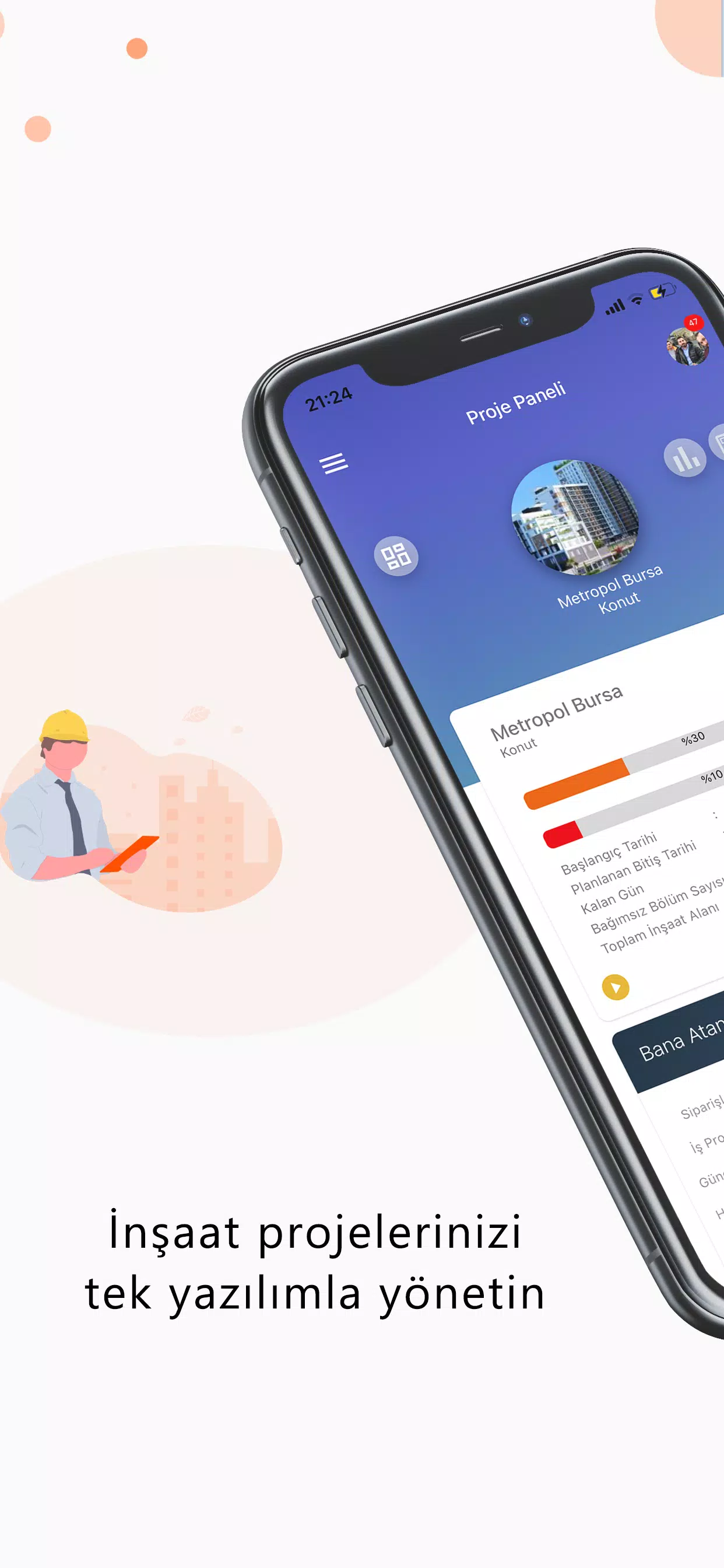
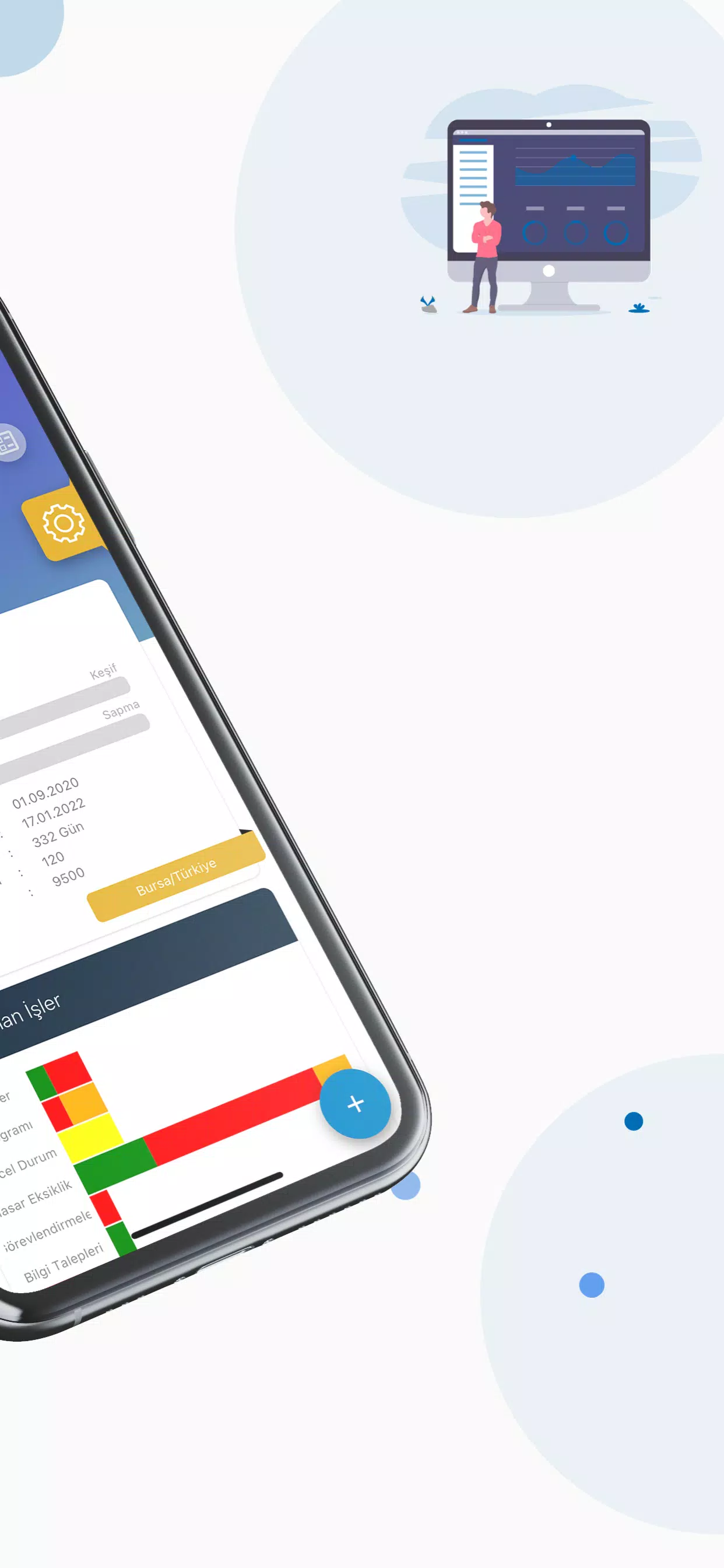
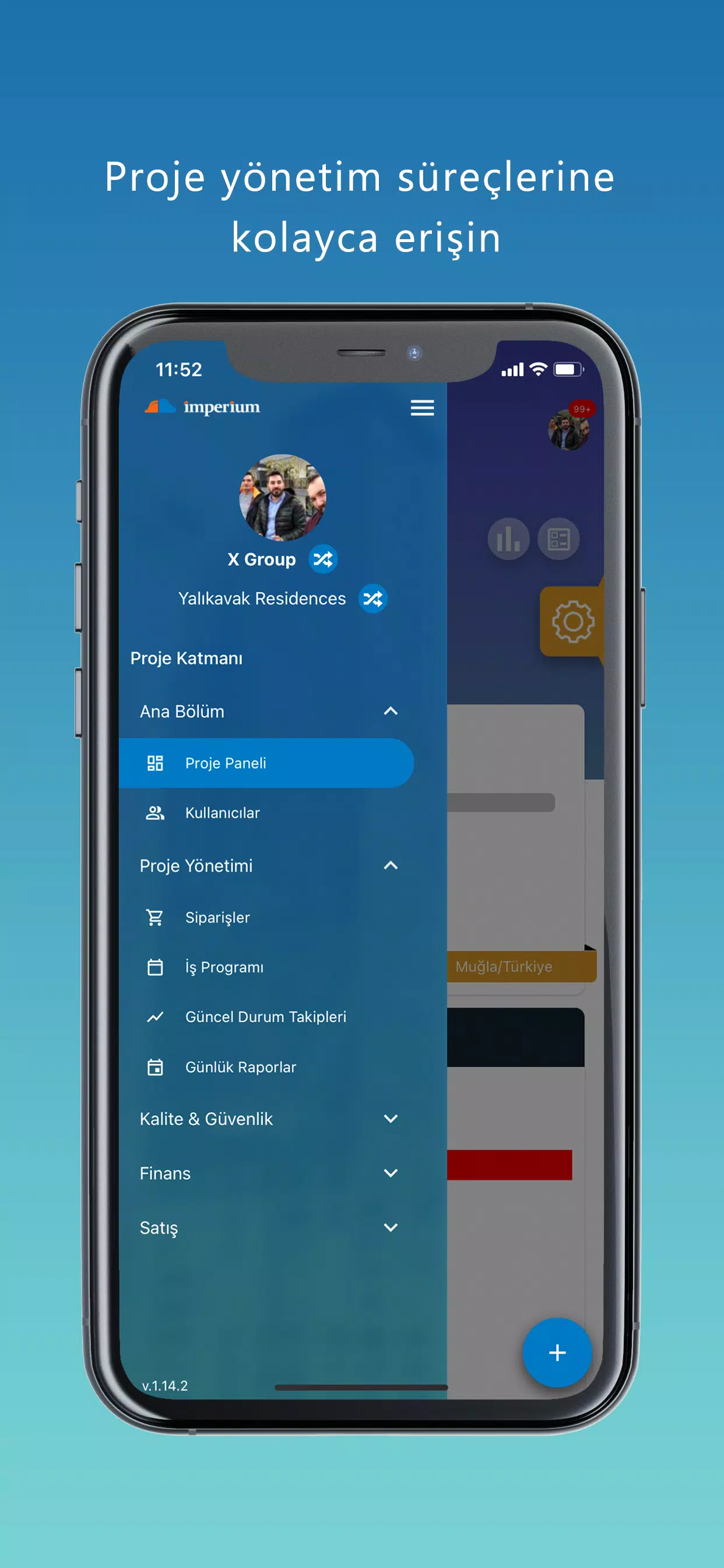
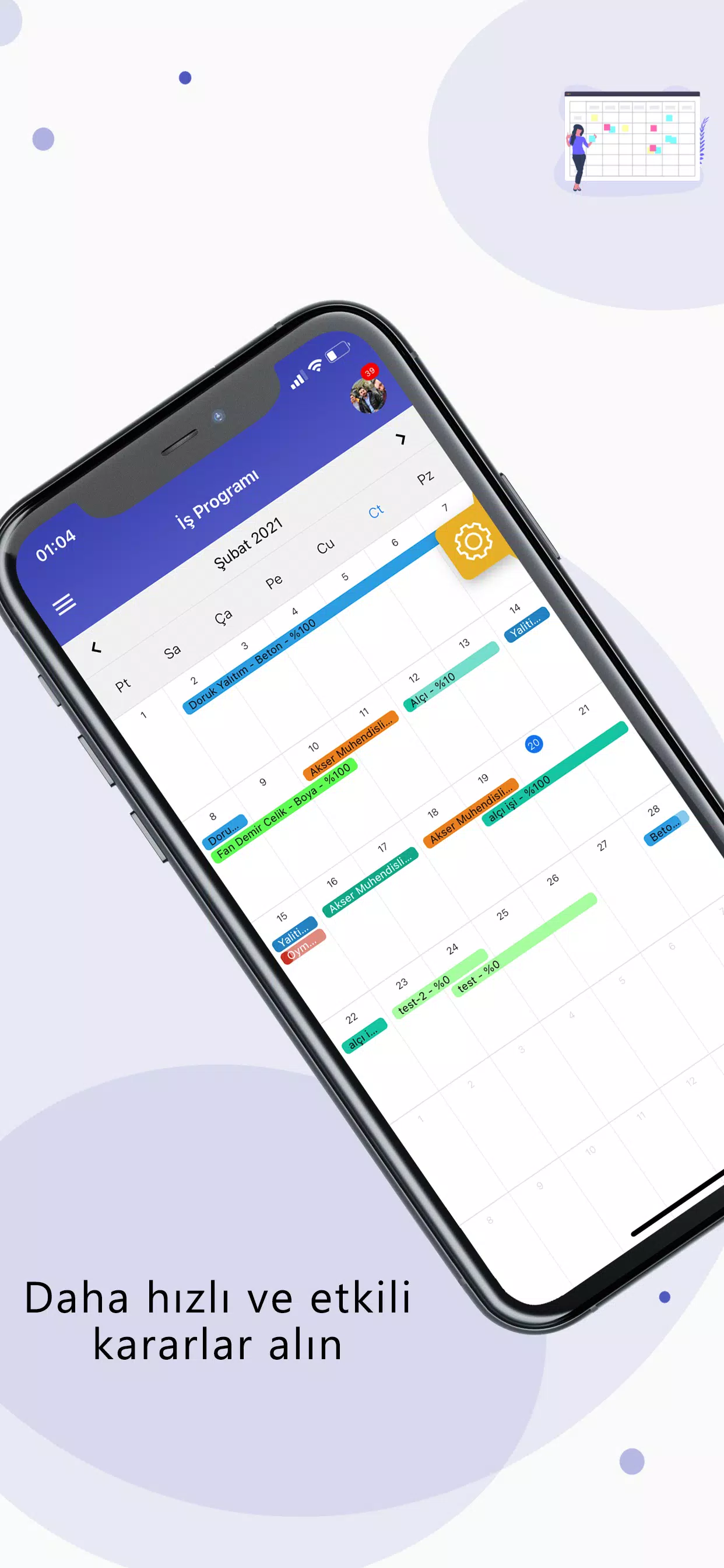
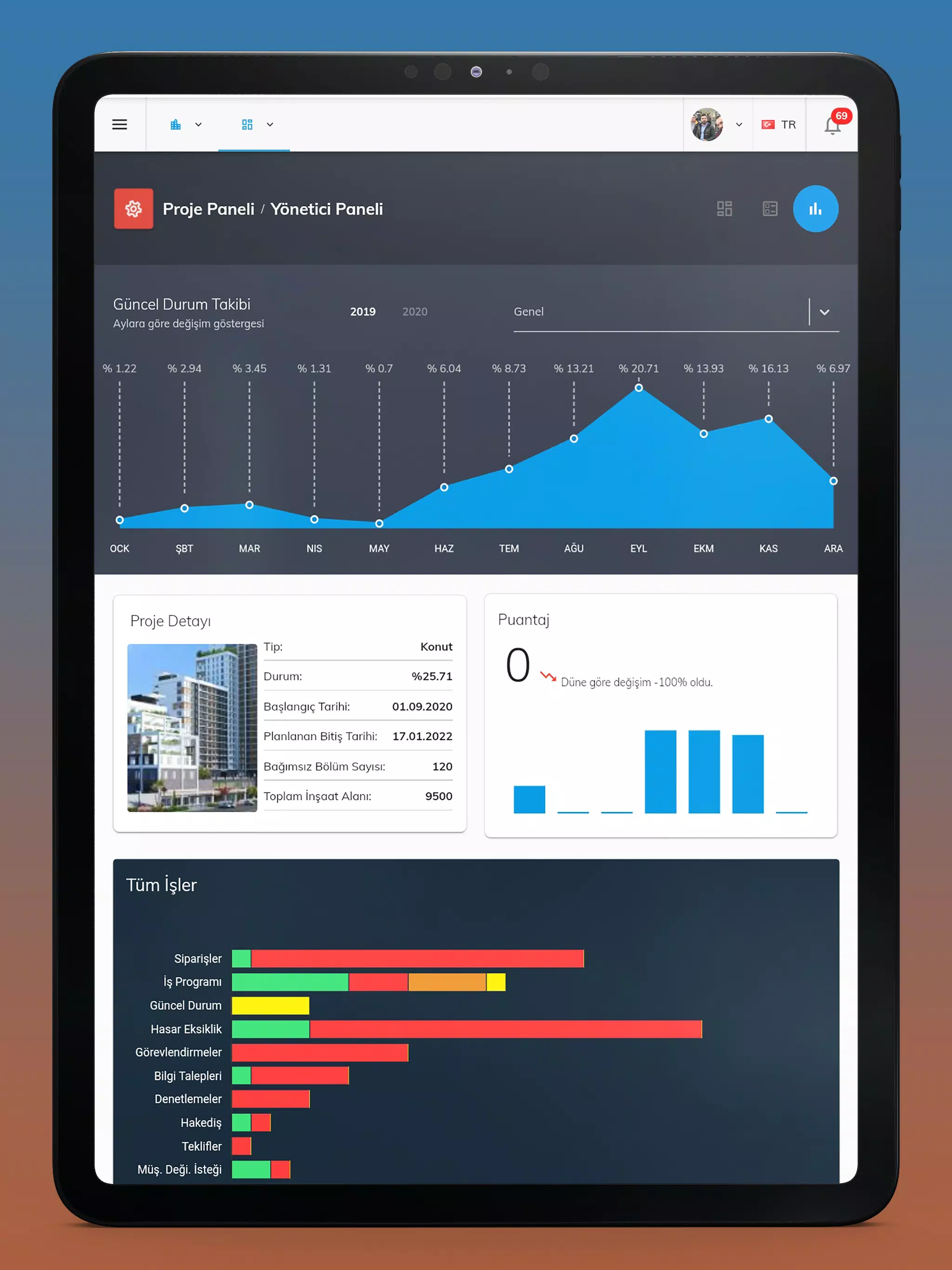
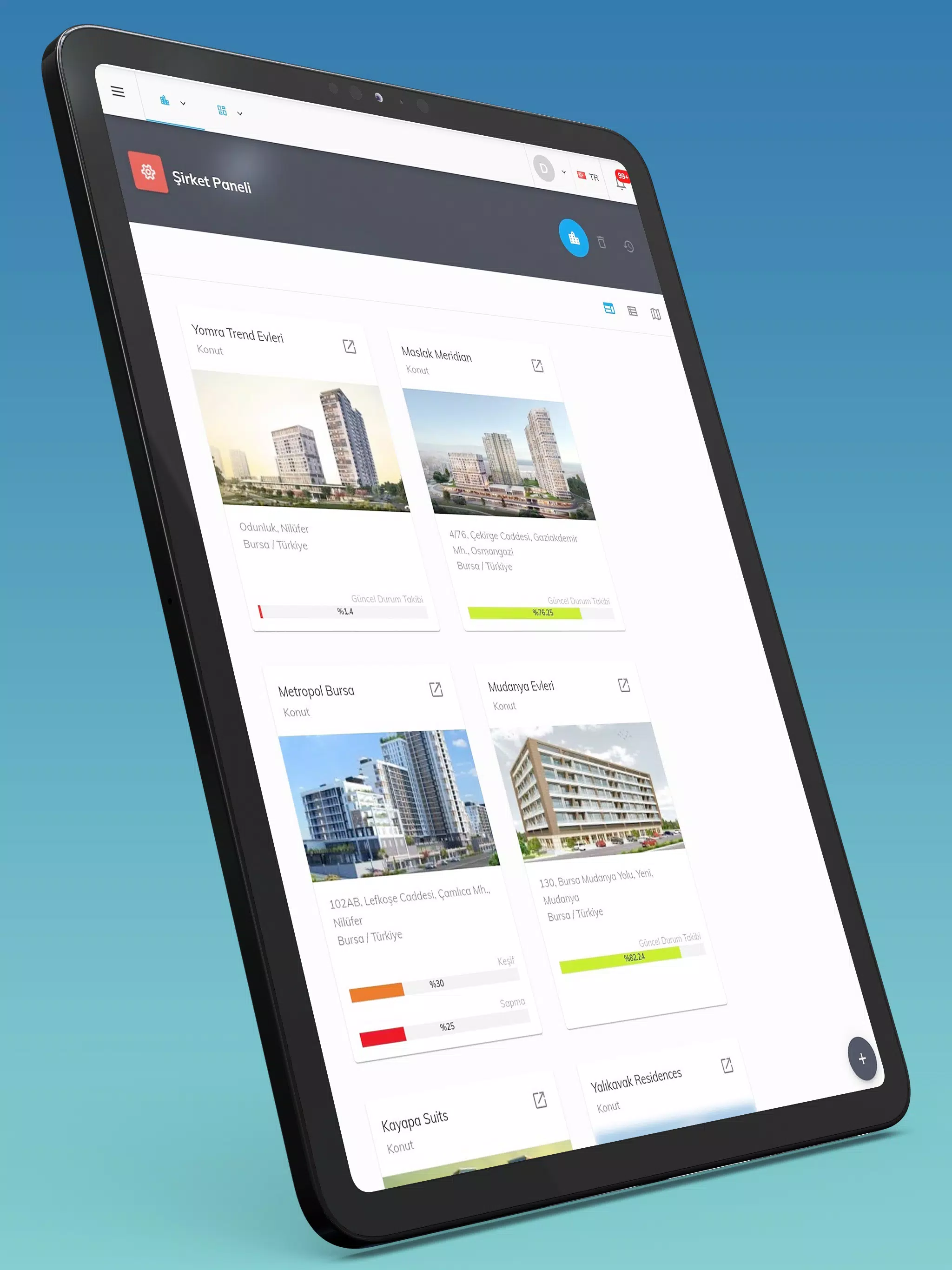
Imperium is a mobile companion for a web-based construction project management system that brings project schedules, daily reports and site coordination into the palm of your hand. Imperium lets authorized users sign in from any internet-connected device to view work schedules, orders and site assignments so teams on site can monitor progress and act without returning to the office. After initial account creation and detailed configuration on the web platform, managers and site crews use the mobile app to assign tasks, approve requests, report deficiencies and review inspections for tighter on-site coordination.
Core features and workflows
The app centers on clear, task-oriented workflows that reflect how projects move on the ground. Use Imperium to open a project overview, inspect where the work sits against planned phases, drill into daily reports to see who was present and what was completed, and examine order histories to track materials movement. Field users can flag deficiencies or damages, create follow-ups and change the status of assignments so office teams see real-time progress. Inspection records and approvals are accessible so sign-off steps are transparent and auditable.
Controls and navigation
Imperium is designed for touch-first interaction: common actions such as opening a report, marking an item complete, or approving a request happen with a few taps and simple gestures. Lists and project timelines are presented in a readable sequence that makes it straightforward to find today’s priorities. The interface is optimized for quick, repetitive tasks in the field, with clear labels and direct access to the most used screens so crews spend less time navigating and more time resolving issues on site.
Progression, milestones and project structure
Projects in Imperium are modeled around recognizable construction phases and milestones so teams can see progress over time. Each project shows an overall course with key dates and status markers; individual tasks and orders tie to these milestones so managers can anticipate bottlenecks. Daily reports act as a running log of progress and create a progression history that helps teams compare planned versus actual performance across phases and deliveries.
Customization, roles and configuration
To keep mobile use focused and consistent, site-level personalization and role settings are configured through the associated web application. Imperium respects the permission model defined on the web, ensuring users see only the projects and actions they are authorized to access. This separation lets administrators fine-tune fields, approval paths and company-level defaults while mobile users benefit from a streamlined, task-focused view driven by those settings.
User experience, accessibility and visual style
The visual design favors clarity over ornament: readable typography, high-contrast elements and large touch targets reduce mis-taps in outdoor conditions. Imperium emphasizes concise, actionable screens that present the most relevant information first—project name, current status, pending approvals and recent daily reports—so decisions can be made on the spot. The app’s layout and control sizes were chosen to support accessibility by making interactions easier for users working in noisy, busy environments.
Audit trails, replay value and troubleshooting
Historical logs and daily report archives give projects replay value in the form of audit trails: managers can review past inspections, see who made changes and understand the timeline of approvals or defect resolutions. When scheduling conflicts or discrepancies arise, these records help teams reconstruct events and reduce repeated errors. The app is intended to complement the web system’s administrative tools rather than replace them, acting as a field-focused lens into the full project history.
Limitations and connectivity
Imperium requires an internet connection to sign in and synchronize project data; initial account setup and detailed configuration must be completed in the web application. Because real-time data and approvals are central to the app’s function, disconnected sessions will limit the ability to submit new actions or push approvals until connectivity is restored. Planning for reliable connectivity on active sites will help teams get the most value from the mobile experience.