Google Keep

Varies with device
DOWNLOAD APK
4.2/5 Votes: 66
Updated
May 13, 2025
Size
10.00M
Category
Business
Version
Varies with device
Requirements
Android
Package ID
com.google.android.keep
Developer
Google LLC
Report this app

DESCRIPTION

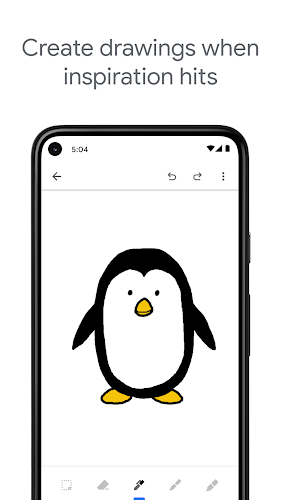
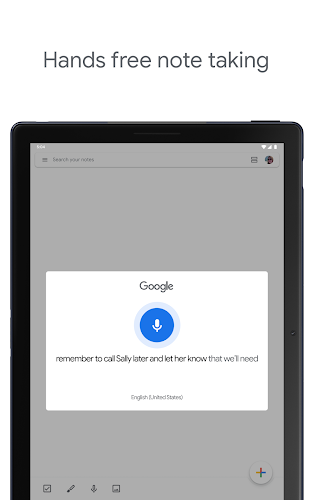
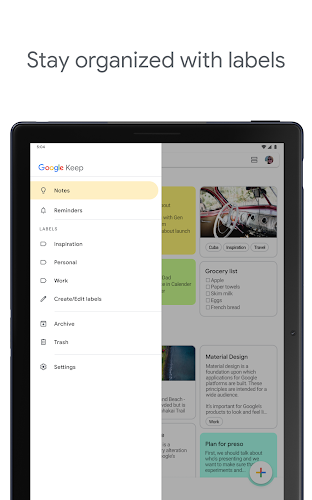
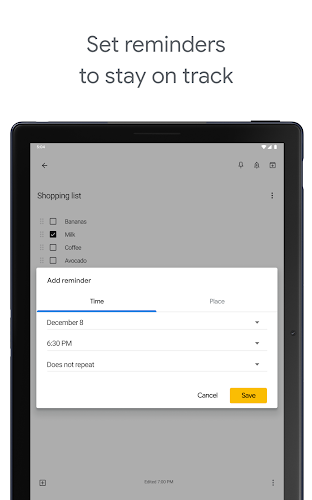
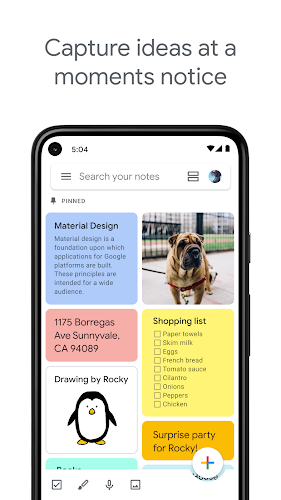
Say goodbye to the chaos of sticky notes and hello to streamlined productivity with Google Keep. This versatile digital assistant allows you to capture your thoughts on the go with notes, lists, photos, and voice memos that are automatically transcribed. Easily share notes with friends and collaborate in real time, add labels and colors for organization, and set location-based reminders to ensure you never forget a task. Sync all your devices to have your ideas always within reach and take your note-taking game to the next level. Stay organized, remember everything, and get your life together with Google Keep!

Features of Google Keep:

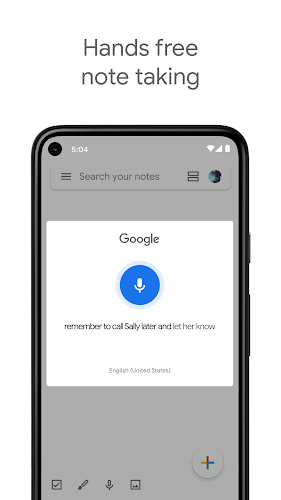
> Accessibility: Google Keep allows users to capture thoughts on-the-go with notes, lists, photos, and voice memos that are automatically transcribed. This means you'll never miss a great idea, even when you're on the move.

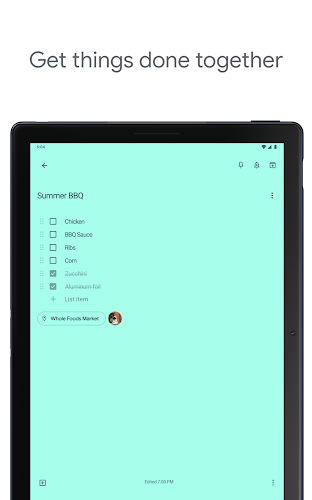
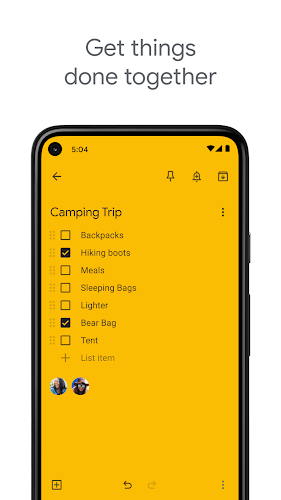
> Collaboration: Easily share notes with friends and colleagues, and collaborate in real-time. Whether you're planning a party or working on a project, Google Keep makes teamwork seamless.

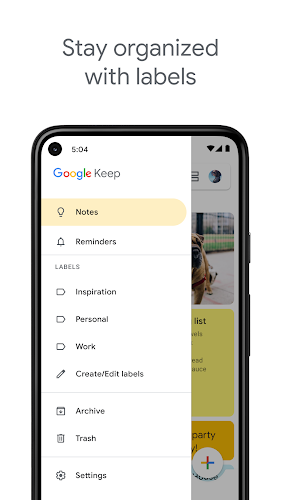
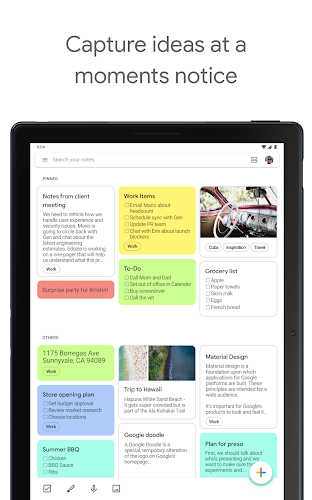
> Organization: Stay on top of your tasks by adding labels and colors to your notes. This makes it easy to find what you need quickly, ensuring nothing slips through the cracks.

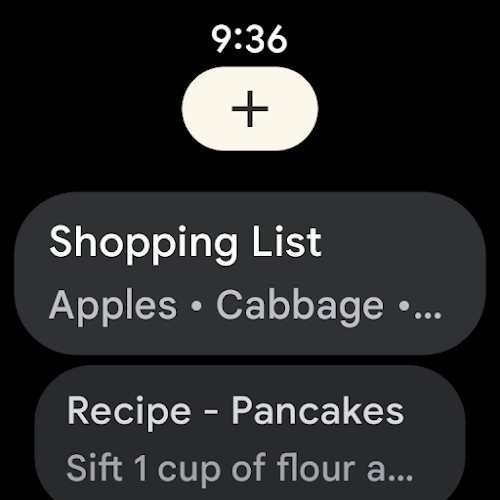
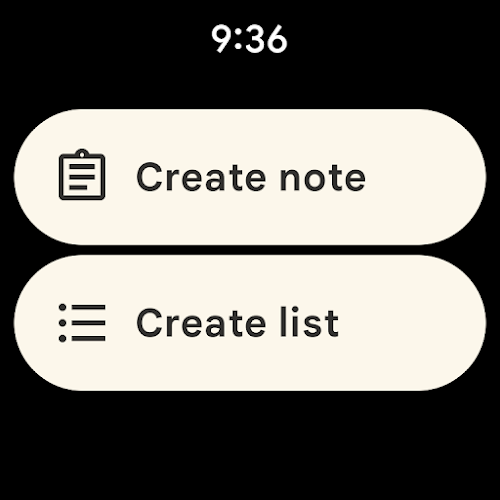
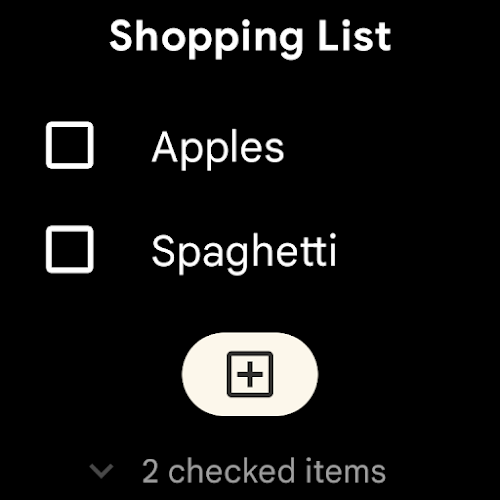
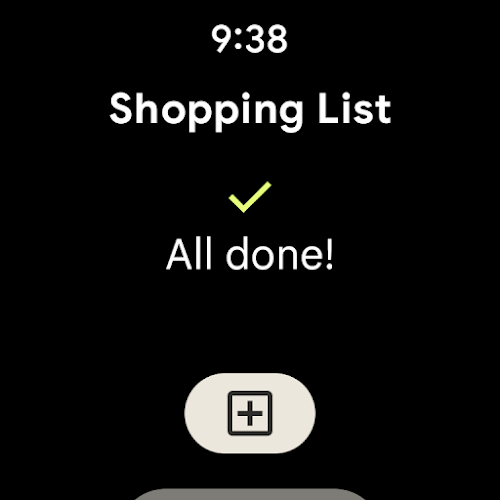
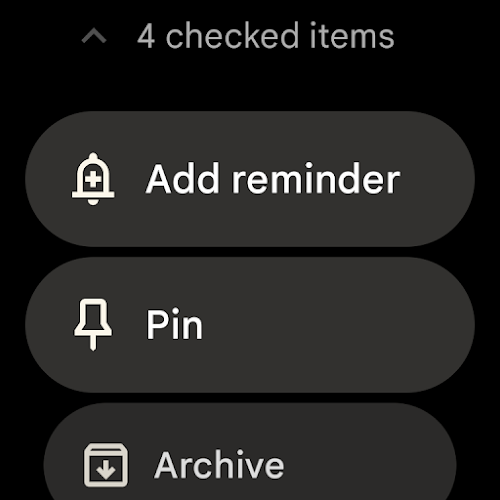
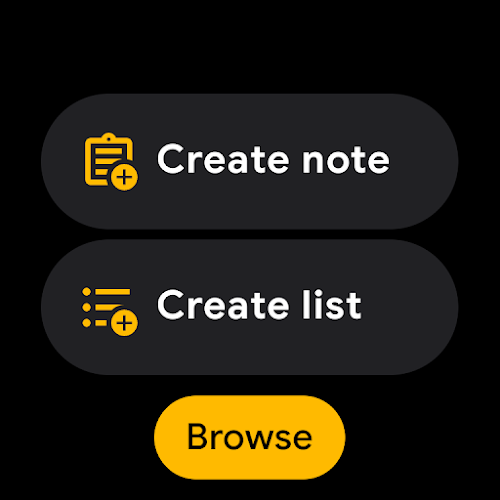
> Sync Across Devices: Synchronize all your devices so your ideas are always within reach. Whether you're using your phone, computer, or Wear OS device, Google Keep keeps everything in sync.

Playing Tips:

> Take Voice Notes: Use the voice note feature to quickly capture your thoughts. Google Keep will transcribe your voice notes, making them easy to search for later on.

> Collaborate with Coworkers: Add collaborators to your notes to keep everyone in the loop. You can easily transfer notes to Google Docs for more formal collaboration.

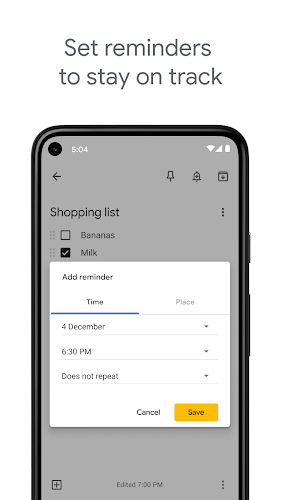
> Set Reminders: Use time or place-based reminders to stay on top of your tasks. Reminders can be set to repeat and will show up in your Google calendar for added convenience.

Conclusion:

Google Keep is the ultimate tool for staying organized, productive, and inspired. With its versatile features and user-friendly interface, it's easy to see why this app is a game-changer for note-taking. Say goodbye to chaos and hello to streamlined productivity with Google Keep. Download the app today and start taking your note-taking game to the next level.
IMAGES

Comment

  • It used to be a great app but for several months it has been really bad and having poor performance. The app is very slow which makes writing simple notes or erasing writings really difficult. The devs suggested clearing cache in another review but that doesn’t work at all. It used to be a good note taking app. I liked the simplicity of it and the cloud service is also a nice feature but the terribly slow performance harms the app's usability.
    May 18, 2025 18:27:23
  • This app has been great in the past. The issue I've noticed recently is that the compatibility with Google Assistant isn't working properly. I'll ask Google to add something to my shopping list, and it'll confirm it's been added, but when I actually open the list, it hasn't been added! Google Assistant has been confirming items all week, but when I went shopping today,none of the stuff was actually added to my list it was frustrating to try to remember everything when I was counting on this app.
    May 18, 2025 16:21:16
  • It's indispensable. An extremely simple interface. I was relieved and thrilled to find a Google app that I can sync across devices. While I do hope more formatting features are being developed, it is thus far outstanding. My only concern is how long Google will keep it on before discarding the app I have come to rely on containing vital notes, as well as long term maintenance. The Microsoft OneNote app I heavily depended on every day for nearly 10 years erased everything.
    May 18, 2025 09:33:37
  • Exceptional app mostly. I mean you have the options to take notes as intended, but you have to be careful as the delete button is rather touchy/ sensitive. This is also one of the things that is difficult to remember to back up when doing a factory reset. It doesn't give the options to have a cute little notepad or much more than just basic notes which is required for most of the things that I can use. The only suggestion is that different categories be added, like being able to supply the price
    May 17, 2025 04:09:12
  • I've been using this app for years. It's decent up to an extend only. One of the downside for now is that the search options is not effective. It's hard to search for a word in a note I made via the given search options. It should be designed to specifically shows me the searched word that I made and not show generally which in which note it's located in.
    May 17, 2025 02:06:27
  • I really like the simplicity of Keep, and that it's all backed up on my Google account. However, the app is often slow and unresponsive when typing, and there are a number of bugs on the keyboard that keep happening. Certain letters get stuck as if I've pressed them down, e.g. 's' to 'ß'. When tapping a suggested word it asks me if I want to delete the suggestion. Backspace sometimes does nothing, then deletes lots. If these issues could be fixed, Keep would be fantastic.
    May 16, 2025 06:59:41