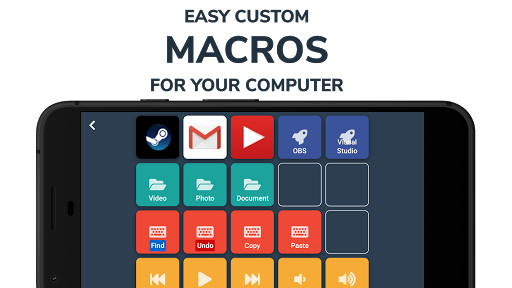
Deckboard PRO turns your Android device into a programmable remote for your PC, letting you create custom macro buttons to run keyboard shortcuts, launch apps, open folders or websites, and control media and streaming software without constantly switching windows.
Key Features
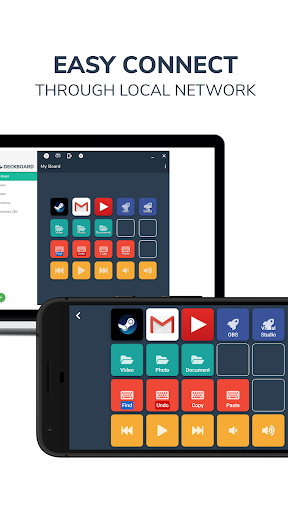
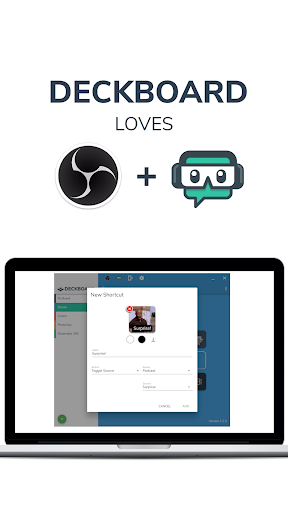
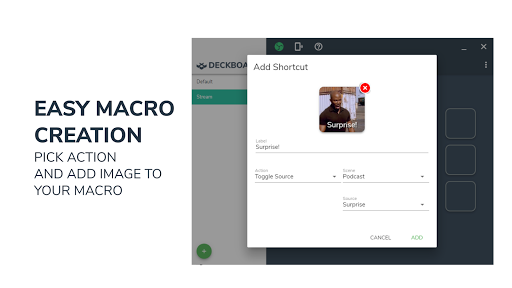
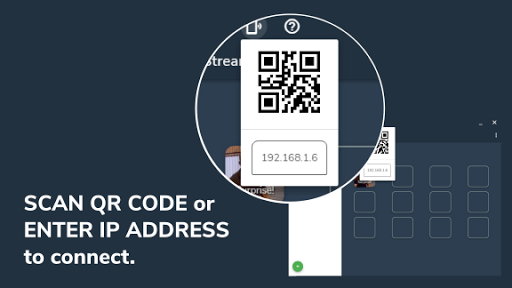
Deckboard PRO provides a configurable on-screen deck with images or animated GIFs on each button and supports local Wi-Fi pairing by IP address or QR code. Create custom macro buttons with images, text, or animated GIFs, trigger keyboard key combinations and multimedia controls directly from your device, and launch websites, folders, programs, or executables with a single tap. The app also includes controls for streaming software so you can switch scenes, toggle sources, and manage chat when supported.
Advantages
Deckboard PRO removes ads in the Pro tier and expands button capacity to support larger custom decks. It can boost productivity by reducing window switching and repetitive tasks, and its customization options let you design macro layouts that match your workflow. The app works through a desktop companion server for reliable local control and low latency, making it well suited to live streamers and content creators who need quick access to tools.
Disadvantages
Using Deckboard PRO requires the companion desktop server app to be installed on the computer you want to control, and some streaming controls may need additional setup or plugin support. Because it connects over local Wi-Fi, remote internet-based control is limited unless you configure your network accordingly.