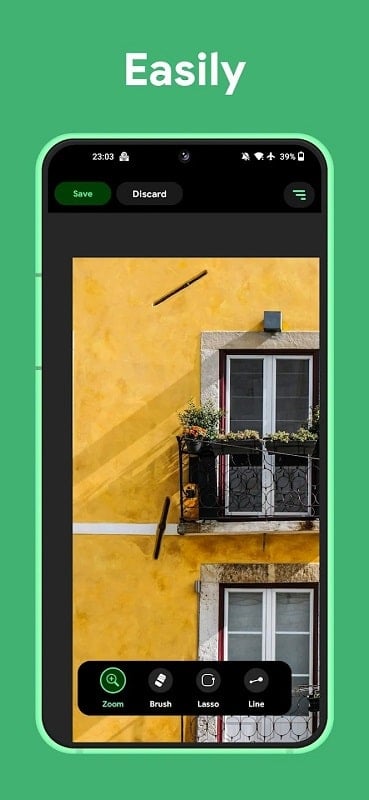
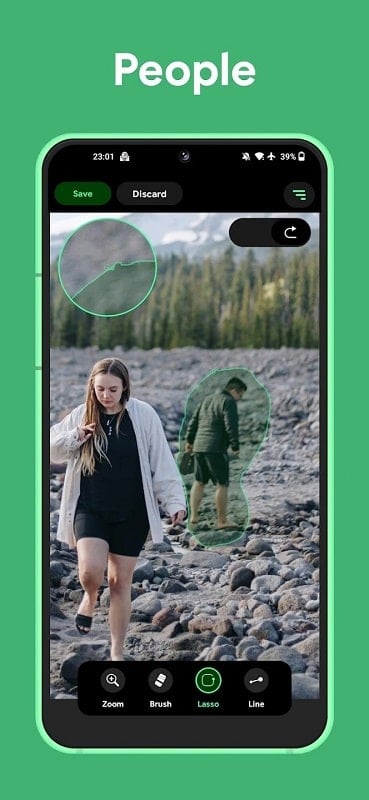
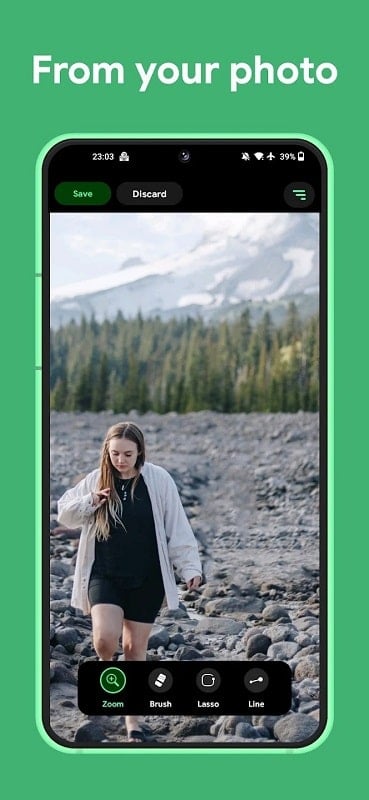
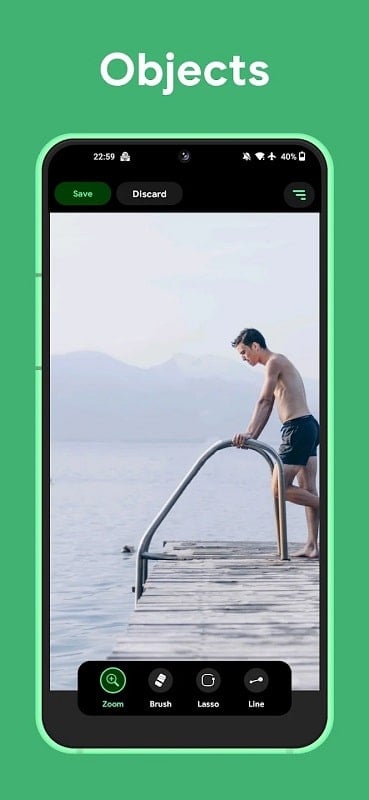
Remove Object - Object Remover is a compact photo-editing utility that removes unwanted elements from your pictures quickly and naturally. Using AI-powered algorithms together with manual touch-up tools, the app helps erase blemishes, people, wires and watermarks so photos look cleaner for sharing or printing. Casual users will appreciate one-tap removal for simple fixes, while hobbyist editors can refine results with lasso selection, adjustable brush sizes and a magnifier for pixel-level accuracy.
Key Features
Remove Object - Object Remover combines one-tap AI removal with precise manual controls: a lasso selection tool for outlining areas, a dedicated line tool to tackle wire-like objects, adjustable brush sizes and touch-retouch modes, and a magnifier plus AI detection to speed up pixel-accurate edits. These tools are designed to make common fixes fast while allowing more detailed work when needed.
Advantages
With Remove Object - Object Remover, fast AI-assisted edits make it simple to clear common distractions in seconds. The app supports a variety of use cases from removing pimples and watermarks to clearing unwanted people or background clutter. Its user-friendly interface balances quick one-tap fixes with more detailed manual options, and precision tools such as brush adjustment and a magnifier help you finish edits carefully.
Disadvantages
Complex backgrounds or repeating patterns can still leave faint artifacts that require additional touch-ups. Very large or intricate objects may need several passes with manual tools to appear natural. Final results depend on the quality and resolution of the input photo, and low-resolution images will limit how seamless edits can be.