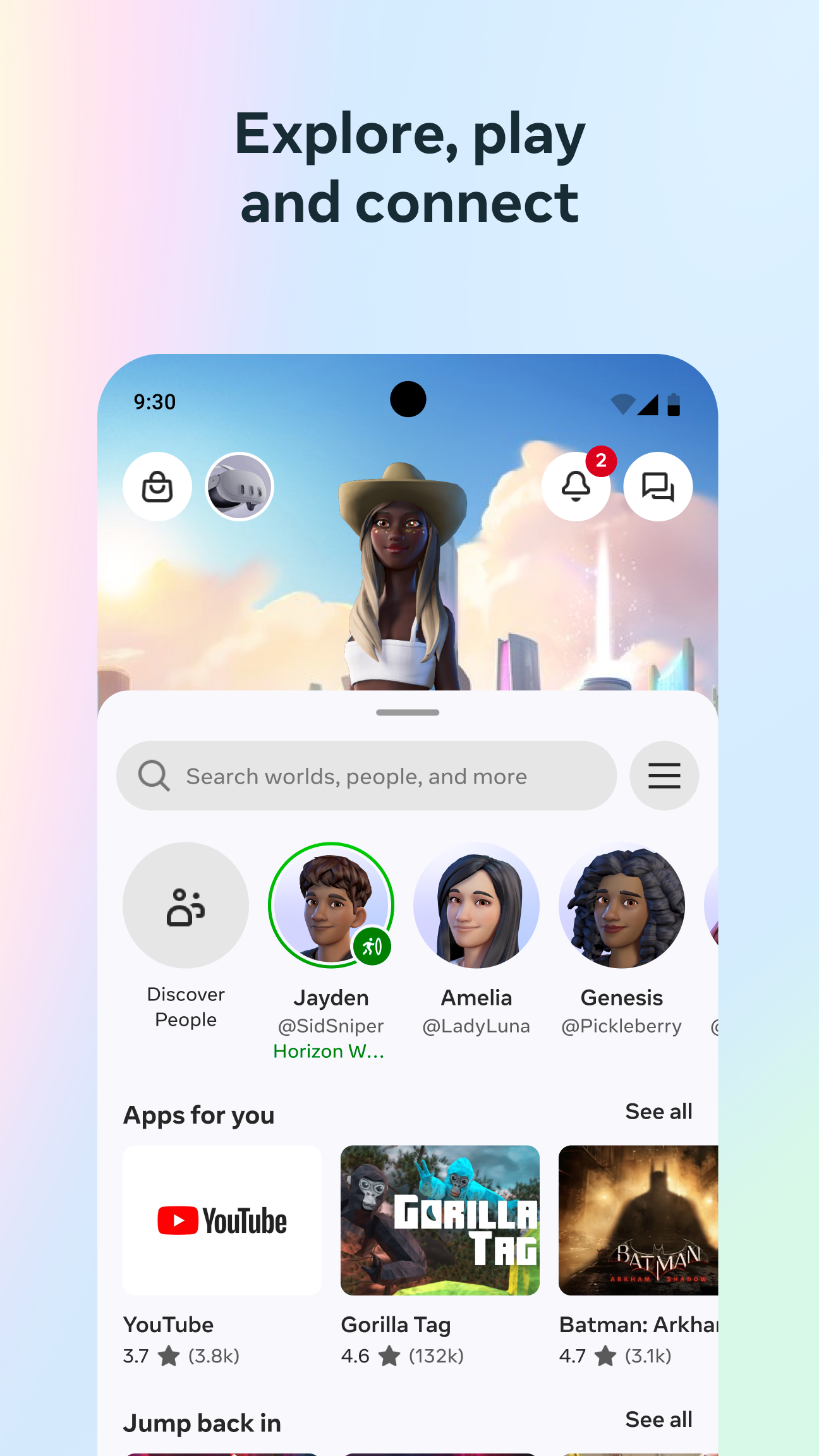
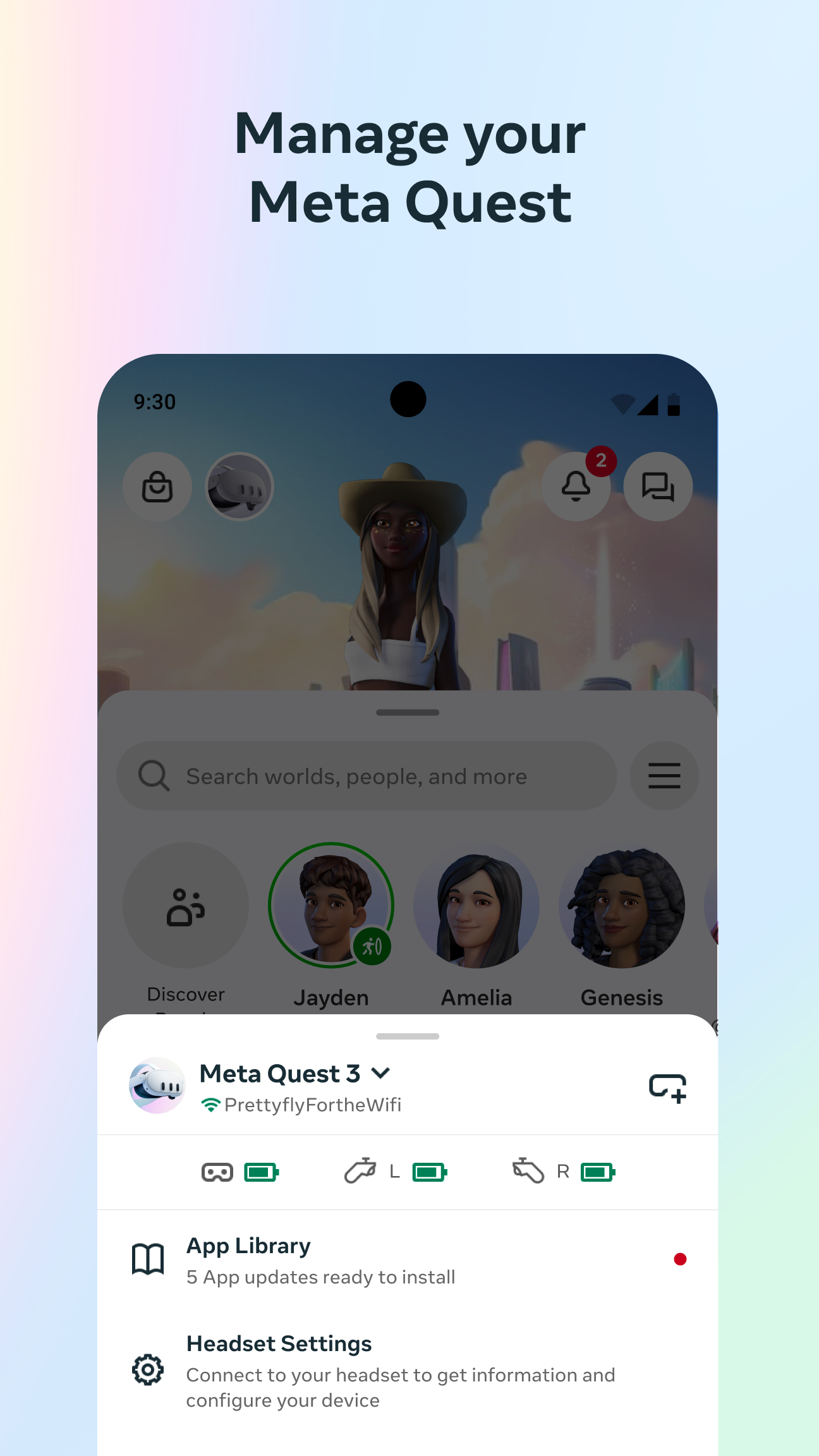
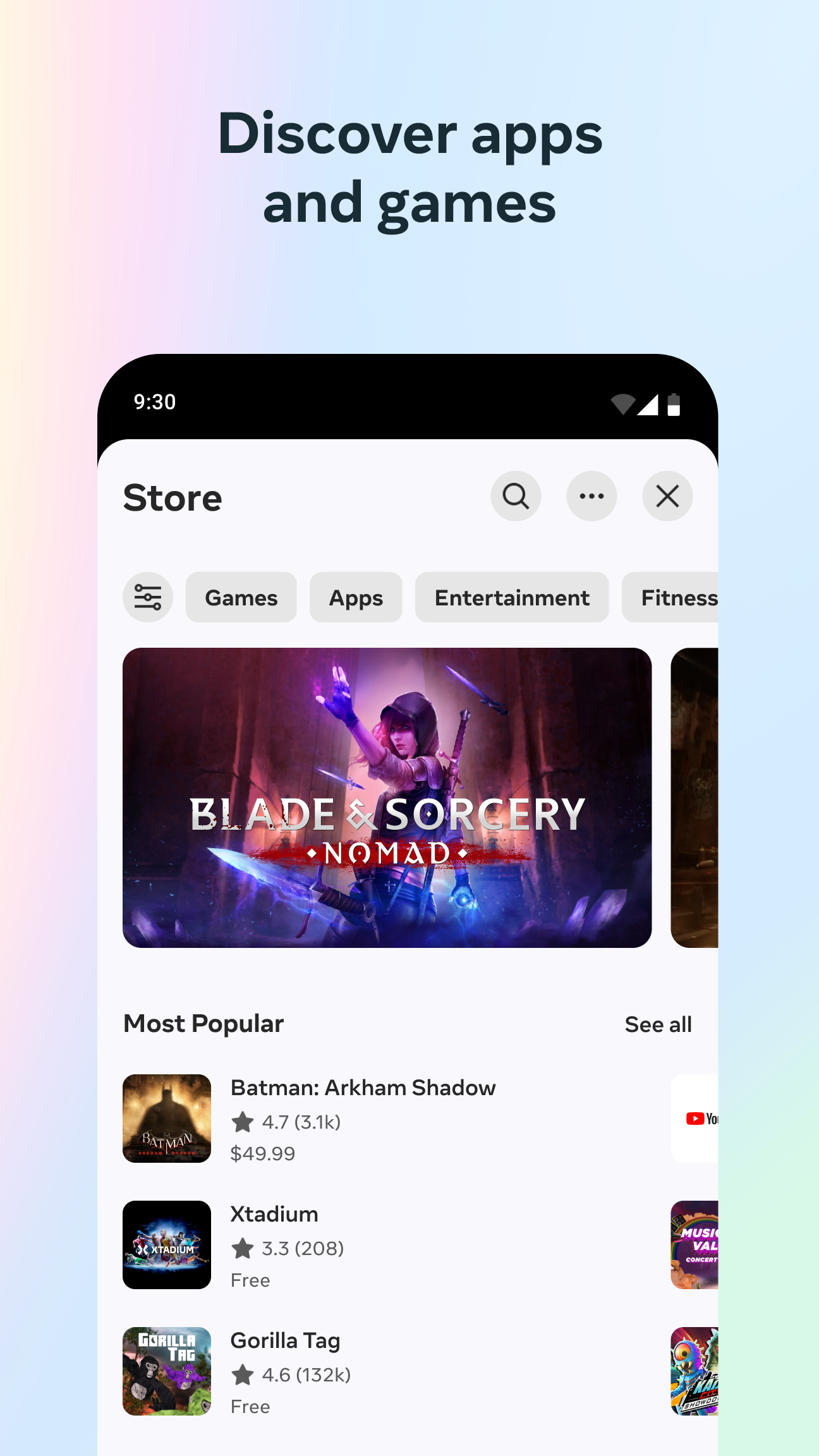
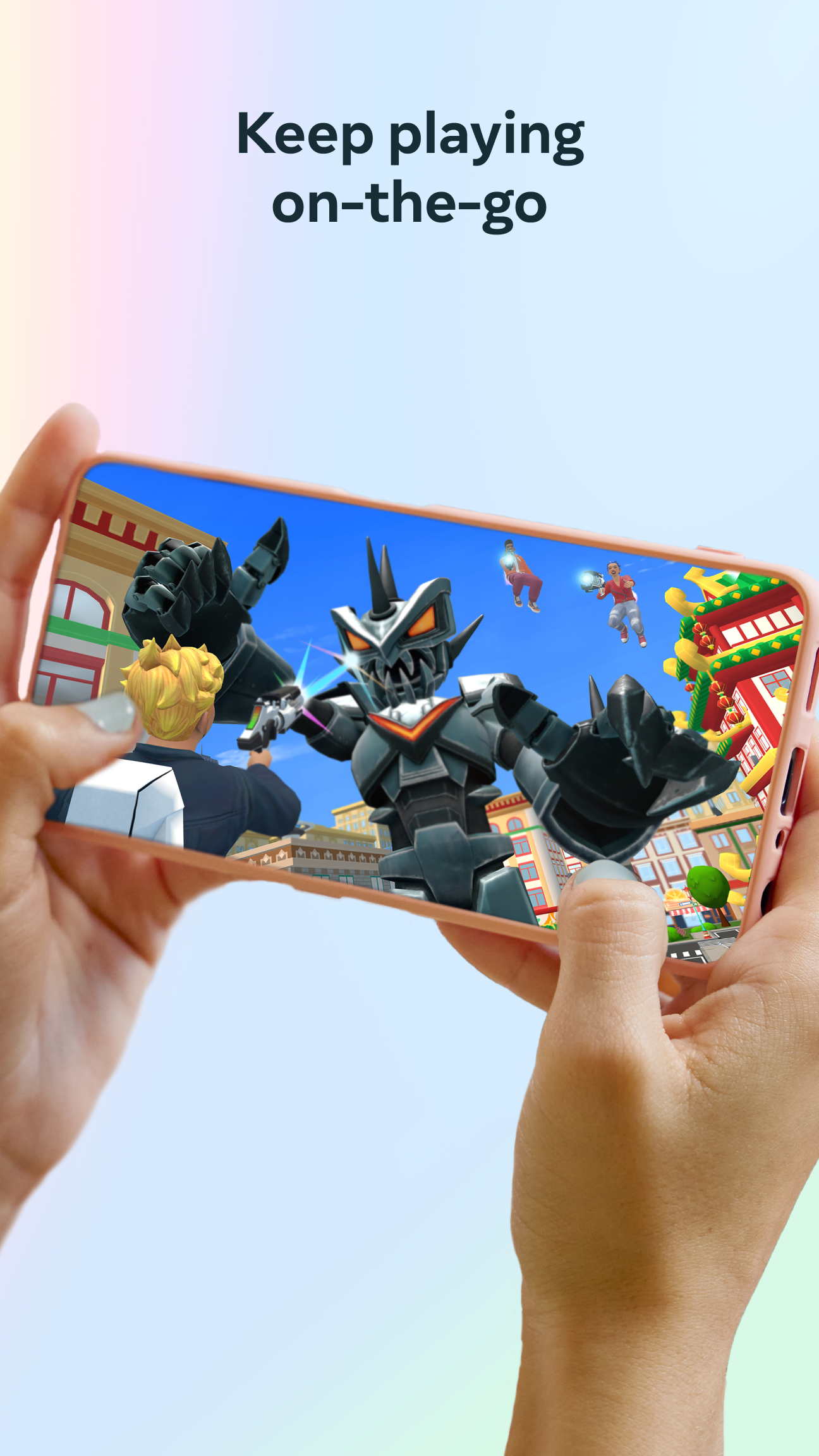
Meta Horizon is a companion app that helps you create a personalized avatar, discover social experiences, and stay connected with friends from your phone or a paired headset. The app places discovery, device setup and social planning in one place so you can browse and download games, apps and virtual worlds, queue activities to launch later, and join live concerts or multiplayer sessions with minimal hassle. Meta Horizon also supports family controls, messaging and calling, and a simple quest system that unlocks avatar styles, items and emotes for a more expressive presence.
Key features
The core functionality centers on content discovery and preparation: search categories and curated collections make it easier to find compatible experiences, while a downloads queue lets you prepare titles on your phone before switching to headset mode. Device setup guides walk you through pairing, initial calibration and account permissions, and family control settings allow caregivers to set age-based restrictions and manage content access for children and teens. Built-in messaging and one-tap calling let groups coordinate meetups and share invites without leaving the app.
Gameplay and controls
Meta Horizon focuses on pre-session management and social coordination rather than acting as a full gaming client on your phone. Controls are designed for quick use: touch-driven menus, drag-and-drop avatar customization, and simple toggles for device settings. When paired with a headset, many experiences transition to controller or tracked-hand input; the app provides staged instructions that explain which input mode each experience supports, so you understand what to expect when you move from phone to headset. For live events and multiplayer sessions, presence indicators show who is ready and which input they will be using.
Progression and customization
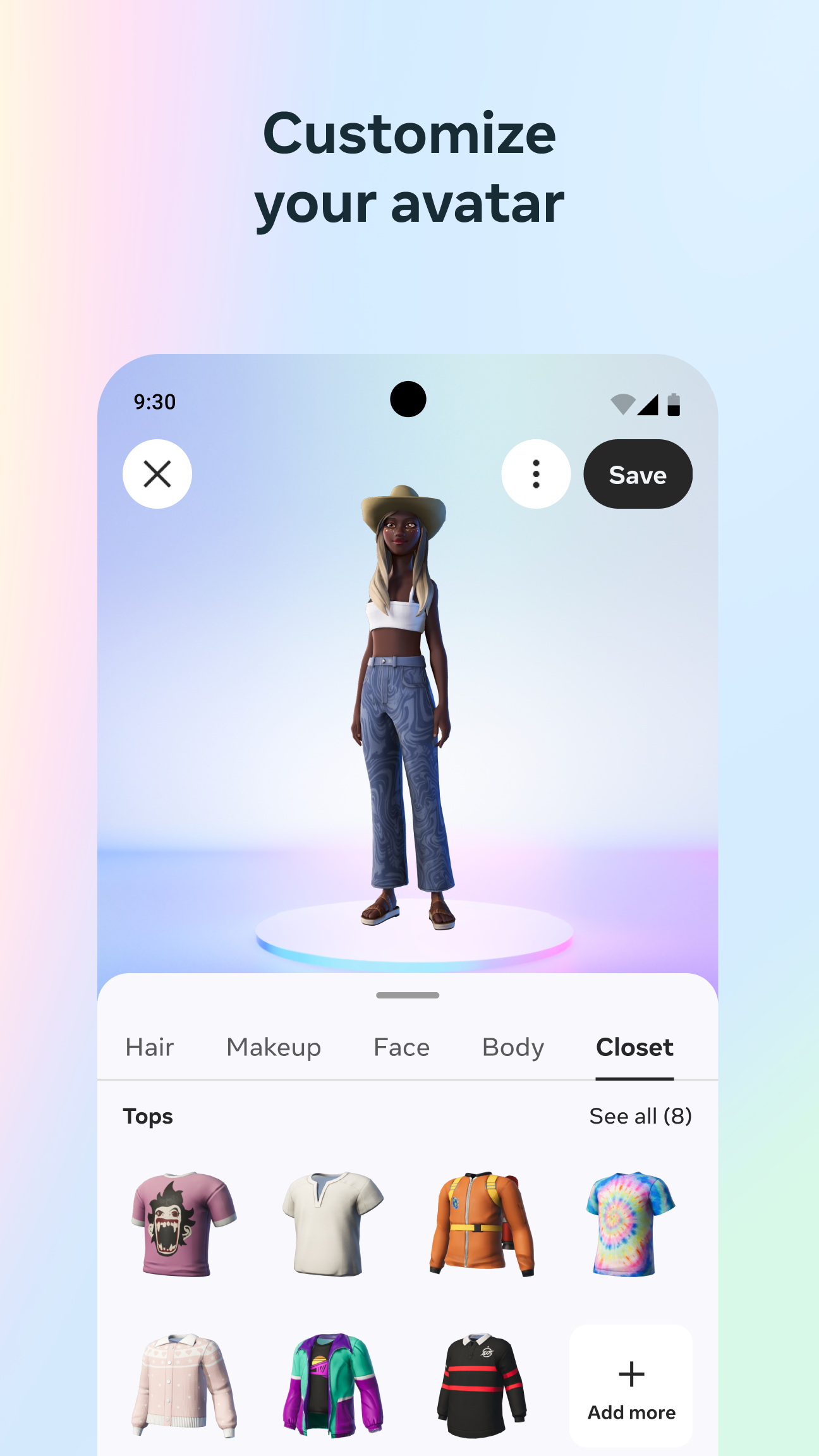
The app's progression system revolves around optional in-app quests and activity milestones that reward cosmetic items rather than gameplay advantages. Completing social tasks, attending events or trying certain virtual worlds can unlock avatar styles, accessories and emotes in tiers, encouraging gradual personalization without impacting core gameplay. The customization editor supports layered clothing, color palettes and animated emotes; saved presets make it fast to switch looks for different social situations, and unlocked items are stored in a visible inventory so you can track progression over time.
Visual style and level structure
Content discovered through the app spans a wide range of visual styles, from minimalist social lounges to richly detailed virtual worlds. Experiences are organized by level structure and access type: single-session social rooms, recurring event stages, and larger persistent worlds where you can return with friends. Meta Horizon provides previews and screenshots that highlight each experience’s visual direction and typical session length, helping you choose experiences that match your preferences for pacing and aesthetic.
Replay value and challenge systems
Replay value is driven by rotating events, seasonal quests and periodic content drops; many virtual worlds host scheduled activities that change over time, giving users reasons to return. Challenge systems within the app are generally light-touch and focused on social goals or cosmetic unlocks rather than competitive rankings. This keeps the emphasis on shared experiences and creativity while still offering steady short-term objectives to pursue.
Accessibility and offline use
Accessibility options include simplified menus, adjustable text sizes and comfort settings for motion sensitivity, with clear labeling for features that require a paired headset or continuous connectivity. Some app functions are usable offline: you can customize and preview your avatar, adjust local device settings, and queue downloads while offline, but live events, multiplayer sessions and content downloads require an internet connection and may need a compatible headset to access the full experience.
User experience and known limitations
The user experience focuses on making social VR approachable from a phone: discover, prepare and coordinate with friends before you put on a headset. Meta Horizon centralizes tasks that would otherwise require multiple tools, helping households manage devices and permissions. Important limitations to note are that many experiences require a compatible VR headset for full functionality, some social features depend on friends installing the app or owning a headset to join certain activities, and age-based family controls can restrict access for younger users until permissions are granted.