Dice Roller is a compact utility that reproduces the familiar experience of rolling two physical dice on your phone. Designed for speed and clarity, Dice Roller lets you generate two-dice outcomes in seconds so you can resolve chance events or move a game forward without digging for spare dice. The app prioritizes a faithful, no-frills simulation: clear numeric readouts, brief animations that show both dice, and instant results that match the probability space expected from two standard six-sided dice.
Key Features
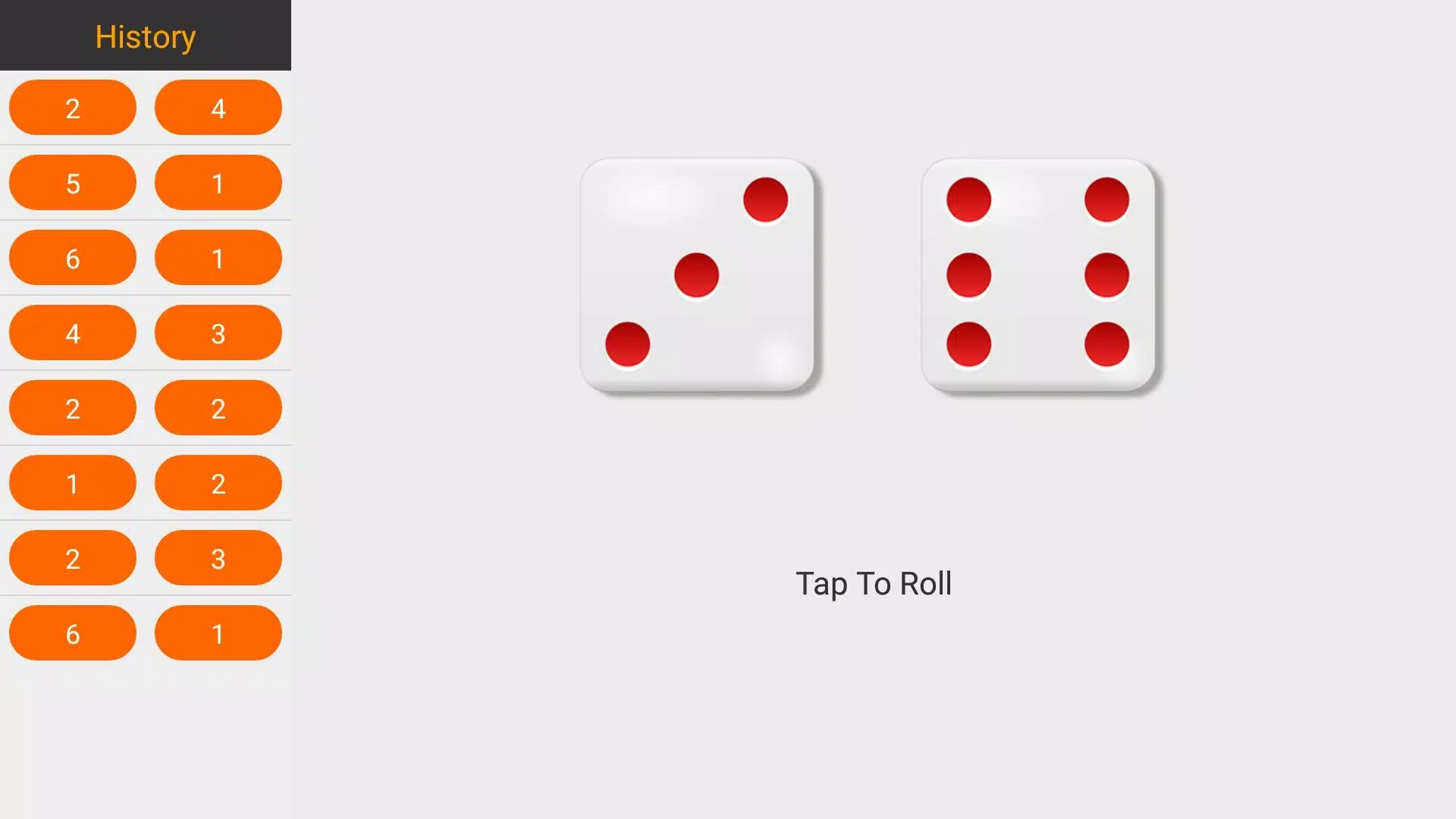
The core of Dice Roller is intentionally narrow and reliable. Each roll produces two simultaneous die values and a combined total, using a lightweight random generator tuned to avoid bias in short sessions. The interface centers on a single primary control so a roll is just one tap away; visual feedback and a subtle sound (which can be muted) confirm each outcome. Because the app focuses on this single mechanic, it launches quickly and keeps distractions to a minimum.
How It Plays
Playing with Dice Roller requires no learning curve. Tap the main roll area or press the prominent action button to produce a fresh two-dice result. The display shows both individual die faces and the summed value so you can apply the outcome directly to board games, tabletop role-playing game (RPG) checks, classroom exercises, or other decision points. The simple controls mean anyone can pick up the app and start using it immediately.
Visual Style and Feedback
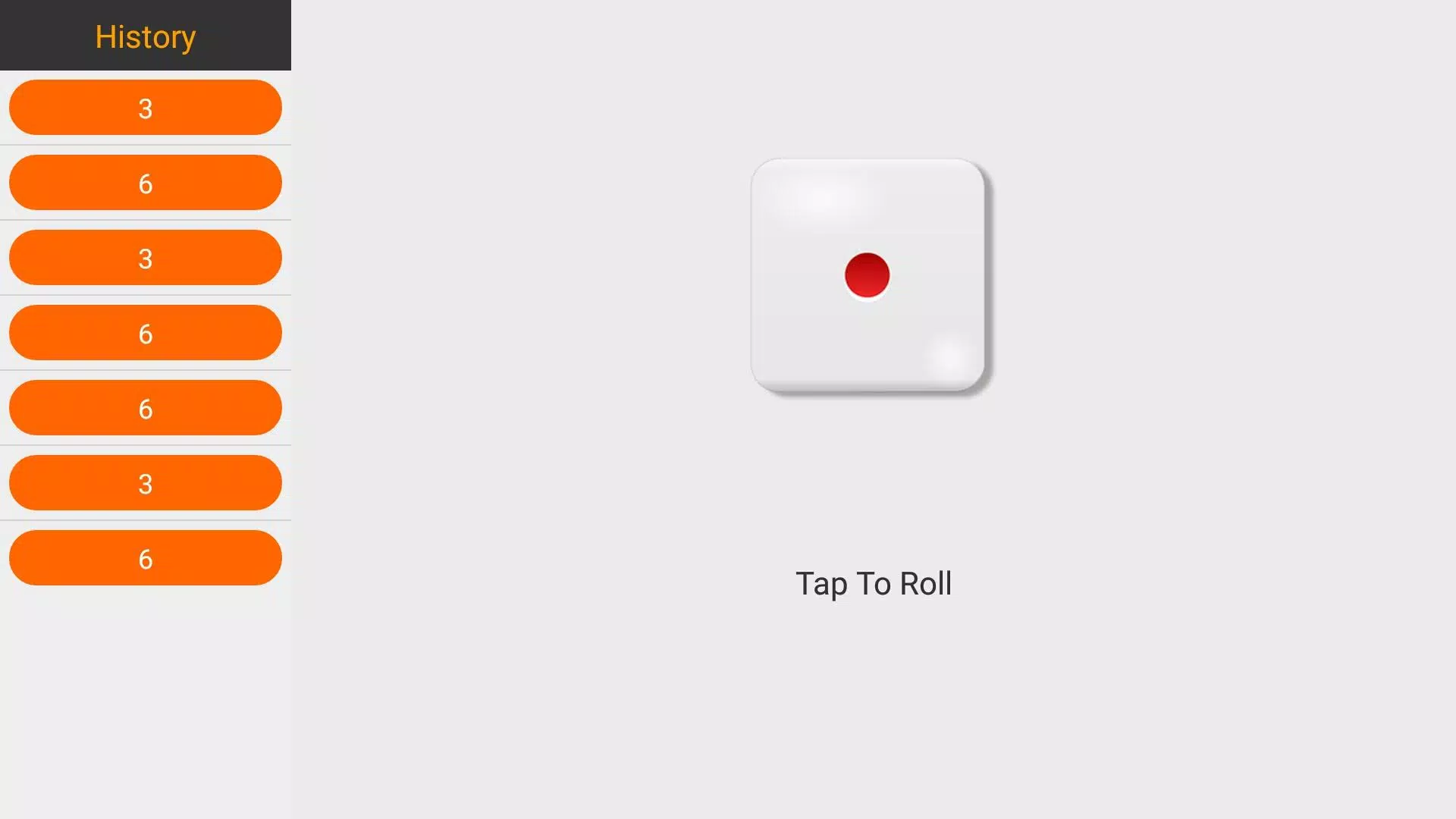
The visual design leans toward clarity rather than spectacle. Dice are presented with readable pips and numerals against a neutral background, and short animations help communicate the moment of randomness without delaying gameplay. Small visual cues indicate when a roll is complete, and the combined result is emphasized so you can record or call out outcomes quickly. These choices keep the interface approachable for new players and unobtrusive during active sessions.
Progression and Session Structure
Dice Roller is a utility rather than a progression-driven game. There are no levels, experience points, or unlockables—this is intentional to preserve the app’s role as a tool during play. Sessions are ephemeral: the app is optimized for immediate use and short bursts, for instance resolving a contested roll or advancing a board game turn. If you need persistent tracking, Dice Roller is best used alongside a separate notes app or paper scoring to maintain long-term records.
Customization and Settings
Customization is deliberately minimal to avoid clutter. You can toggle basic feedback options such as sound and vibration and choose between a couple of straightforward visual presentations so the display fits your environment and personal preference. The design choice keeps settings simple and easy to access while avoiding deep menus or complicated configuration steps.
Replay Value and Use Cases
Replay value comes from repeated practical use rather than in-app rewards. Dice Roller is useful across many contexts: settling disputes during a family board game night, running a quick encounter in a tabletop RPG, teaching probability concepts in a classroom, or making a decision when physical dice aren’t available. Because the mechanic is universal, the app remains relevant across many play sessions and scenarios.
Accessibility and Performance
Accessibility considerations include large touch targets, clear numeric contrast, and concise feedback so outcomes are easy to perceive at a glance. The app is lightweight and runs offline, requiring minimal storage and no network connection to produce randomized results. This makes Dice Roller dependable in low-coverage environments and suitable for devices with modest resources.
Limitations
To set expectations: Dice Roller is intentionally specialized. It supports exactly two standard six-sided dice and does not provide alternate dice types, online multiplayer, leaderboards, or advanced customization. If you need multiple dice combinations or extended game modes, you may prefer a broader dice toolkit. For quick, faithful two-dice results, Dice Roller stays focused and avoids unnecessary features.
Installation Notes
The download size is small and the app launches quickly so you can install and have reliable two-dice rolls available in moments. Dice Roller is best treated as a companion tool that replaces a pocket set of dice when convenience, speed, and predictability matter most.