Guess! is a lively heads-up charades game designed to turn any gathering into a laugh-out-loud party. In Guess! a word or phrase is shown on the screen while teammates act, sing, or give clues until the person holding the device guesses it — simply rest the phone or tablet against your forehead and tilt to confirm or pass. The app is deliberately simple to set up so you can start a quick round at parties, family nights, or while traveling.
How the game works
Each round in Guess! presents a single prompt on a large, easy-to-read card. One player holds the device to their brow so others can see the prompt, and teammates provide non-verbal or verbal clues depending on the chosen rules. A light tilt forward registers a correct guess and advances to the next card, while a tilt back marks a pass. Sessions are organized into rounds with configurable timers and round limits so groups can set a pace that suits their play style. The simple card-and-tilt loop keeps gameplay fast and social, with new rounds starting immediately to maintain momentum.
Key features
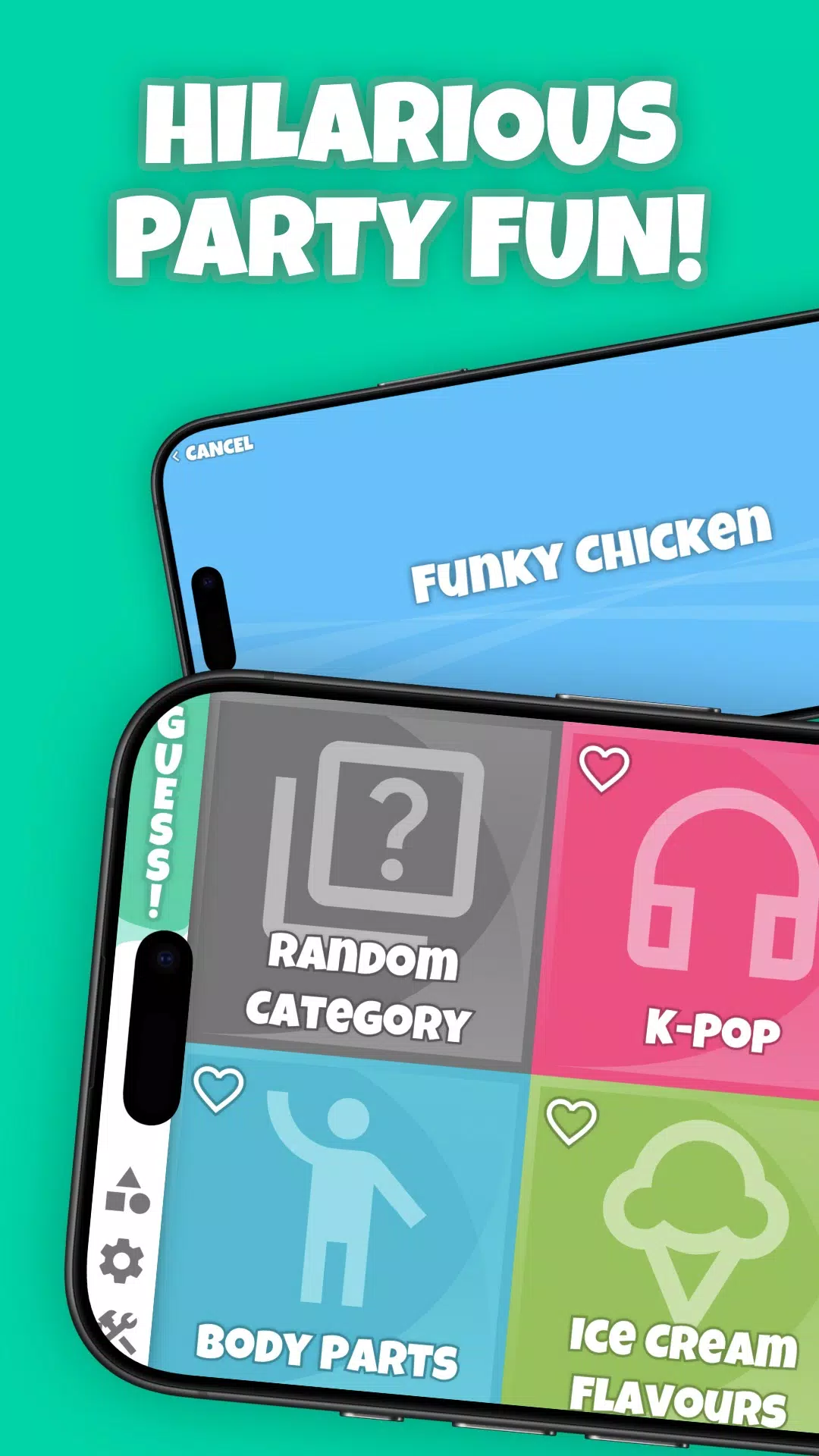
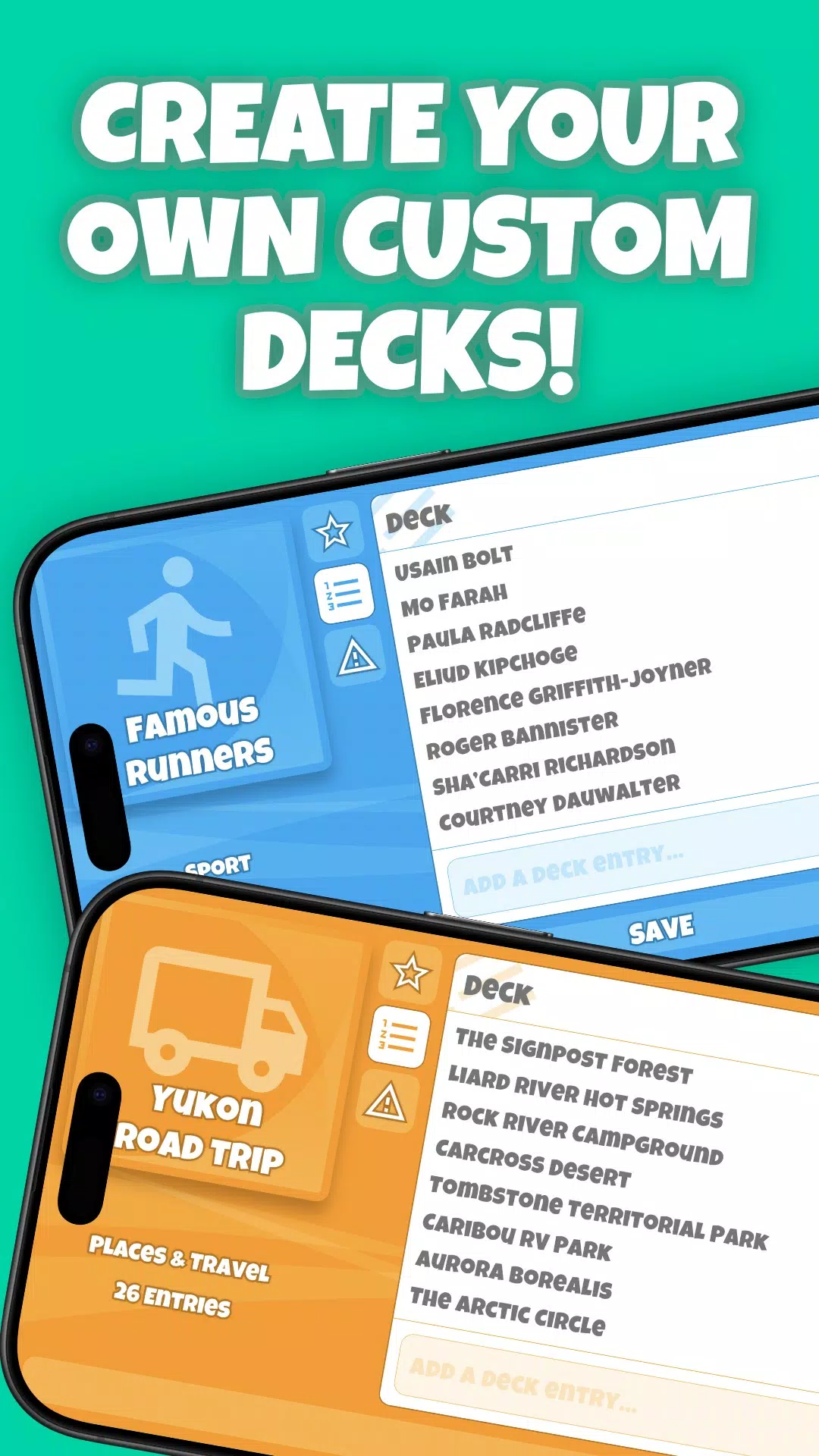
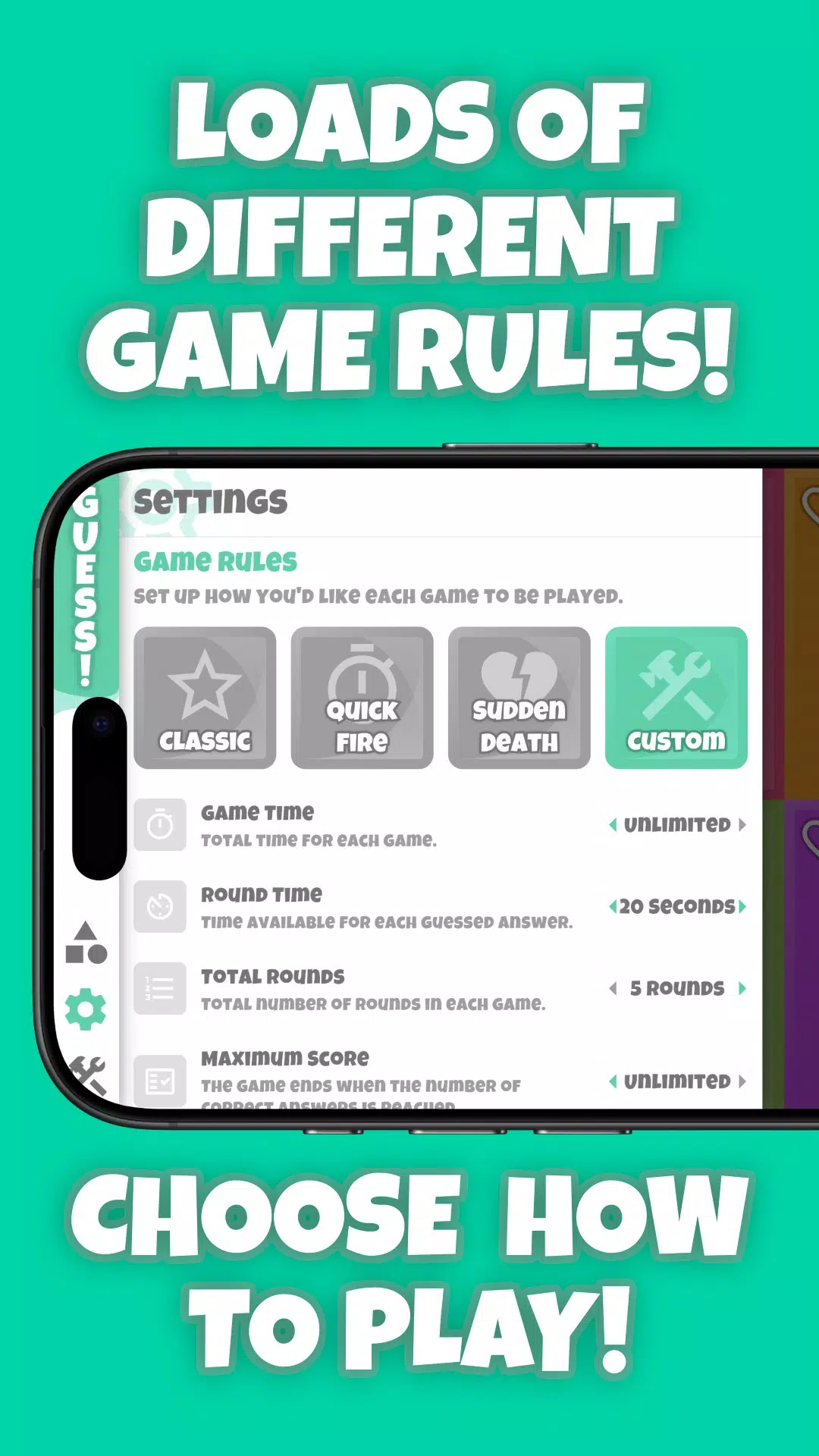
Guess! ships with hundreds of themed decks covering movies, celebrities, animals, actions and more, arranged by category and difficulty to help hosts pick the right tone. The built-in deck builder allows you to create private custom lists — perfect for inside jokes, party themes, or family-specific prompts — and decks can be shuffled, ordered, or restricted by difficulty level. Multiple game modes and adjustable options let you change timers, decide whether hints are allowed, and choose how passing affects scoring, giving groups control over complexity and challenge without needing online features.
Controls and settings
The primary control is the tilt gesture, which is adjustable for sensitivity to accommodate different device sizes and player preferences. You can also enable touch controls as an alternative for devices or situations where tilting is awkward. Settings include turn length, round count, and whether correct answers are automatically advanced or require manual confirmation. These options allow you to tailor the experience to small family groups or larger party crowds while keeping the interface uncluttered and easy to navigate.
Deck structure and progression
Decks in Guess! are collections of prompts that can be treated like short levels: beginners can stick to light, familiar categories while more experienced groups can step up to advanced decks with harder clues or more obscure references. Progression is driven by the deck selection and rule choices you make — increasing timer pressure, adding pass penalties, or moving through themed deck stacks creates a natural difficulty curve without introducing complex leveling systems. Local session scoring and round tracking help competitive groups keep a simple tally of wins for in-person play.
Visual style and accessibility
Guess! uses a clean, card-based interface with bold typography and clear icons so prompts remain visible from a short distance. Color contrasts and large text options improve readability for all players, and tactile feedback on supported devices helps reinforce correct guesses or passes. The app avoids cluttered screens so hosts can focus on interaction rather than configuration, and adjustable font sizes plus straightforward labels make the controls approachable for players of different ages and abilities.
Offline play and replay value
One advantage of Guess! is its offline capability: all decks, custom lists, and settings are stored locally so the full game is available without an internet connection. This makes the app reliable for travel, outdoor gatherings, or locations with limited service. Replay value comes from a large variety of ready-made decks, user-created custom lists, and flexible rule sets that let groups mix categories and tweak challenge levels to keep sessions fresh over many uses.
Tips for groups
For faster rounds, choose shorter timers and enable automatic advancement; for a more strategic session, allow passes but introduce a small penalty to encourage risk-taking. Use custom decks to tailor content for birthdays or themed nights, and experiment with the tilt sensitivity setting if your device is large or the gesture feels awkward. With a little setup, Guess! becomes a versatile party tool that adapts to casual family play and larger social gatherings alike.