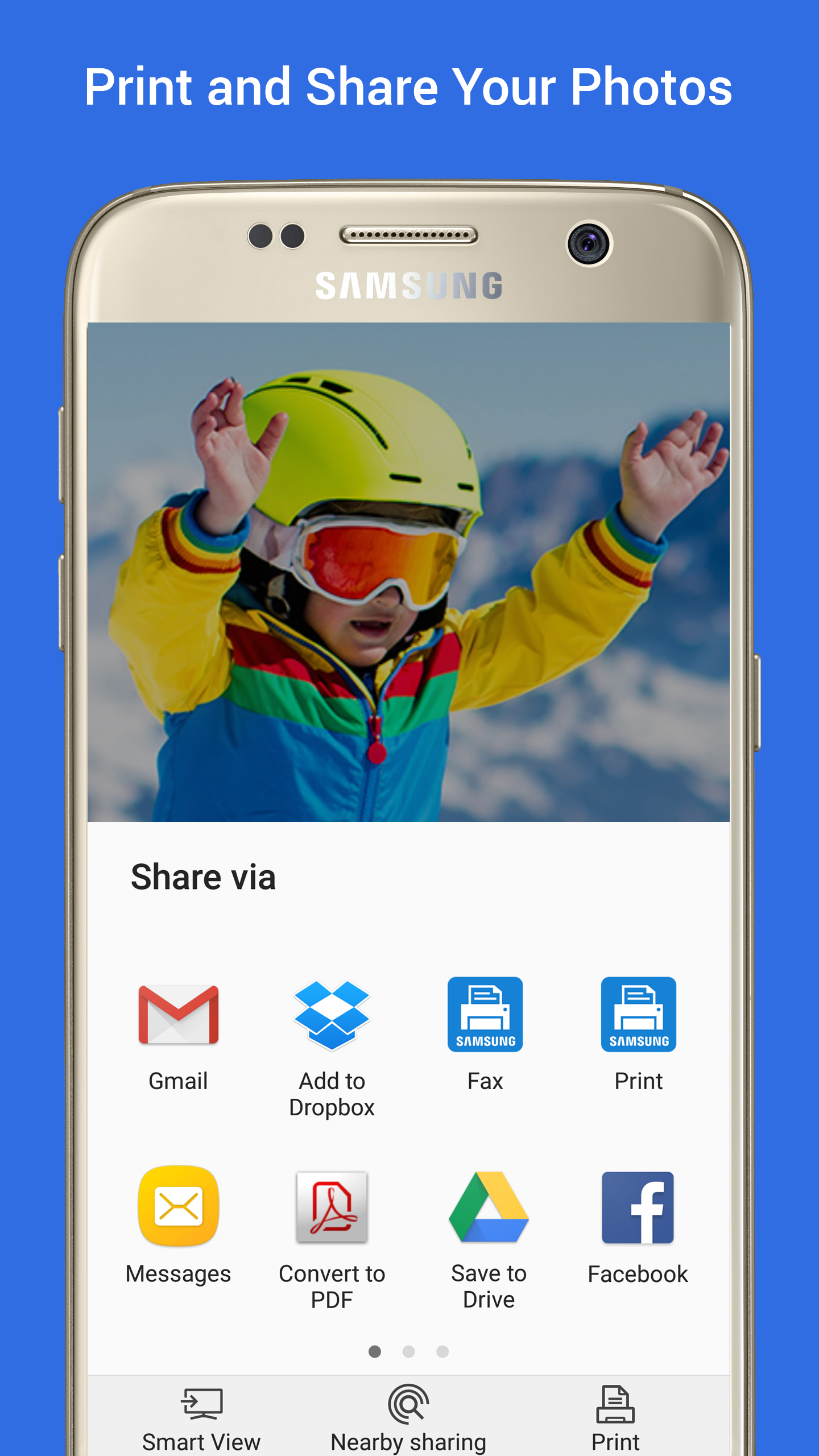
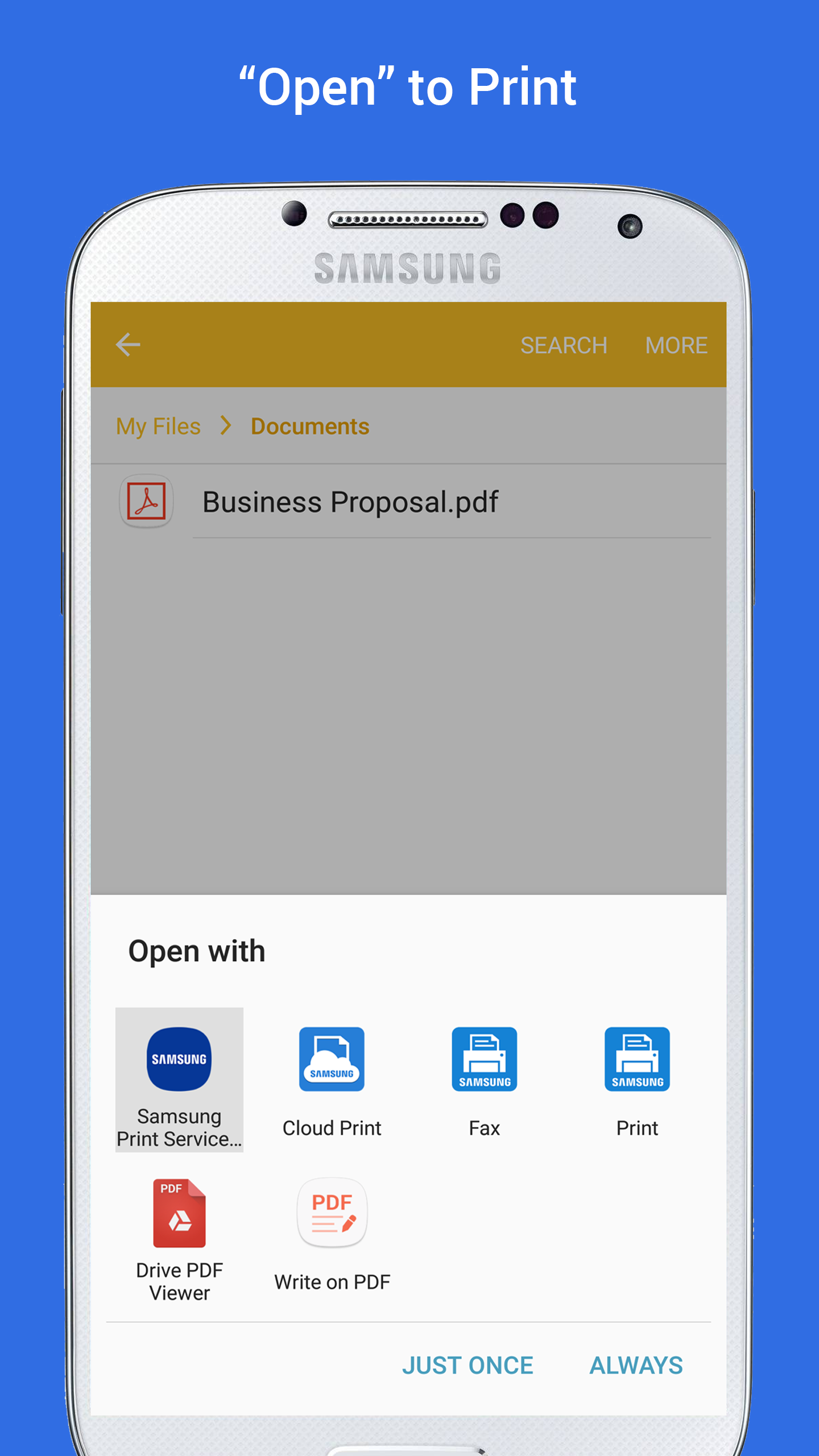
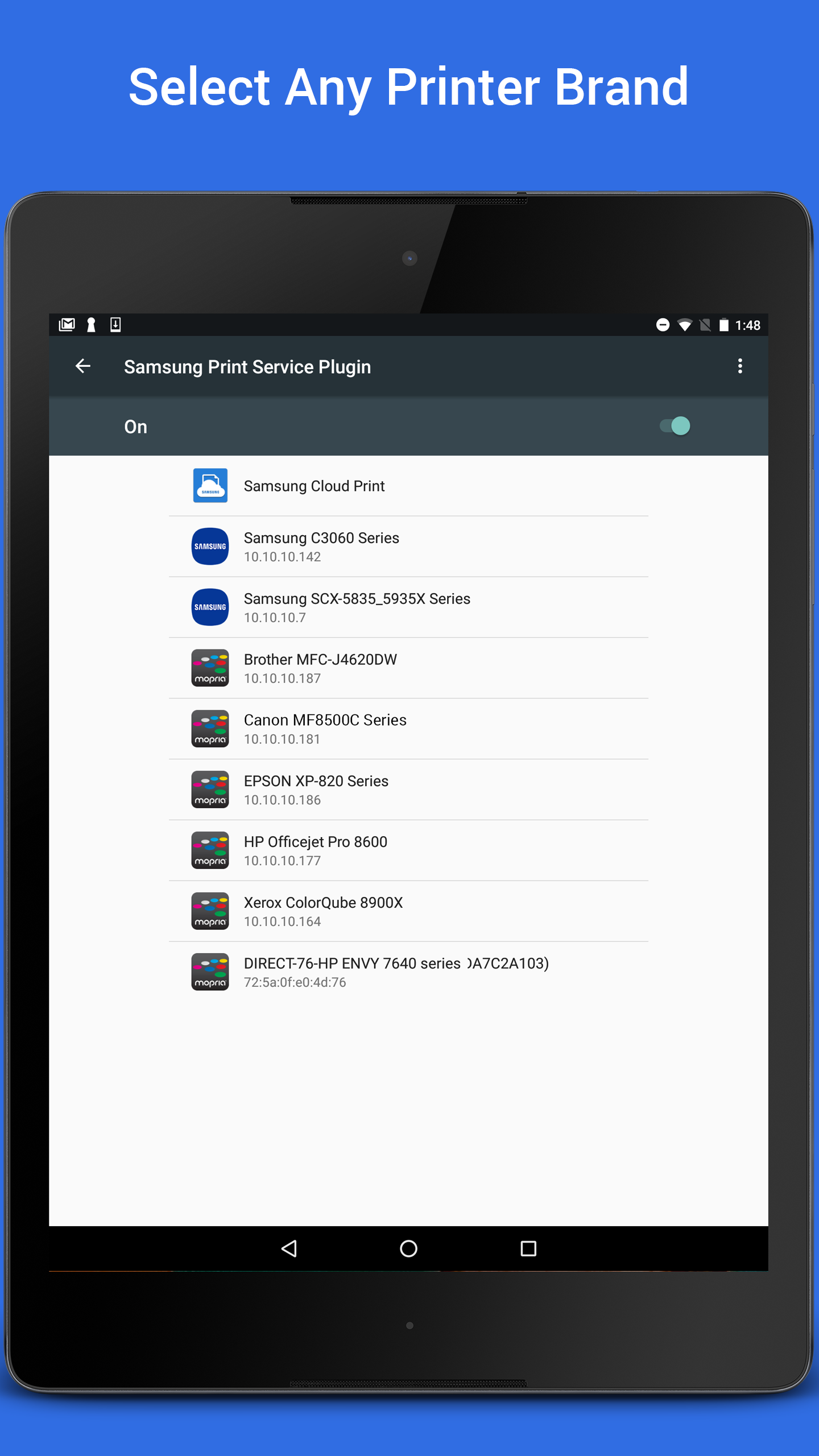
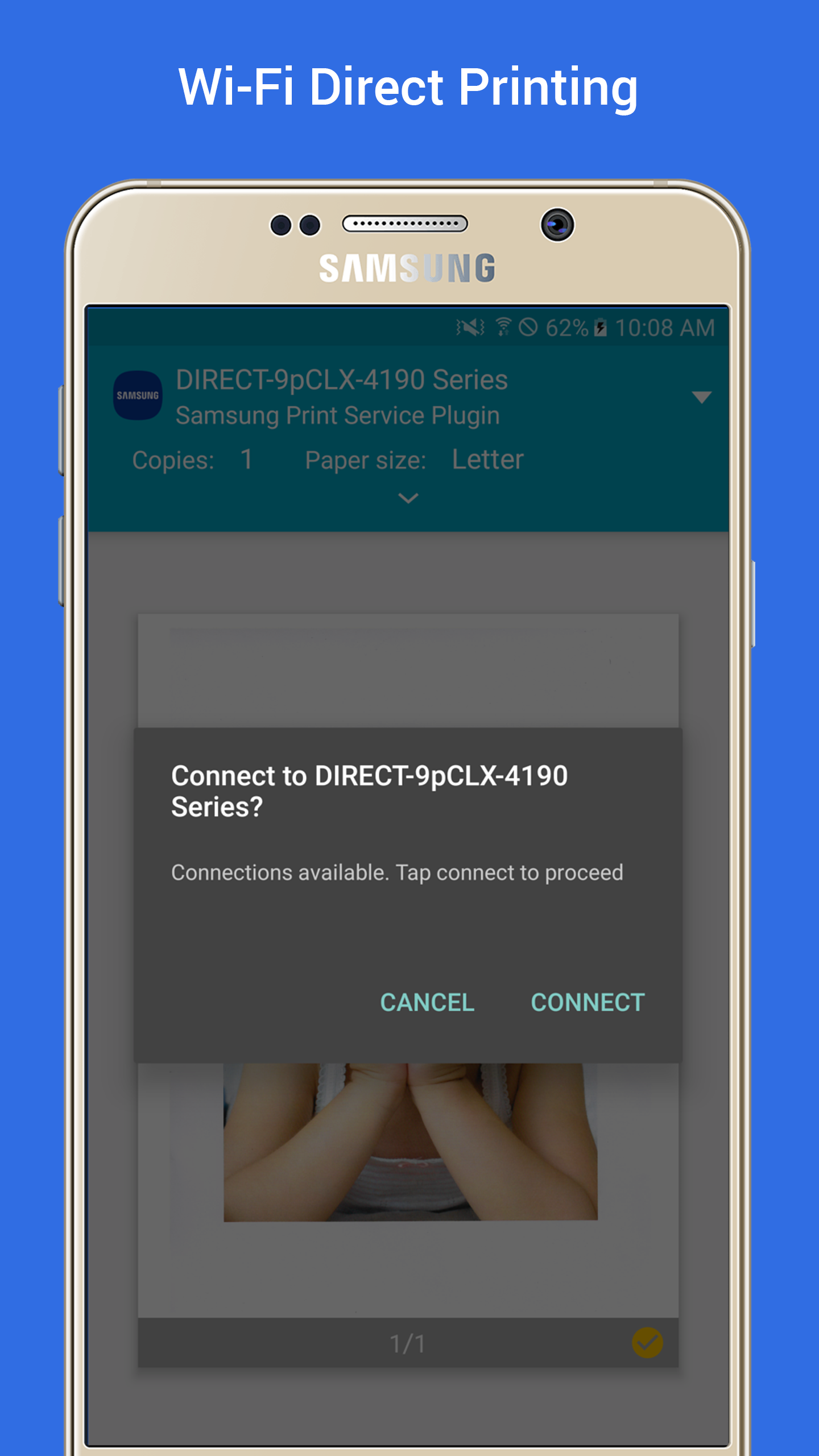
Samsung Print Service Plugin makes it simple to print from an Android phone or tablet to a wide range of printers without cables or complicated setup. This lightweight system plugin connects your device to Samsung printers as well as many certified third-party models so photos, tickets, PDFs and documents print with minimal fuss. Users can enable the service in Settings and allow automatic updates to maintain compatibility.
Key Features
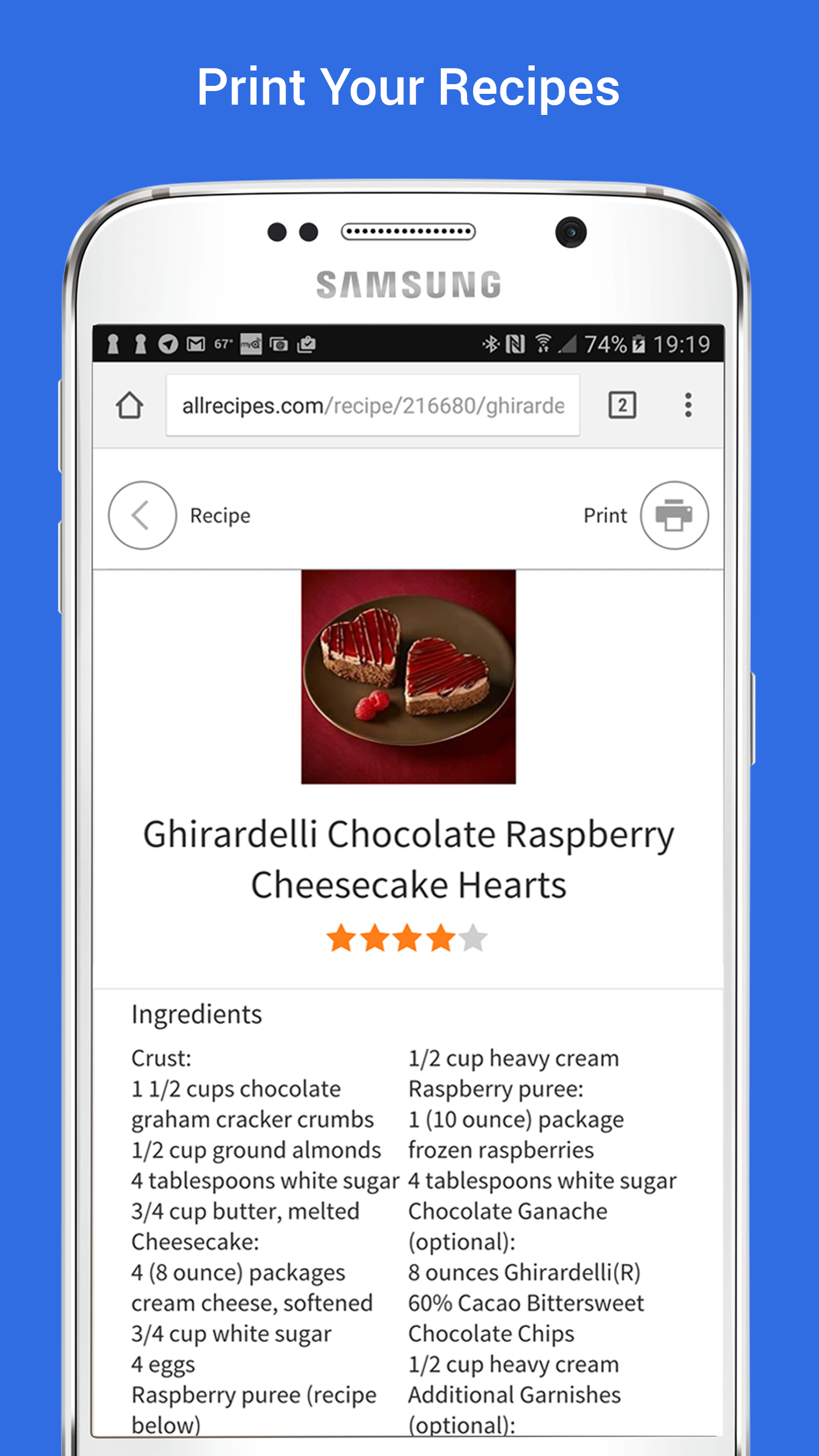
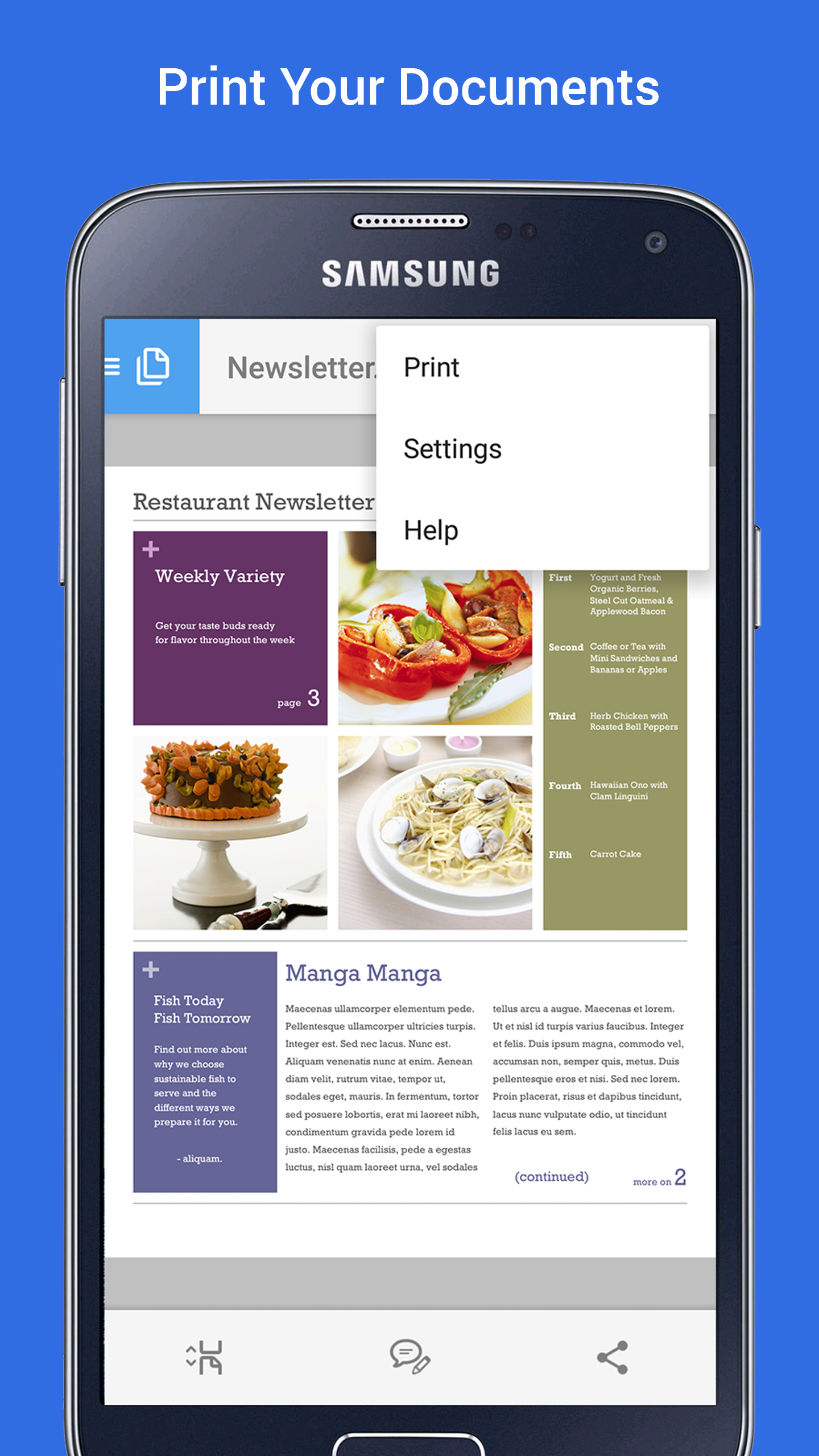
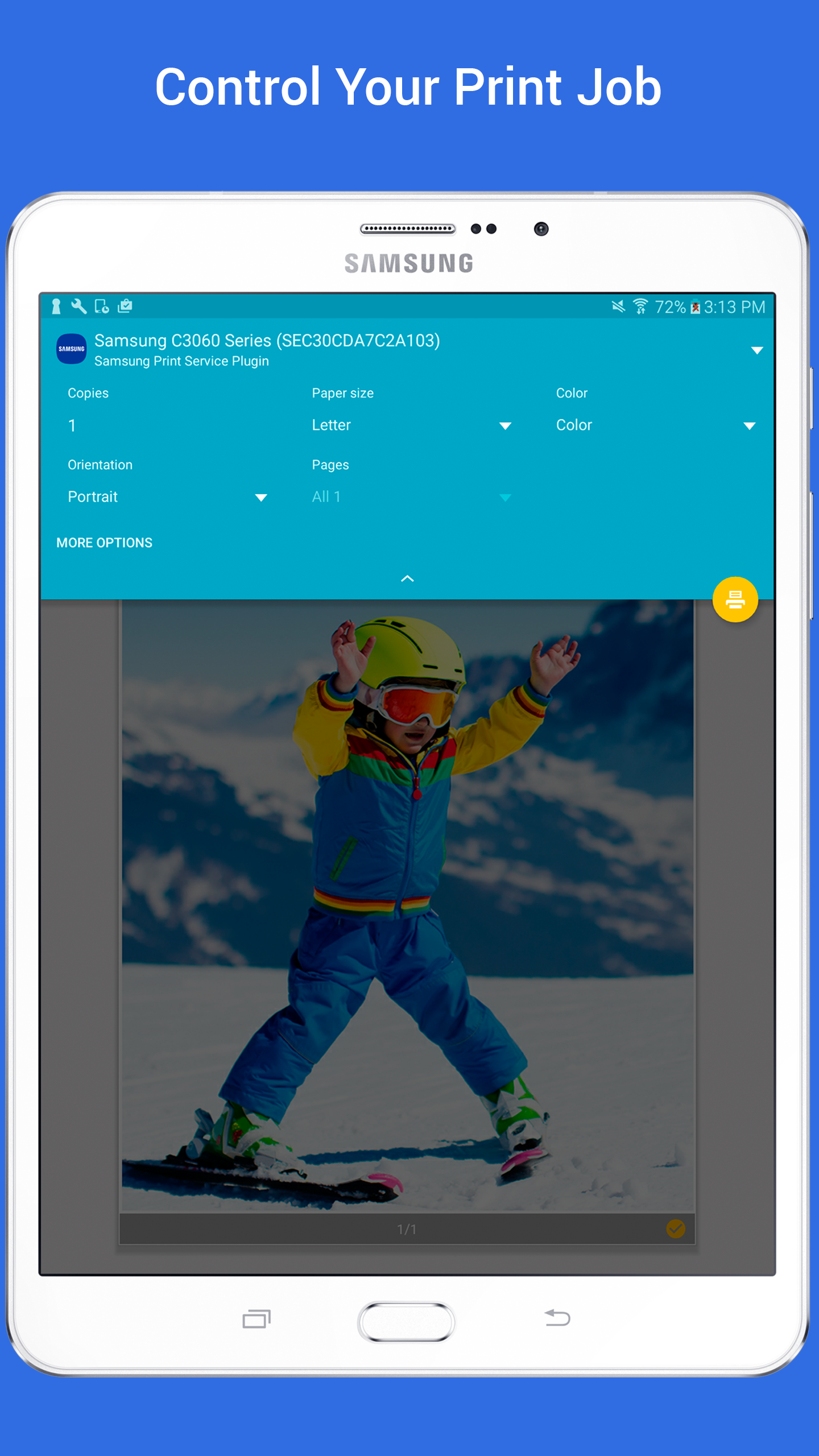
Samsung Print Service Plugin supports wireless printing to Samsung printers and many certified models, and it lets you adjust print settings such as color mode, number of copies and paper orientation directly from your device. The plugin works with common Android apps including Gallery, Chrome, Gmail and PDF viewers and is accessible via the system print dialog or the share menu. It is compatible with devices running Android KitKat (4.4) or higher and provides a simple installation and update process.
Advantages
The plugin removes the need for cables and simplifies on-the-go printing, offering broad printer compatibility for home and office use. Samsung Print Service Plugin integrates with popular Android apps so you can print photos, emails and documents without extra steps, and automatic updates help keep the service working as device software evolves.
Disadvantages
Older devices running versions before Android KitKat (4.4) are not supported. Not every printer model is compatible, so check your printer's documentation to confirm support. Some Samsung devices include the plugin pre-installed while others require the user to download or enable it manually.