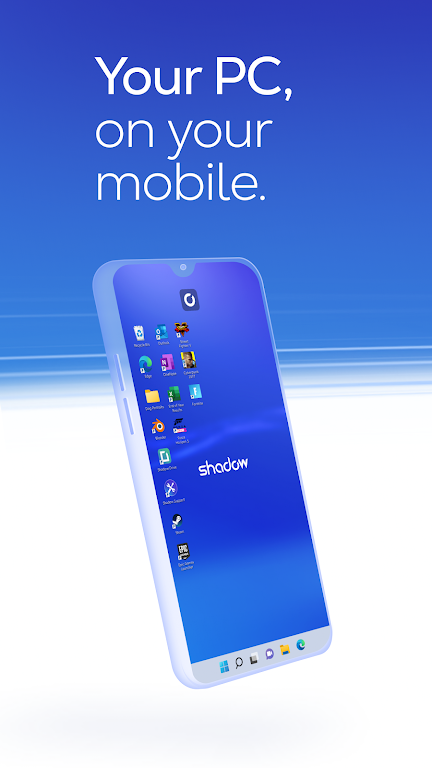
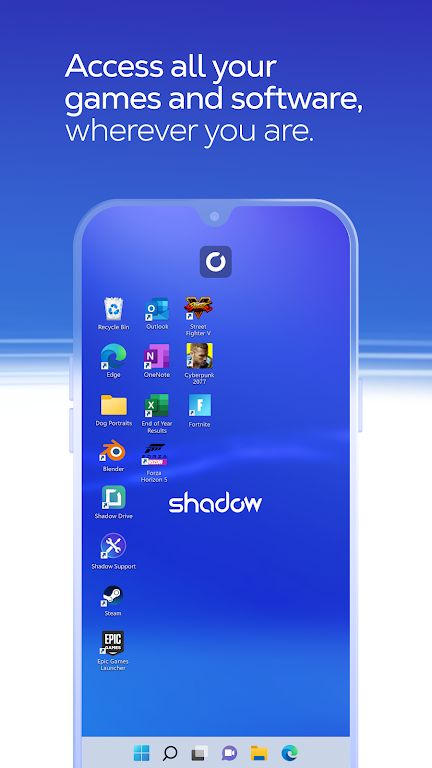
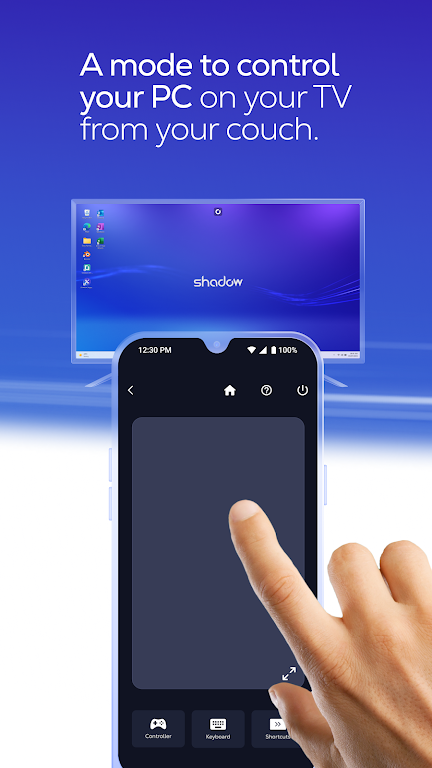
Transform your mobile, tablet, or Android TV into a high-powered Windows PC with Shadow, giving you all the benefits of a traditional computer on the go. With low-bandwidth support, you can access your Shadow PC from anywhere, seamlessly integrating all your peripherals for a fully immersive experience. Turn your device into an additional screen for your Shadow PC, with native resolutions and automatic scaling. The freedom and flexibility of having a high-end PC at your fingertips are just a click away. Discover more about Shadow and revolutionize the way you work and play at shadow.tech.
Features of Shadow PC:
1. High-End PC Experience on Any Device: Shadow allows you to access a full high-end Windows PC from all your devices, giving you the power of a high-end PC instantly. Whether you're using a mobile phone, tablet, or Android TV, you can enjoy a seamless Windows experience on the go.
2. Low-Bandwidth Support for Anywhere Access: With Shadow, you can access your high-end Windows PC from anywhere with low-bandwidth support, allowing you to work, game, or stream content without worrying about connectivity issues.
3. Seamless Peripheral Integration: Connect all your peripherals, including your mouse, keyboard, controller, and display, to your Shadow PC for a truly immersive experience. Shadow makes it easy to transform any device into a fully-equipped Windows PC.
4. Native Resolutions and Automatic Scaling: Shadow supports native resolutions and automatically scales to your device, ensuring a smooth and crisp display no matter what device you're using. Enjoy crystal-clear visuals and say goodbye to blurry graphics.
Playing Tips for Shadow PC:
1. Customize Your Setup: Take advantage of Shadow's peripheral integration to customize your setup to your liking. Whether you prefer a mouse and keyboard for gaming or a controller for streaming, Shadow has you covered.
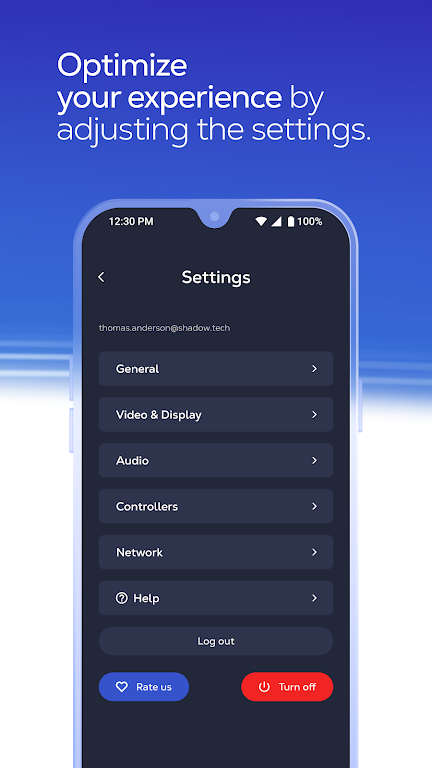
2. Optimize Your Display: Experiment with different display settings to find the perfect resolution and scaling for your device. With Shadow's native resolution support, you can enjoy ultra-sharp visuals for a truly immersive experience.
3. Stay Connected On the Go: Make the most of Shadow's low-bandwidth support by staying connected on the go. Whether traveling or working remotely, you can access your high-end Windows PC anytime, anywhere.
Conclusion:
Shadow offers a cutting-edge solution for transforming any device into a fully-featured Windows PC, delivering high-end performance and seamless connectivity on the go. With its intuitive interface, seamless peripheral integration, and native resolution support, Shadow provides a truly immersive Windows experience on all your devices. Don't miss out on the opportunity to access a full high-end PC from anywhere - visit shadow.tech to learn more and start enjoying the benefits of Shadow today.