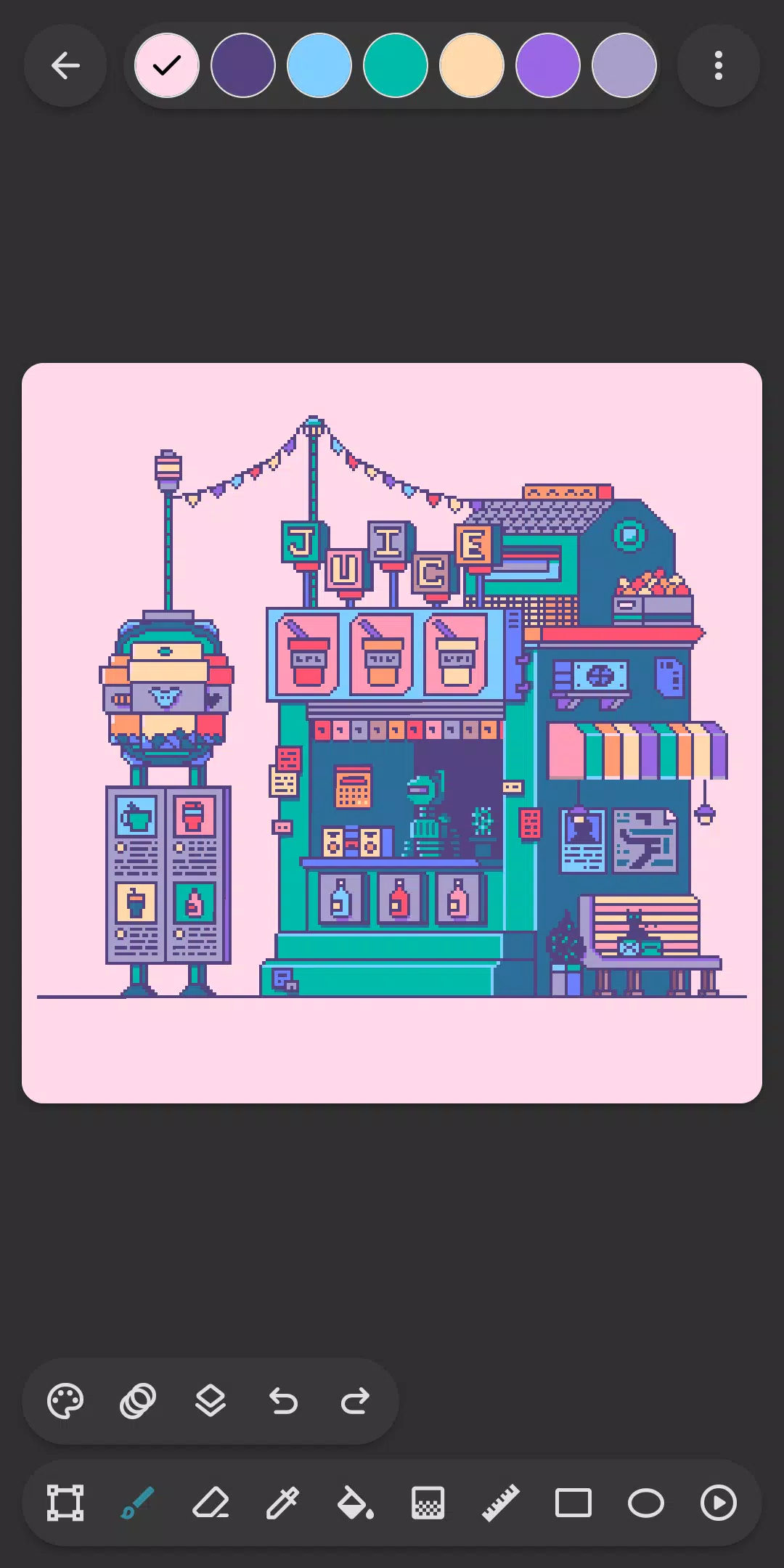
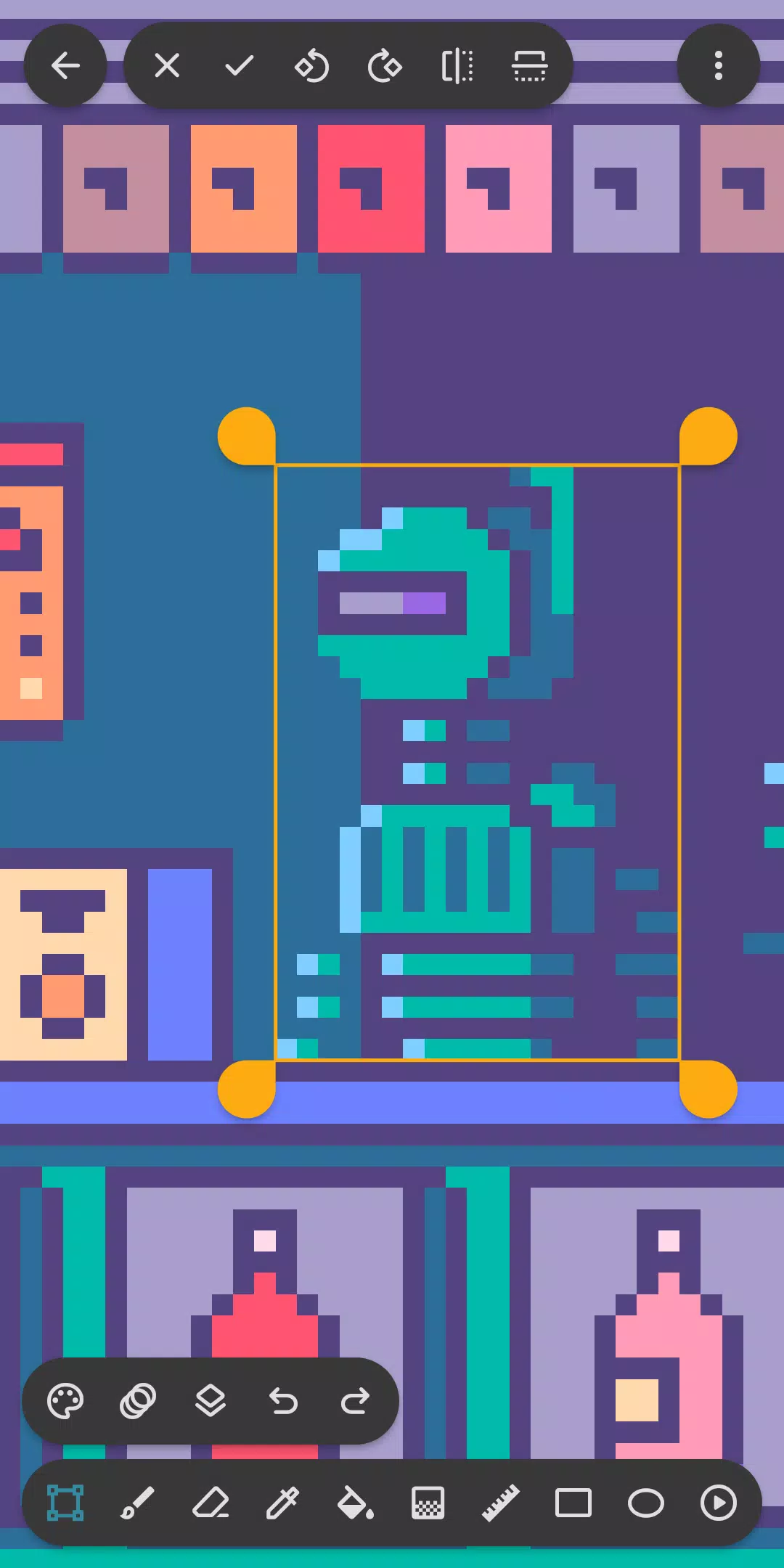
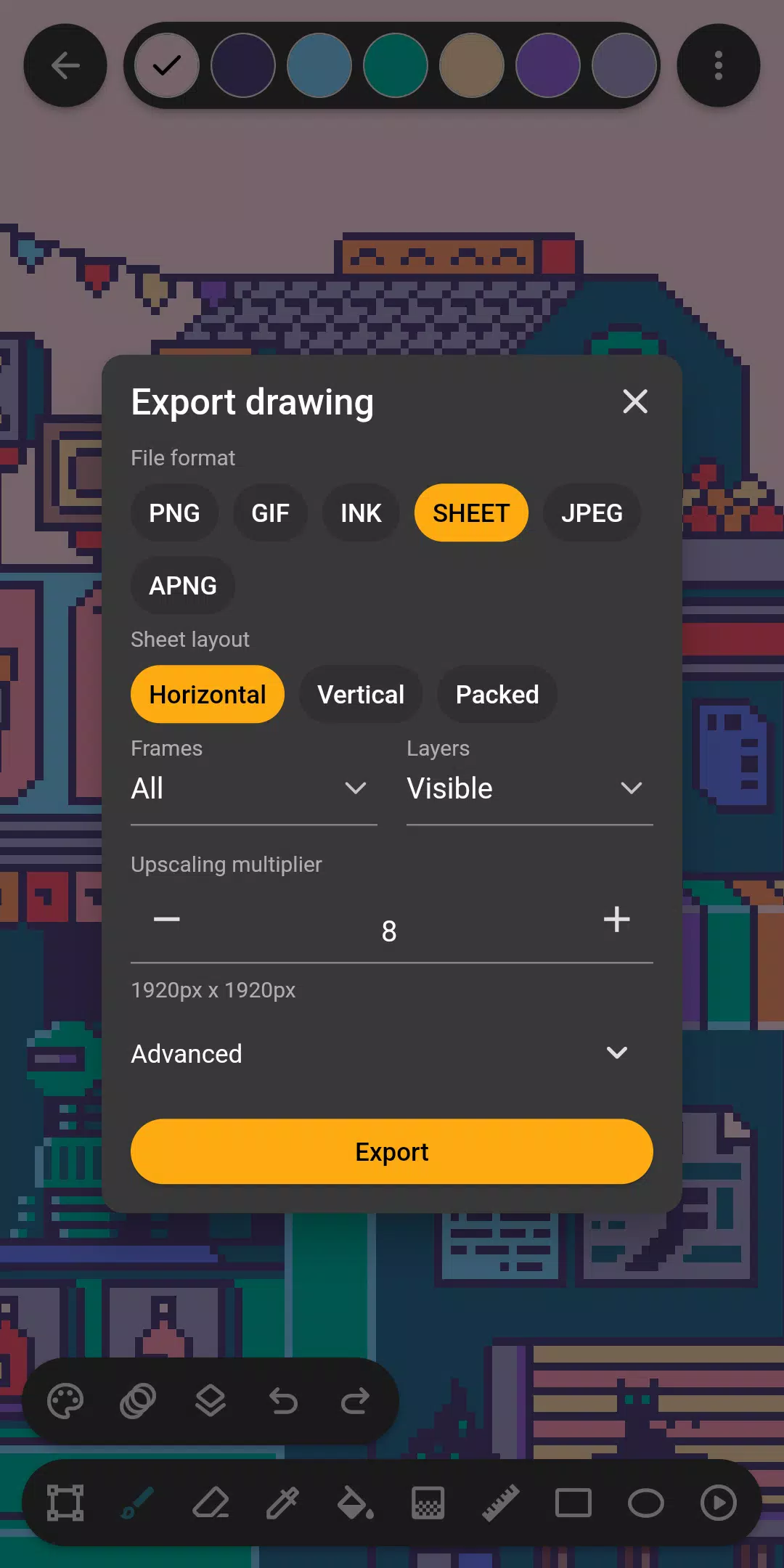
Inktica is a user-friendly and powerful pixel art editor that allows you to unleash your creativity and design amazing artwork reminiscent of classic video games. With a range of tools like Brush, Eraser, and Gradient, you can easily create intricate pixel art with precision. The app also features animation tools and supports layers, making it simple to organize and edit your drawings. You can even import color palettes from popular consoles or create your own unique designs. Inktica is perfect for both beginners and experienced artists, offering a seamless platform to bring your pixel art to life and share it with the world.
Features of Inktica:
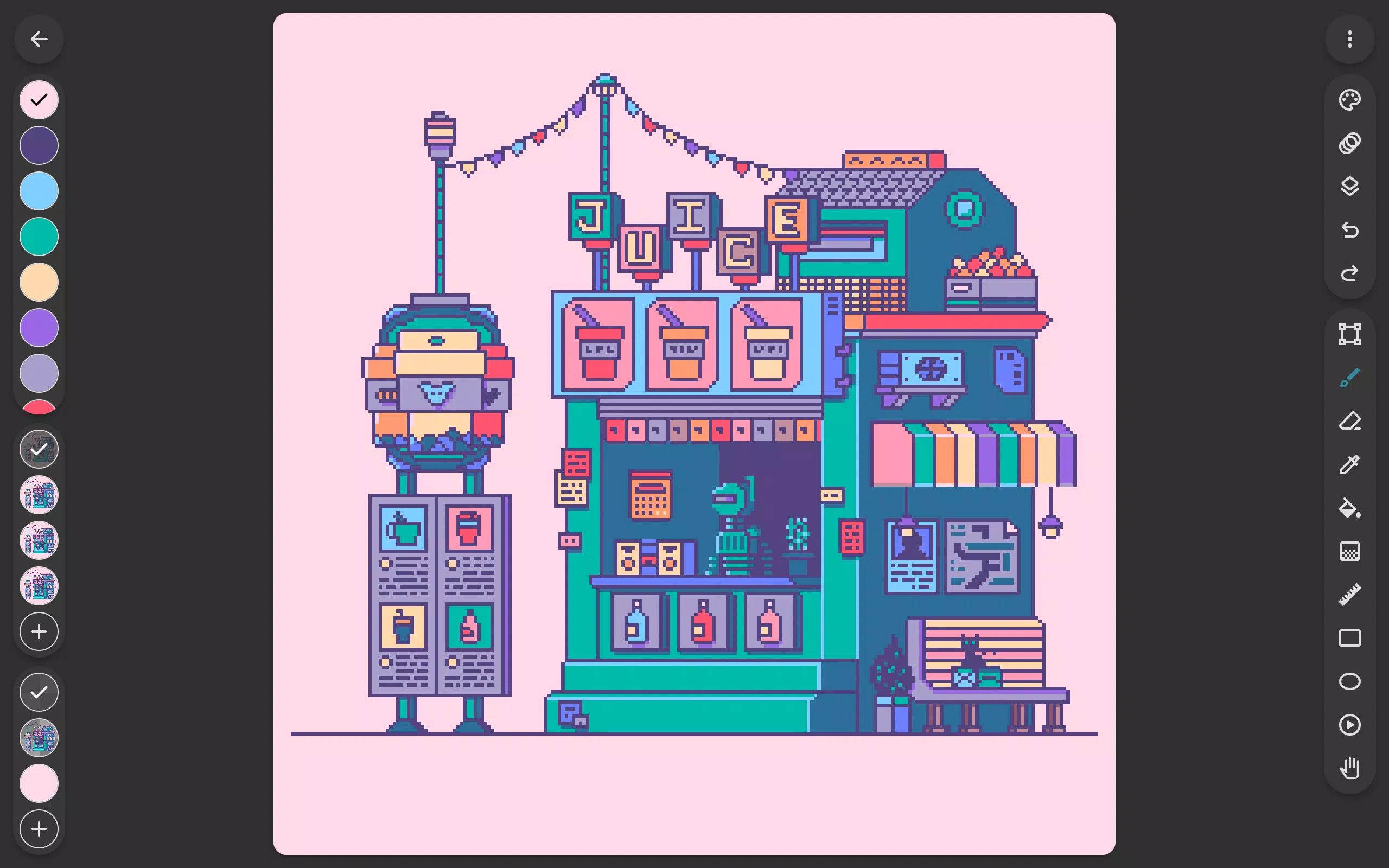
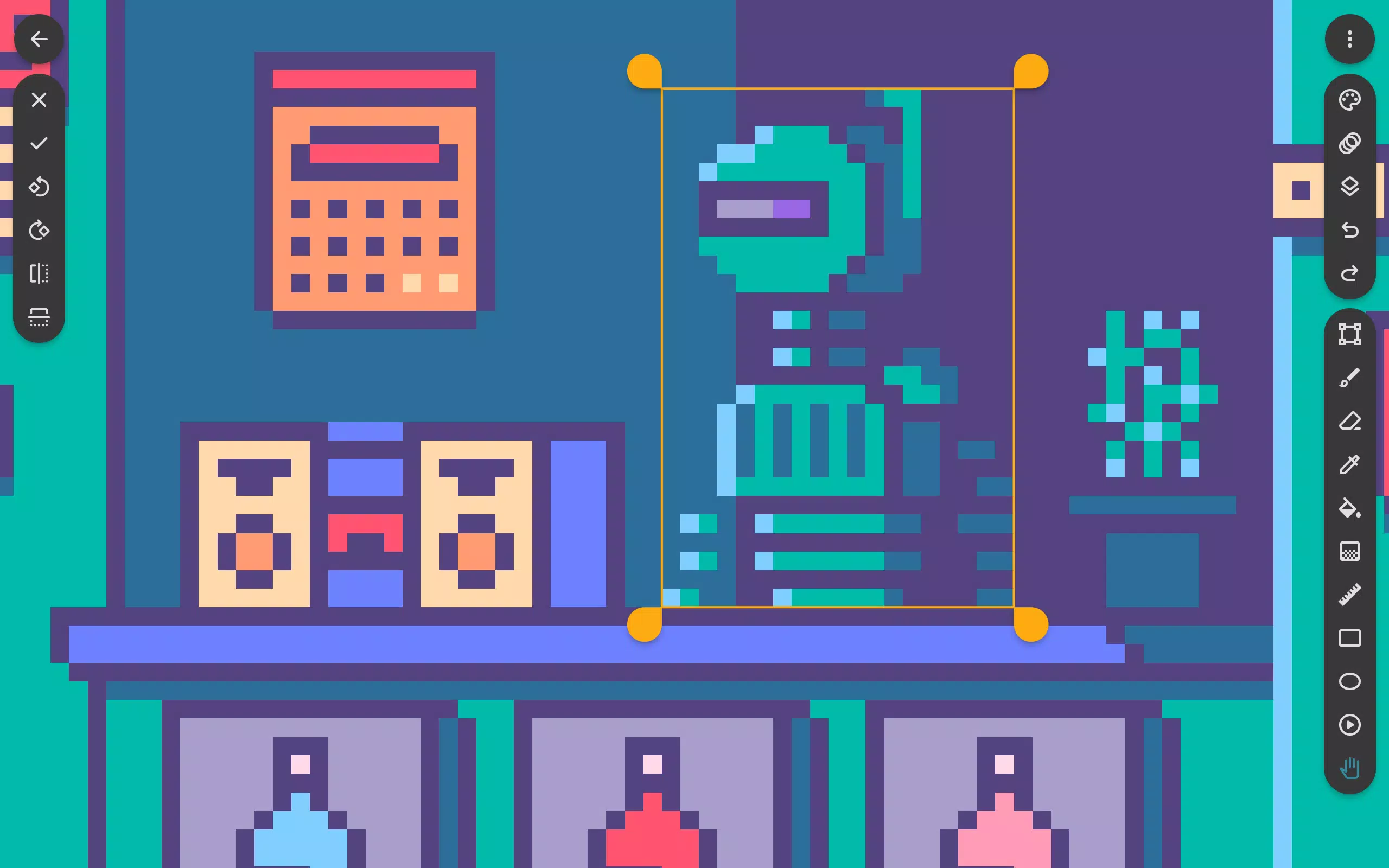
❤ Powerful Pixel Art Editor: Inktica is a powerful tool that allows users to create pixel art, animate sprites, and edit game textures with ease. The tools dedicated to editing images at a pixel level make it a must-have for pixel art enthusiasts and game developers.
❤ Variety of Drawing Tools: With Inktica, users have access to a wide range of drawing tools, including Brush, Eraser, Gradient, and more. The options dedicated to pixel art, such as the "pixel perfect" algorithm for drawing single-pixel-wide lines, make creating intricate designs a breeze.
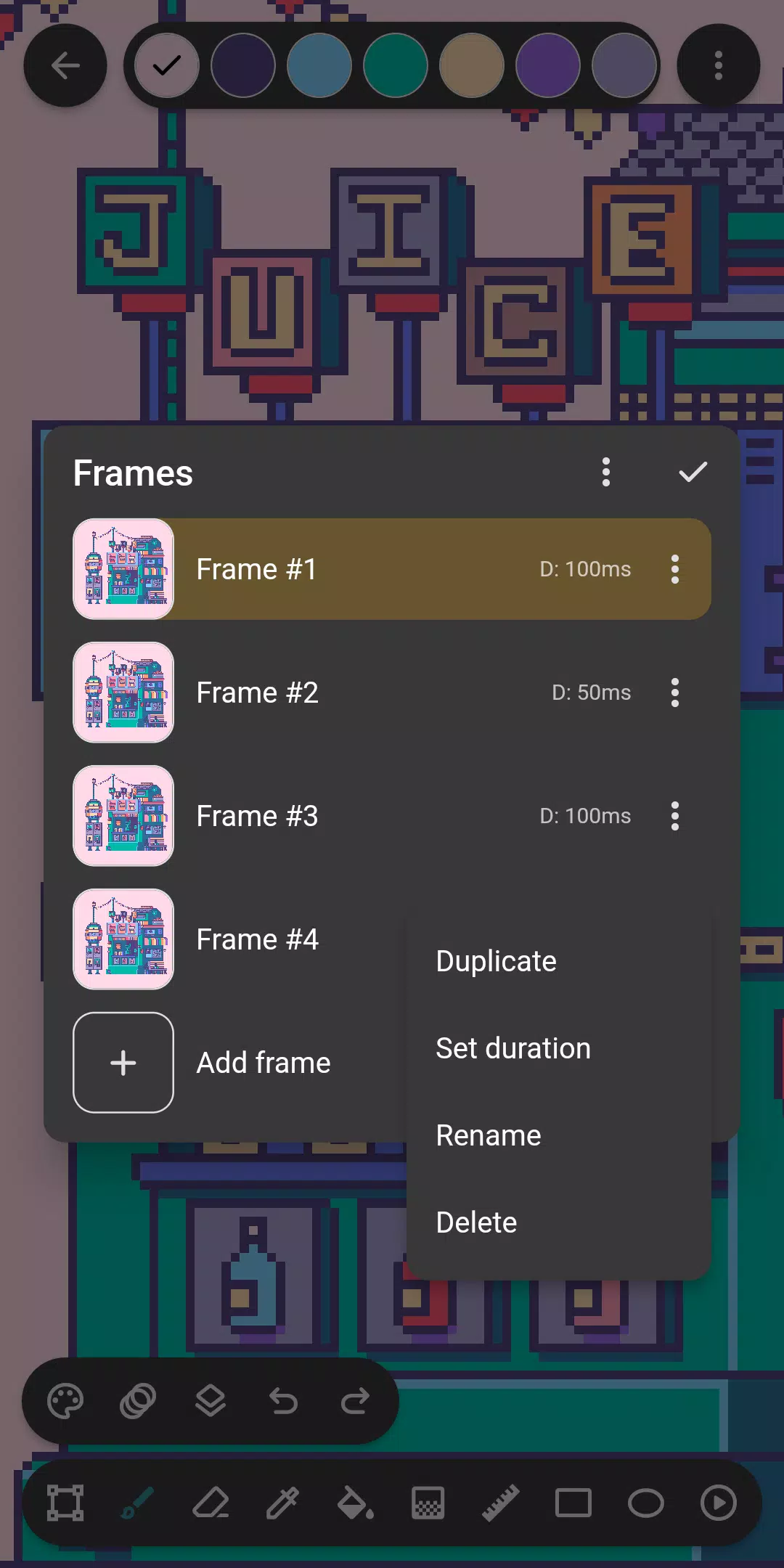
❤ Animation Tools: Bring your sprites to life with Inktica's animation tools. The onion skin option allows for easy comparison between frames, making it easier to create smooth and fluid animations.
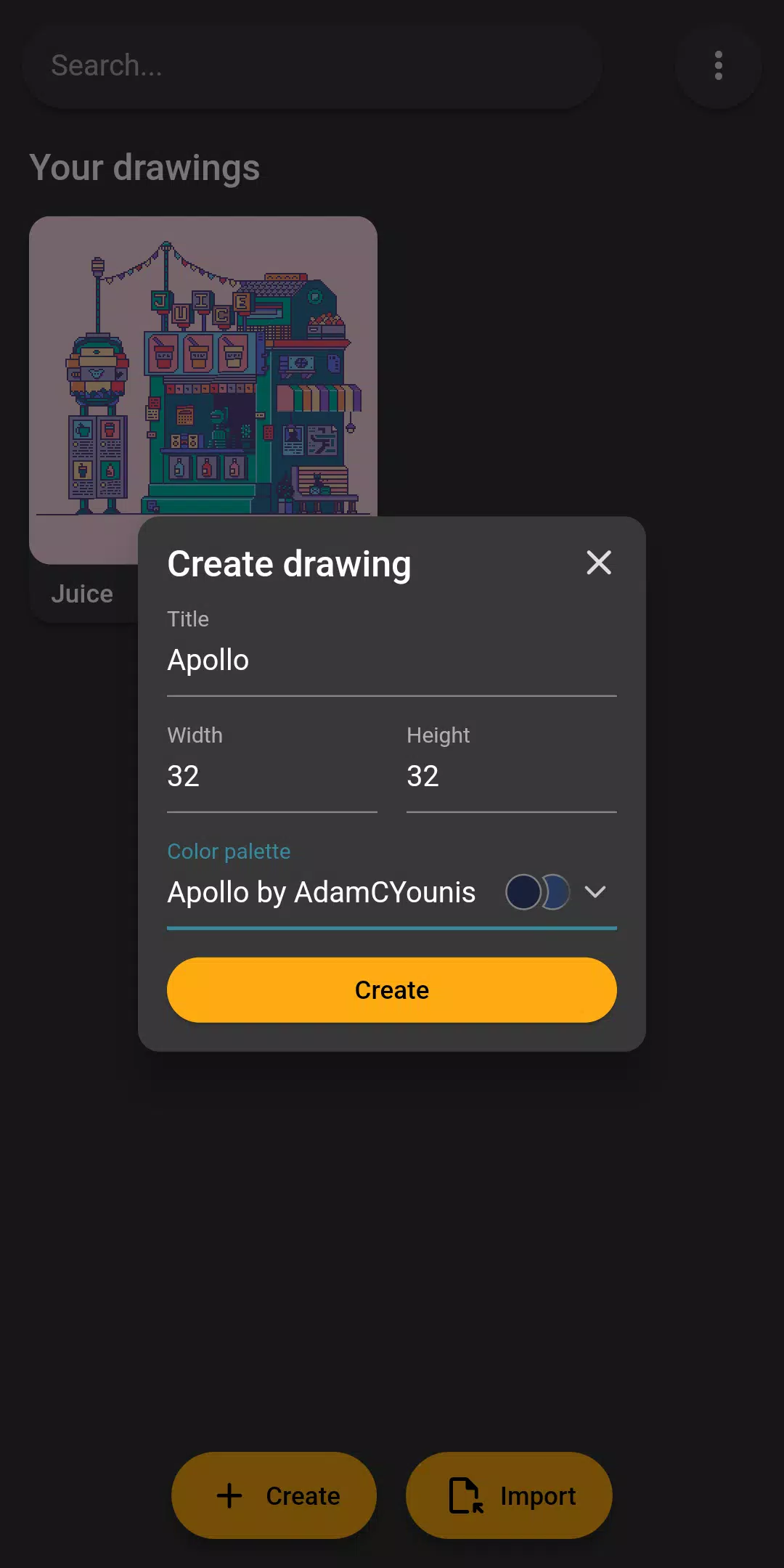
❤ Color Palettes and Reference Images: Inktica offers a variety of color palettes inspired by classic consoles like the Atari ❤ NES, and Game Boy. Users can also import color palettes from Lospec for even more options. Additionally, the ability to use a reference image for comparison while drawing helps ensure accuracy and consistency.
Playing Tips
❤ Experiment with Different Drawing Tools: Take the time to explore the various drawing tools available in Inktica and experiment with different techniques to find what works best for your style.
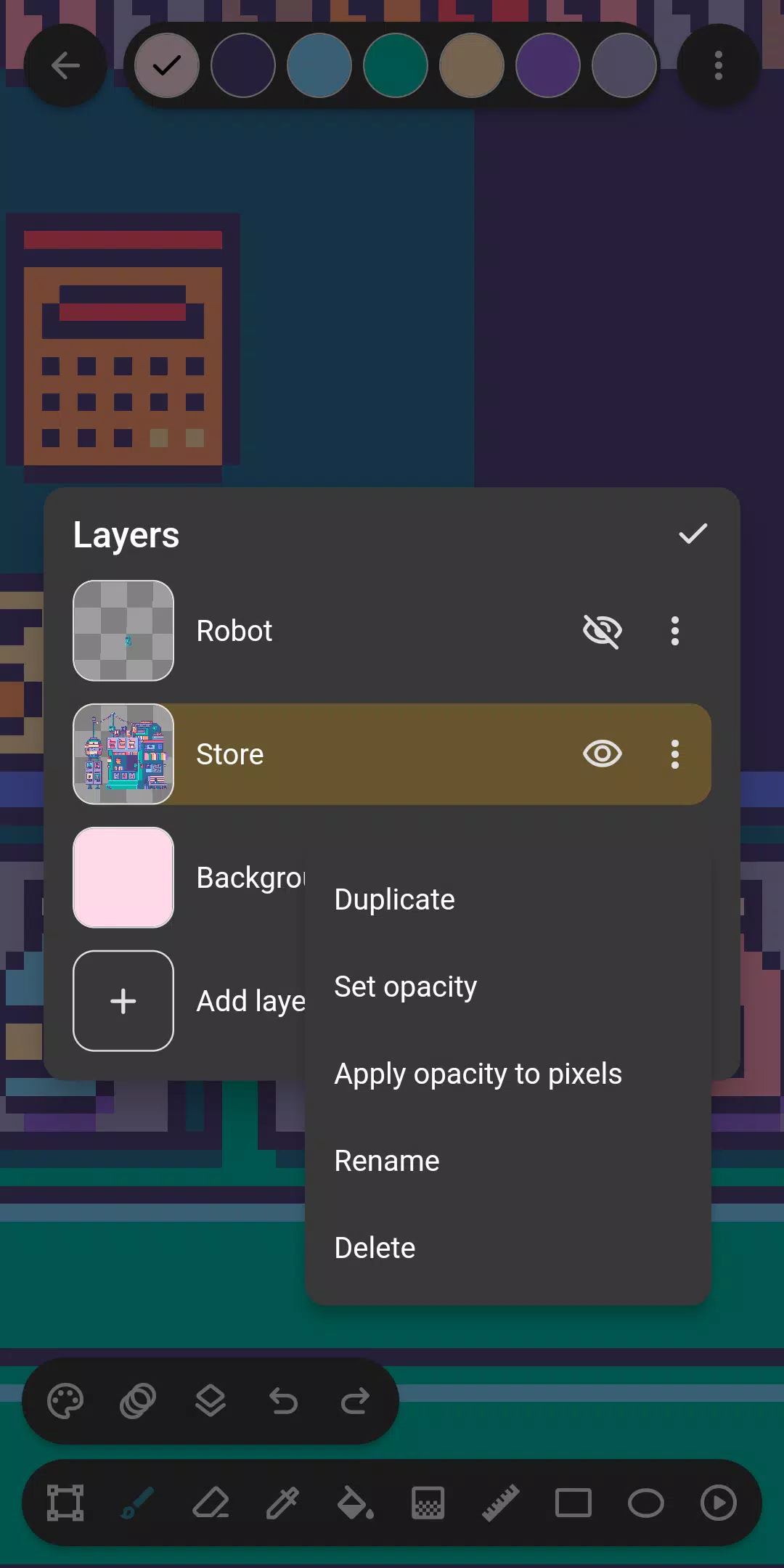
❤ Utilize Layers for Organization: Utilize the layers feature in Inktica to organize your pixel art drawing and make editing specific parts easier. This allows you to work on different elements of your design separately and make changes without affecting the rest of the artwork.
❤ Take Advantage of Animation Tools: When creating pixel animations, make use of the onion skin option in Inktica to compare the currently edited frame with the previous frame. This will help you create smooth, consistent animations.
Conclusion
Inktica is a versatile and user-friendly pixel art editor that offers a wide range of tools and features for creating stunning artwork and animations. Whether you're a seasoned pixel artist or just starting out, Inktica provides everything you need to bring your creative vision to life. With its powerful editing tools, animation features, and support for various color palettes, Inktica is the perfect companion for anyone passionate about pixel art. Download Inktica now and unleash your creativity!