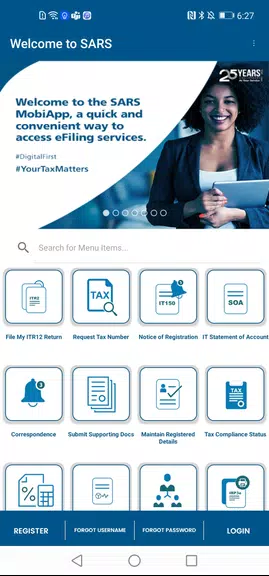
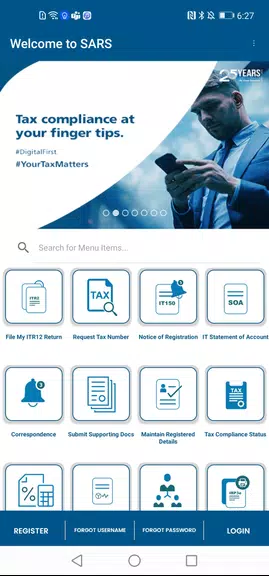
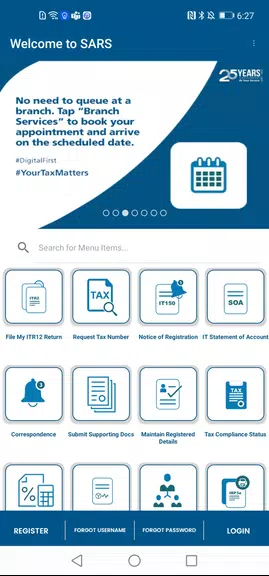
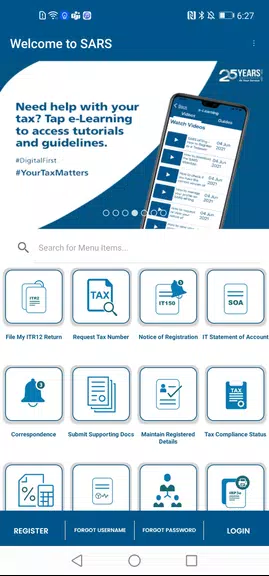
SARS Mobile eFiling allows individual and business taxpayers to manage tax returns, view assessments and receive official correspondence from SARS using a secure mobile interface.
Key functions
- Secure sign-in with eFiling credentials and optional device authentication
- Prepare, submit and track individual and business tax returns
- View assessments, statements and notice history
- Make payments or view payment instructions and transaction records
- Upload supporting documents and save drafts for later submission
- Receive alerts and messages from SARS regarding filings and assessments
Using SARS Mobile eFiling
Sign in with your existing eFiling username and password, select the relevant tax return or form, complete required fields or attach prepared documents, submit and monitor progress. Use the app to check notices, confirm payment status or respond to SARS messages. If you need assistance, consult the in-app help resources or contact SARS support for guidance.
SARS Mobile eFiling is designed to complement the online eFiling service and to help you manage tax tasks on the go while keeping official records accessible and secure.