Introducing the PSD Banking Classic, a must-have for all your financial needs. With this user-friendly app, you'll always have control over your finances. Keep track of your personal accounts, view transactions, make domestic and SEPA transfers, set up recurring payments, and manage your credit cards. The app also provides real-time stock market updates, allows you to manage your online investments, and even includes a helpful ATM locator. Plus, with the innovative Scan2Bank feature, you can quickly and accurately transfer payments by scanning invoices or QR codes. Rest assured, your data is securely protected with multiple layers of authentication. Experience the convenience and security of PSD Banking Classic today!
Features of PSD Banking Classic:
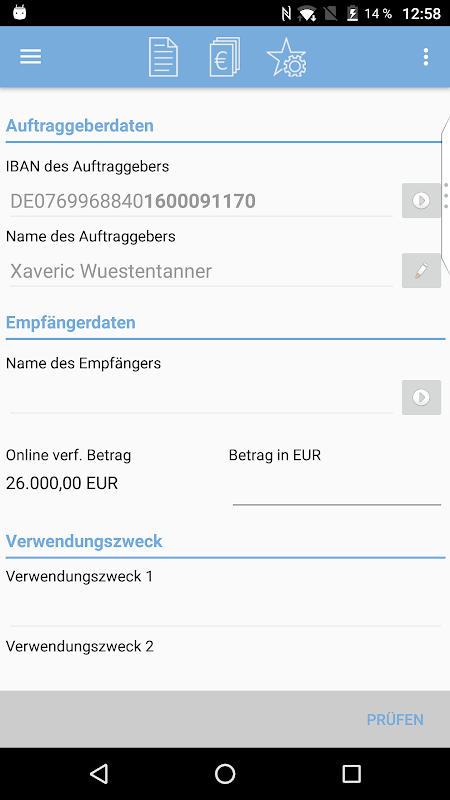
Convenient and Secure Banking: With the PSD Banking Classic, users can easily manage their finances on the go. They can check their personal account overview, view transactions, make domestic and SEPA transfers, schedule future transfers, and access their online financial status. The app also ensures the security of users' data by requiring a PSD-Key or Alias and PIN for login, and providing options for generating TANs for transaction confirmations.
Integrated Brokerage Services: The app also offers brokerage services, allowing users to manage their online portfolios, buy and sell securities, monitor market trends with real-time charts and push prices, and access up-to-date market information.
Multibanking Capability: Users can manage all their bank connections in one app, making it easier to view balances and transactions from multiple accounts and make transfers between accounts, even if they're not with PSD Bank.
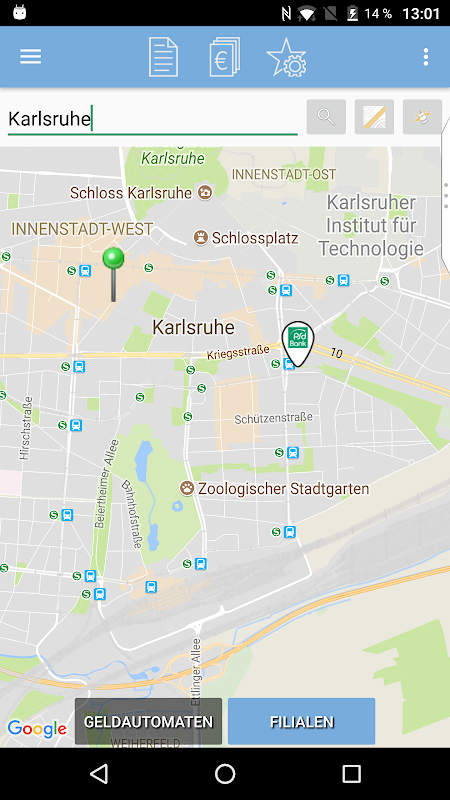
Filial-/Geldautomatenfinder: The app includes a feature that helps users locate the nearest bank branches and ATMs, making it convenient to access their banking services and withdraw cash.
Meine Bank: This section provides users with information on PSD Bank's latest publications and events, keeping them updated on important news and developments.
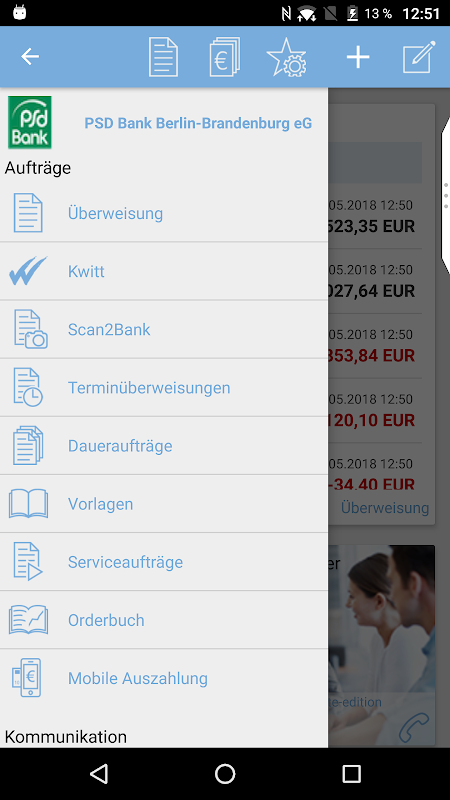
Scan2Bank: Using Scan2Bank, users can save time and reduce errors by simply scanning invoices, payment slips, or QR codes, which automatically extracts the payment details and populates the payment form.
FAQs of PSD Banking Classic:
How do I log in to the PSD Banking Classic?
To log in, you will need to provide your PSD-Key or Alias, PIN, and the BLZ (Bankleitzahl) of your PSD Bank. If you have added other bank accounts, you will log in with your Master password.
Can I use mobileTAN for transaction confirmations?
Due to security reasons, mobileTAN is not allowed for the PSD Banking Classic. Instead, you can use Sm@rt-TAN plus or Sm@rt-TAN photo generated TANs, or the SecureGo option for confirming your transfer details.
Can I access my non-PSD Bank accounts in the app?
Yes, the app offers multibanking capabilities, allowing you to manage all your bank connections in one place. You can view transactions and make transfers between accounts that are not with PSD Bank.
How secure is the PSD Banking Classic?
The app ensures the optimal security of your data, similar to the browser-based online banking application. It has been certified by TÜV Rheinland for its effectiveness in ensuring data privacy and security processes.
Conclusion:
The PSD Banking Classic offers a comprehensive and convenient mobile banking and brokerage experience. With features such as personal account overview, transaction viewing, easy transfers, online financial status, and integrated brokerage services, users can easily manage their finances and investments on the go. The app also provides additional functionalities like multibanking, a branch and ATM finder, access to PSD Bank's latest updates, and the time-saving Scan2Bank feature. With its strong security features, the app ensures users' data is well protected. Download the PSD Banking Classic today and take control of your finances wherever you are.