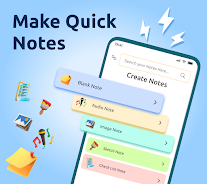
Notes: Notepad and Notebook is a versatile note-taking app that helps you capture ideas, organize tasks, record voice memos, and sketch quick drafts all in one place. Designed for students, professionals, and anyone who prefers straightforward note management, it combines simple editing tools with security options like PIN lock and auto-save so you never lose a note.
Key Features
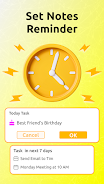
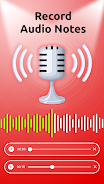
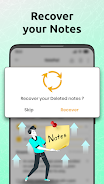
In Notes: Notepad and Notebook you can add photos and media to enrich memos and visual reminders. Pin important notes to the top for fast access. Record and save audio recordings and voice notes directly inside the app. Set reminders for tasks and deadlines to keep your checklist on schedule. Protect notebooks with a PIN lock, use widgets for instant entry, and recover deleted notes from the trash. A quick sketch tool and auto-save help preserve short drafts and ideas.
Advantages
Notes: Notepad and Notebook provides a unified space for text, voice, images, and sketches so everything related to a project stays together. Auto-save and trash recovery reduce the risk of losing important memos during editing or by mistake. Widgets and pinning make quick capture and prioritization convenient, and the simple interface is suitable for users who want an uncluttered note app.
Disadvantages
Power users may find the organizational tools basic compared with full-featured project management solutions. Collaboration and advanced sharing options are limited, so team workflows may be constrained. Users seeking deep formatting control or extensive export formats might find the editing suite intentionally simple.