Samsung Notes is a versatile note-taking app for creating and organizing handwritten and typed notes on mobile devices. It supports S Pen input, keyboard text entry, basic PDF annotation, image markup, and searchable organization to help you manage ideas and documents.
Key features
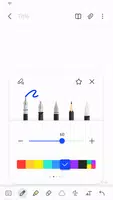
- Handwriting and typing: write with S Pen or keyboard and convert handwriting to editable text
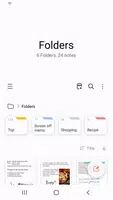
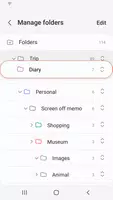
- Organization: create folders, add tags, and search notes quickly
- Sync and backup: save notes to Samsung Cloud or linked accounts for access on other devices using Samsung Notes
- Annotate images and PDFs: add notes, highlights, and simple edits to imported files
- Export and share: save notes as PDF or image and share via standard apps
Tips for use
To get the most from Samsung Notes, organize notes with folders and tags for faster retrieval. Enable cloud sync in Samsung Notes to keep content synchronized across devices and use export options to back up or share important notes.