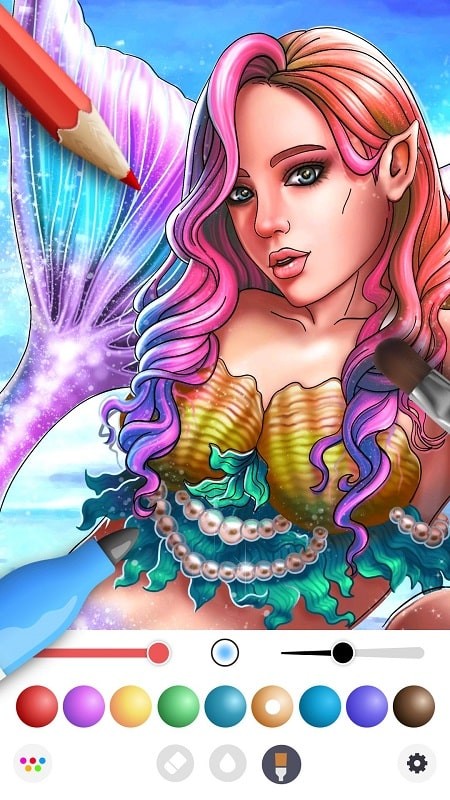
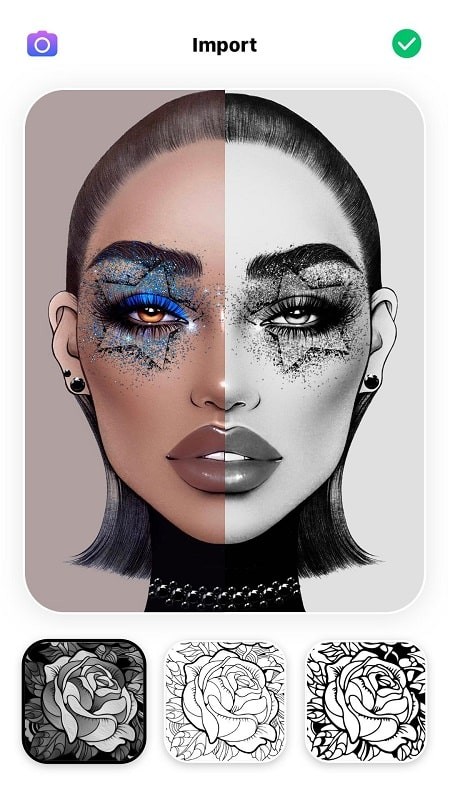
InColor is a mobile coloring and drawing app that lets you customize colors, use brushes and pens, and turn photos or line art into polished artworks. It offers a large library of images to color, simple tools for mixing and filling colours, and a relaxed creative space ideal for spare-time creativity or easing stress. Users who enjoy drawing, collecting painted images, or sharing eye-catching creations will appreciate the freedom to experiment without buying physical supplies. Downloading InColor gives instant access to customizable palettes, unlimited redraws, and an interface designed to make each picture more beautiful.
Key Features
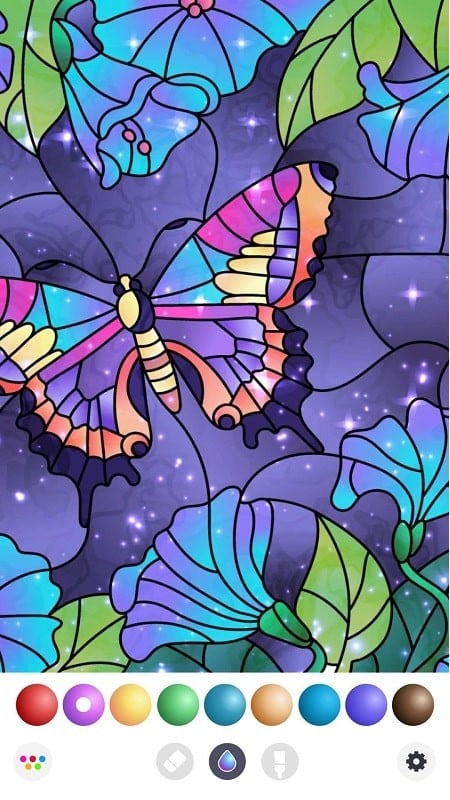
⭐ Large library of pictures and line art ready to color, from cartoons to landscapes.
⭐ Customizable palettes and color-mixing tools let you create unique shades inside InColor.
⭐ Multiple brush types, crayons and fill tools for detailed shading and quick fills.
⭐ Draw directly on your device with unlimited redraws and easy-to-use touch controls.
Advantages
✅ Great for relaxation and stress relief through focused coloring sessions.
✅ InColor removes the need to buy physical supplies, saving cost and storage space.
✅ Intuitive interface makes it easy to start coloring and experiment with styles.
✅ Ideal for quick creative breaks or building a personal gallery of polished images.
Disadvantages
❎ Focused mainly on coloring and drawing; it may not include advanced professional editing tools.
❎ Digital experience can’t fully replace the feel of traditional paper and paint for some artists.
❎ Image selection or specific features may feel limited for users seeking highly specialized content.