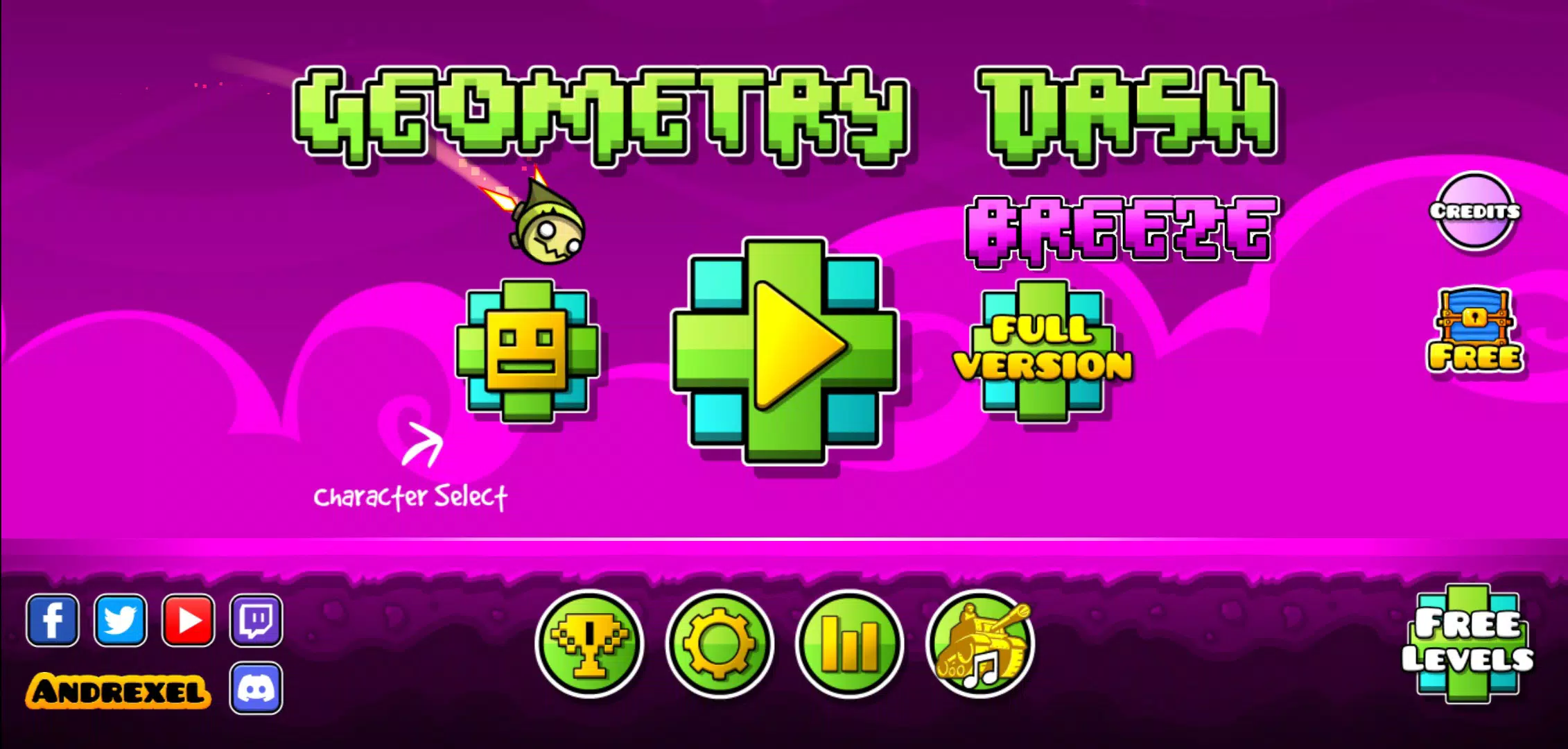
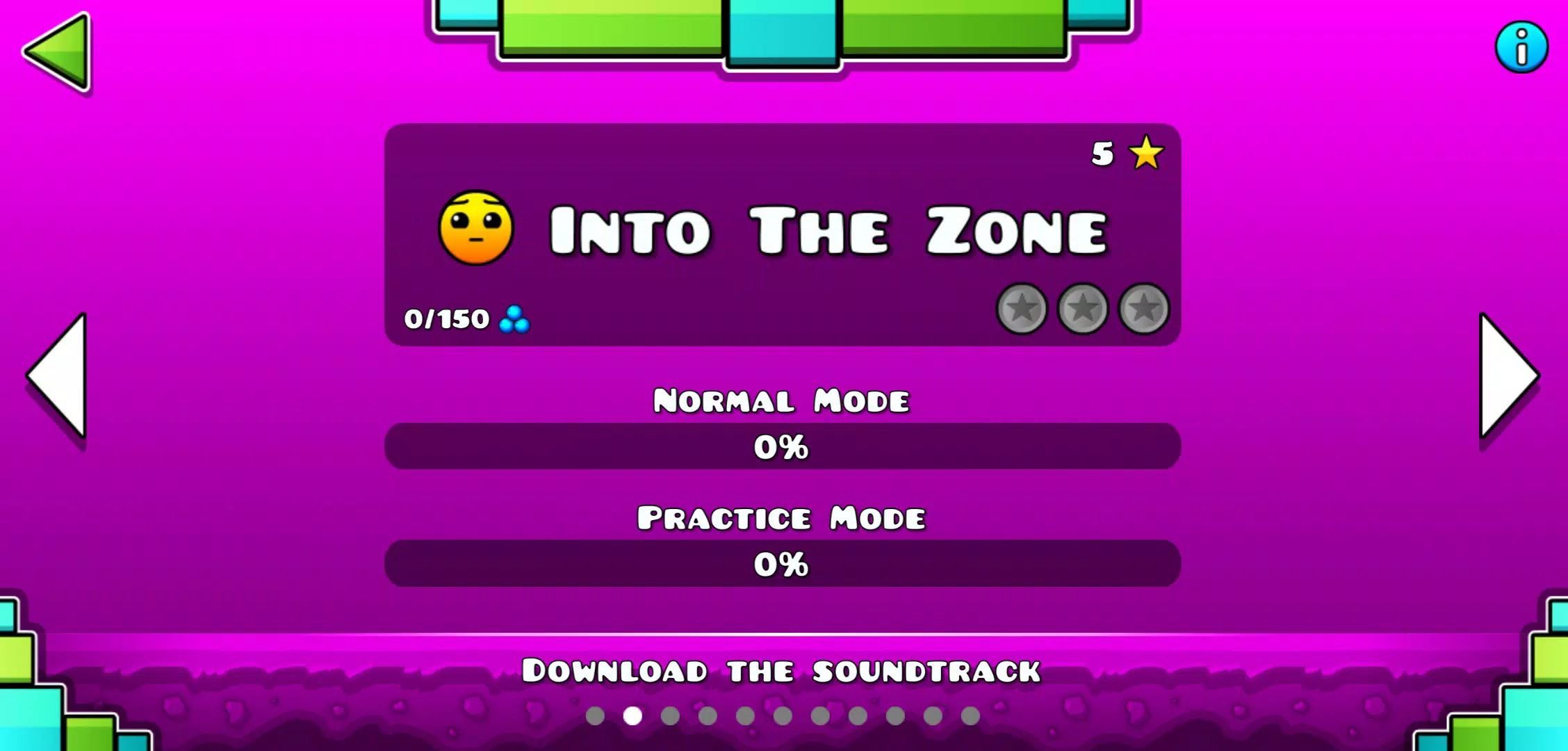
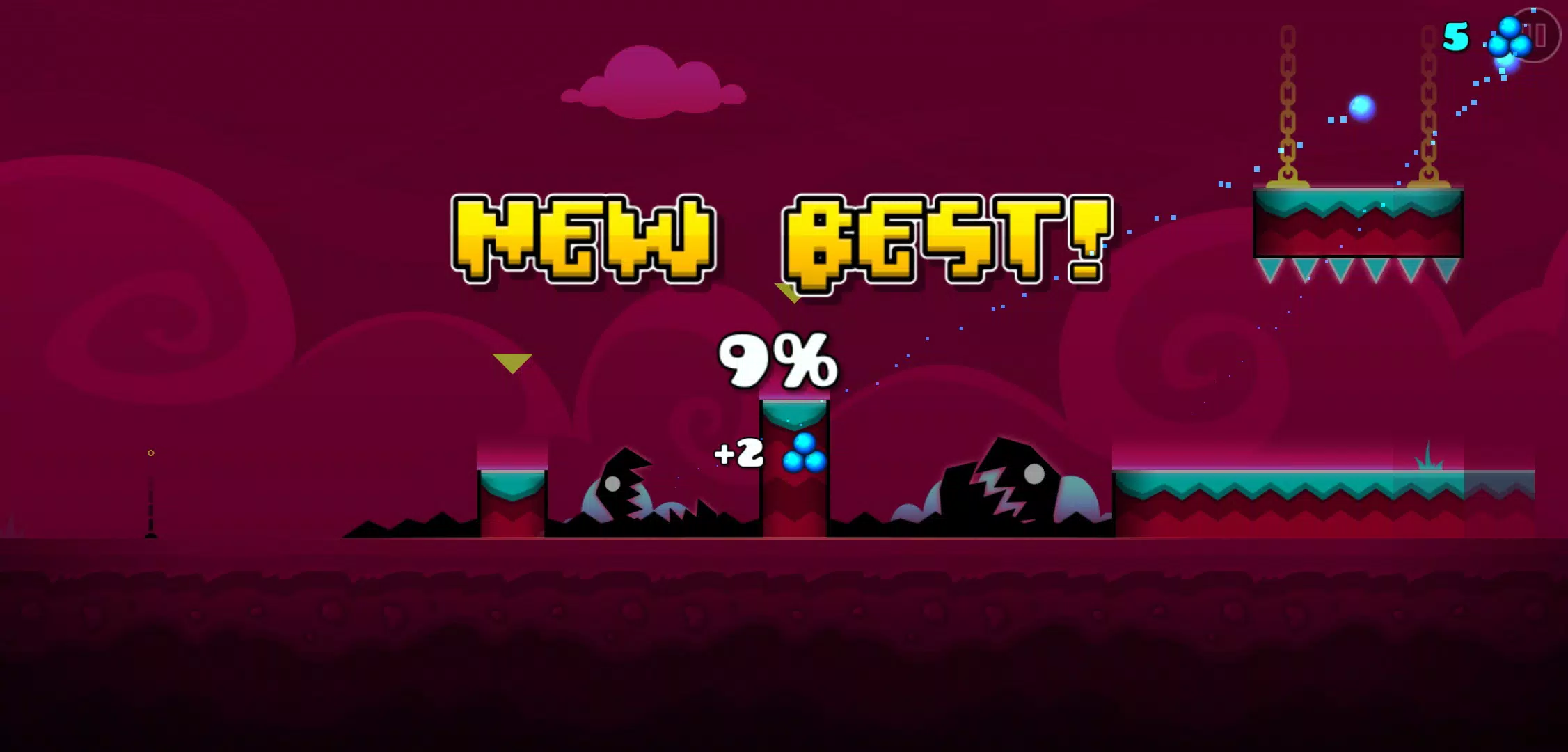
Geometry Dash Breeze is a rhythm-driven platformer that asks players to steer a constantly moving cube through sharply designed, music-synced stages. From its first levels to the most demanding runs, Geometry Dash Breeze ties obstacle placement and timing to an energetic soundtrack so that every jump, timed tap and precision landing feels connected to the beat. The opening stages introduce the core movement loop quickly while later levels layer visual cues and faster rhythms to keep experienced players challenged and newcomers learning through repeatable patterns.
Gameplay mechanics
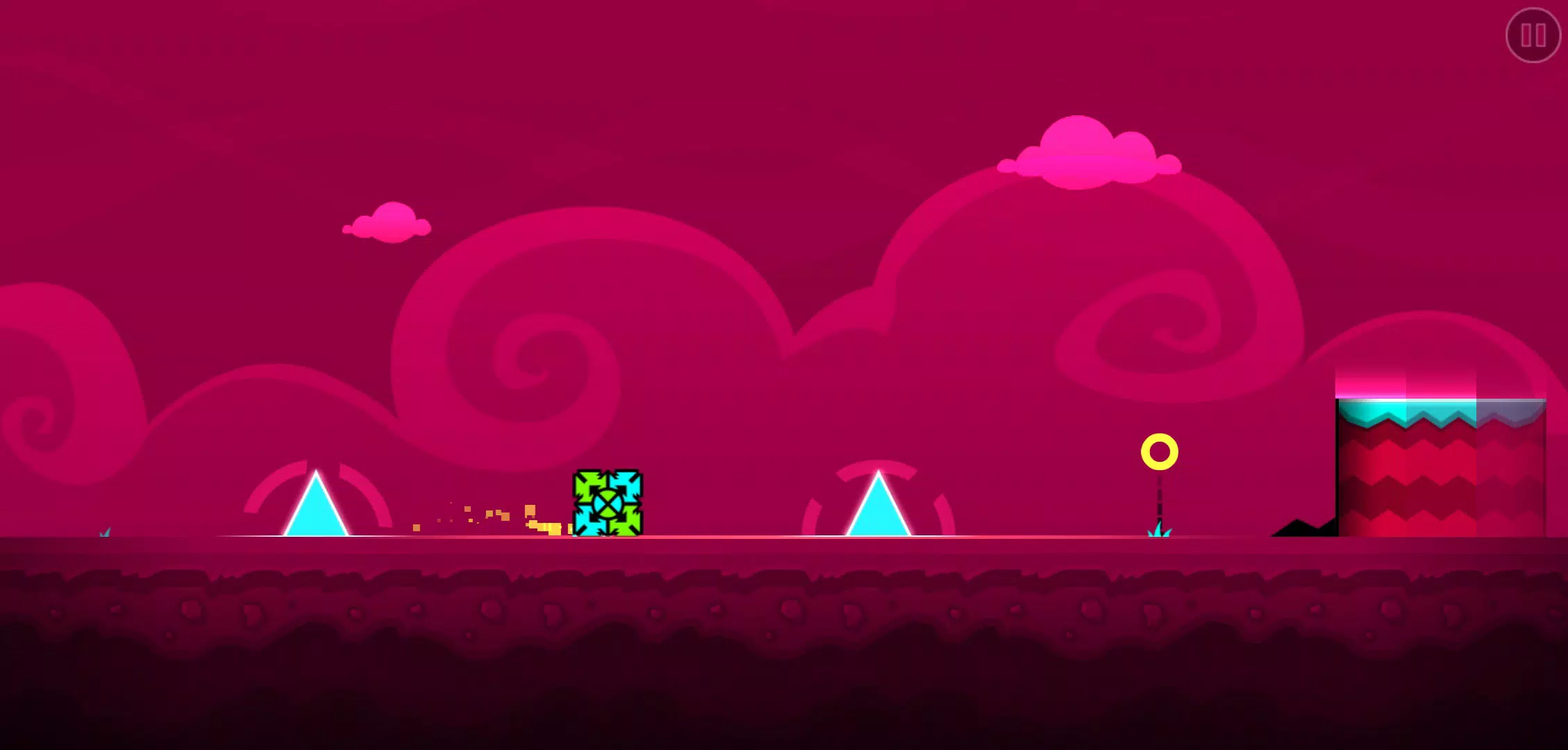
The core mechanics are straightforward yet deep: the cube auto-runs and the challenge comes from executing well-timed jumps, short hops and controlled maneuvers to avoid spikes, gaps and moving platforms. Level design emphasizes pattern recognition and rhythm awareness, so memorizing obstacle sequences and syncing inputs to the music becomes a primary skill. Obstacles are placed to match musical accents, which makes sections feel fair even when difficulty ramps up—success is largely about improving timing rather than relying on luck.
Controls and player experience
Controls are designed to feel immediate and responsive on touch devices; taps and held presses produce predictable jump heights and timing windows that reward precise input. The interface keeps on-screen elements minimal so players can focus on the visual rhythm and obstacle flow. Feedback is clear: visual flashes and subtle animation cues mark successful interactions and near-misses, helping players refine their approach over repeated attempts. The game’s input responsiveness helps reduce frustration during retries and enhances the sense of mastery as skills improve.
Progression and level structure
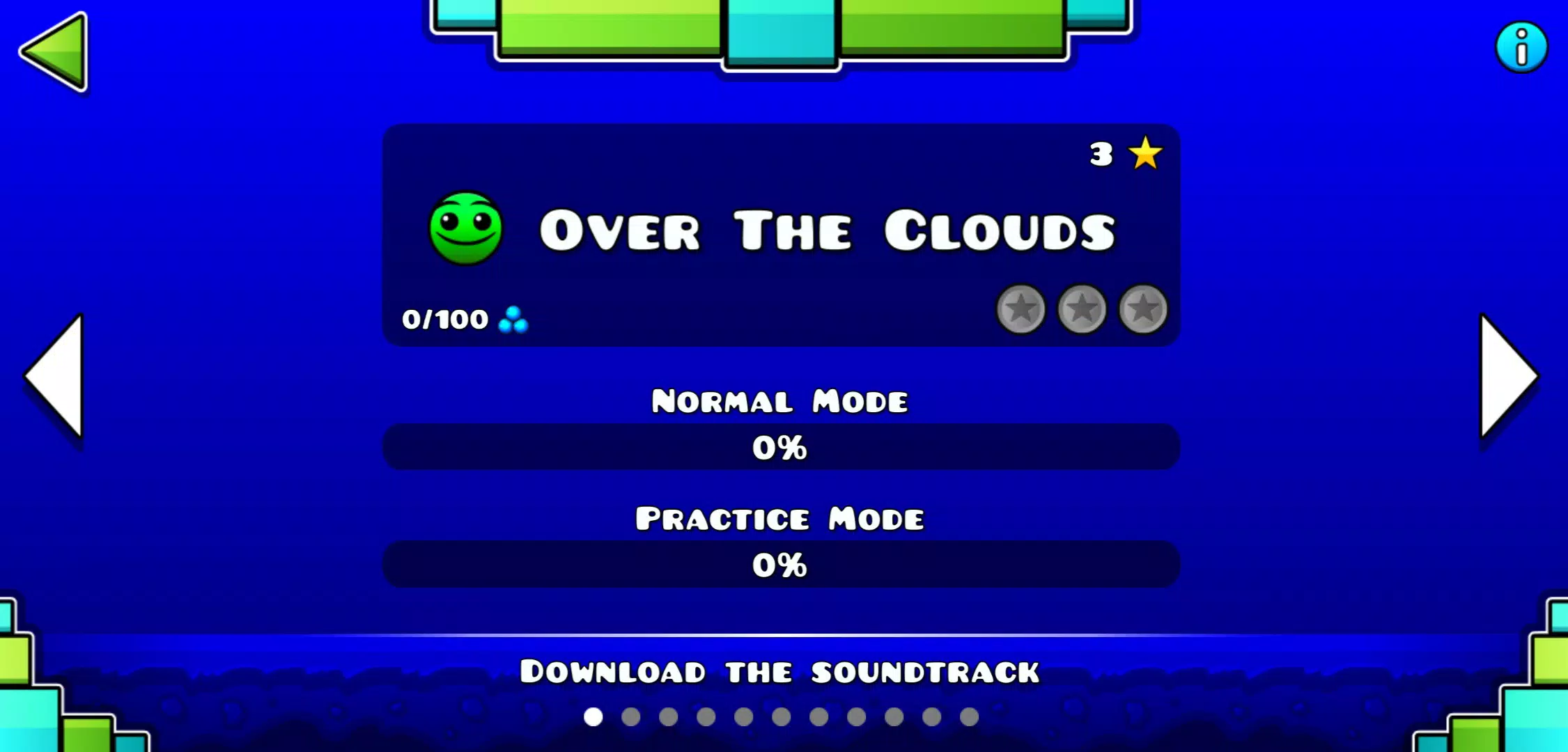
Levels are arranged to move players from beginner-friendly sequences to complex stages that demand split-second timing. Progressive difficulty introduces new obstacle types gradually—simple spikes and pits are followed by moving platforms and more intricate timing challenges—so the learning curve remains steady. Each stage is self-contained, offering a series of checkpoints in practice sessions and a focused sequence of rhythm-linked challenges in normal runs. Players progress by completing levels and revisiting earlier stages to refine their runs and discover tighter ways to link jumps to beats.
Visual style and customization
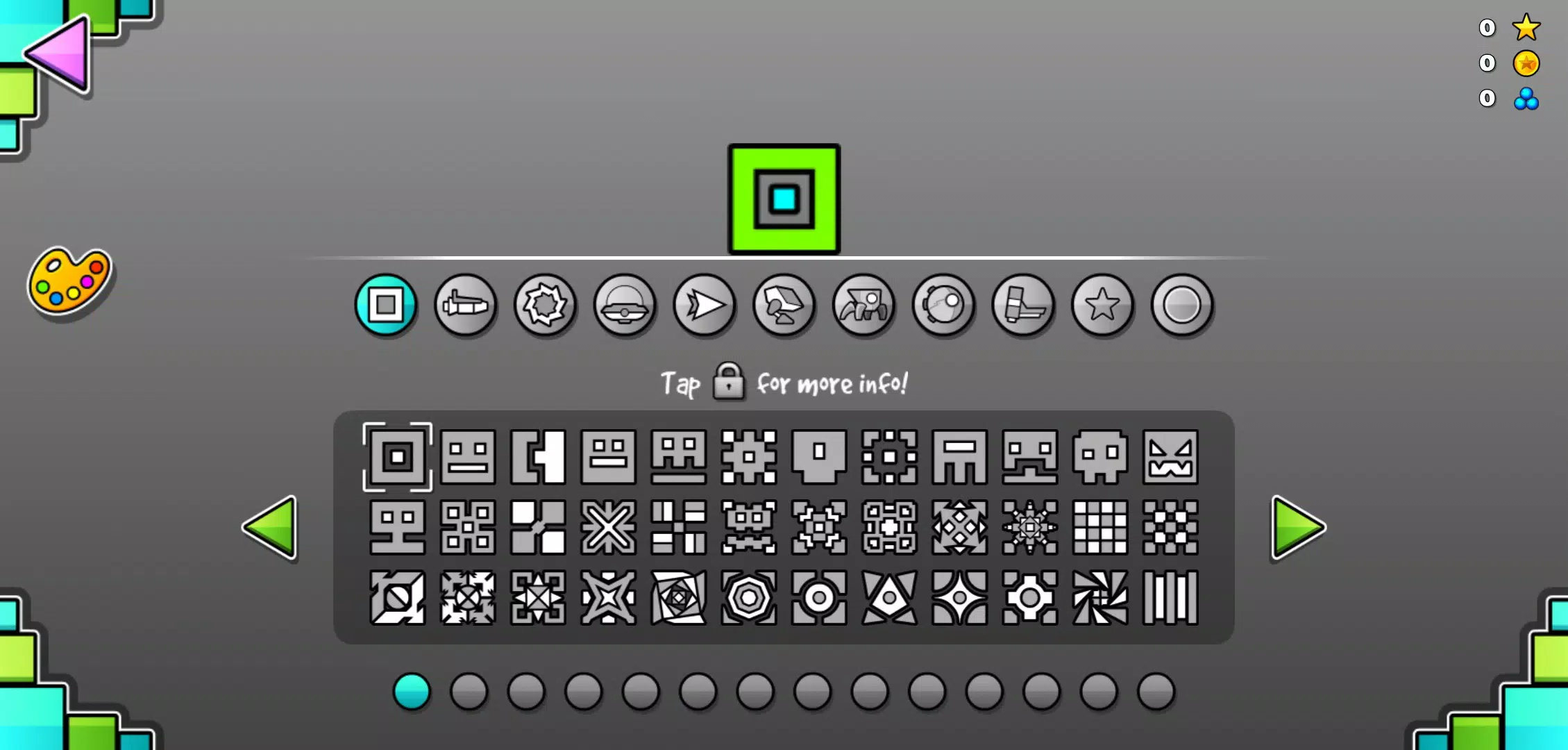
Geometry Dash Breeze stands out through vivid color palettes, smooth animations and dynamic backgrounds that shift with the music. Visual themes are varied, ranging from bright, clean stages to more contrast-heavy sequences that emphasize obstacle silhouettes. The game also includes modest cosmetic options so players can personalize the cube’s look and swap stage palettes, which helps keep the experience fresh without affecting gameplay balance. Animations remain fluid at different speeds, and visual clarity is prioritized so important obstacles remain readable even during fast sections.
Replay value and challenge systems
Replayability comes from the satisfaction of improving a specific segment, learning alternate timing windows and mastering rhythm-linked patterns. The procedural feeling of practicing a few difficult measures until the muscle memory locks in encourages repeated attempts, and many players find motivation in shaving milliseconds off performance and stringing together longer faultless runs. Difficulty spikes are intentional and provide clear milestones for skill growth: repeated practice feels rewarding because progress is visible and measurable in how smoothly runs are connected to the soundtrack.
Accessibility and offline play
The design favors pick-up-and-play accessibility while still offering depth for dedicated players. Simple controls and consistent mechanics make it approachable for a wide audience, and visual cues support players who rely on pattern recognition rather than raw reflexes. Geometry Dash Breeze is playable offline, so sessions don’t depend on network connections and players can practice anywhere. Settings allow players to adjust visual contrast and sound levels to suit different environments and hearing preferences, improving usability across a range of devices.
Getting started and recommended approach
Beginners should take time to feel the beat on early stages, focus on mastering short segments and use practice retries to learn obstacle timing. As confidence grows, pushing into more advanced levels will reveal how rhythmic structure informs platform placement and timing windows. With its clean visuals, consistent controls and music-driven design, Geometry Dash Breeze offers a focused platforming experience that rewards patience, repetition and growing precision.