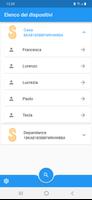
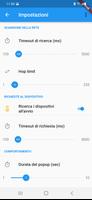
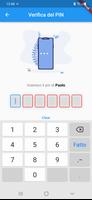
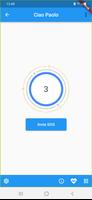
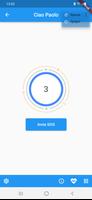
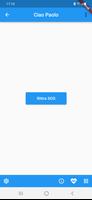
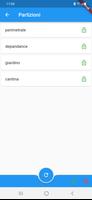
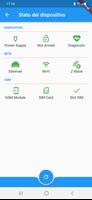
Slc (Securho Local Controller) is a companion app that lets you manage a Securho home security device from your phone, offering straightforward local control for everyday safety. It provides a simple interface to arm and disarm the alarm, assign personalized access badges, and request emergency help so household members can share responsibility for home security. The app requires the Securho hardware (sold separately) and uses the vendor's online platform for initial user and permission configuration. If you have the device, Slc (Securho Local Controller) streamlines access and makes alarm management simple for the whole family.
Key Features
⭐ Allow all family members to activate and deactivate the alarm through the app using individualized access.
⭐ Customize the app as a personal badge and set permissions per user to control access levels.
⭐ Manage an unlimited number of users, making it suitable for households of any size.
⭐ Send an SOS alert from the app and receive emergency assistance when needed.
⭐ Turn off the Securho device with a simple click for quick local control.
Advantages
✅ Centralizes household security controls in one intuitive mobile interface.
✅ Supports personalized badges and granular permissions to fit different user roles.
✅ Scales easily thanks to unlimited user management for families or multi-occupant homes.
✅ Simplifies local operation of the hardware through Slc (Securho Local Controller), reducing complexity for everyday use.
Disadvantages
❎ The app works only in combination with the Securho device and has no standalone functionality.
❎ User and permission setup must be completed through the vendor's online platform rather than entirely inside the app.