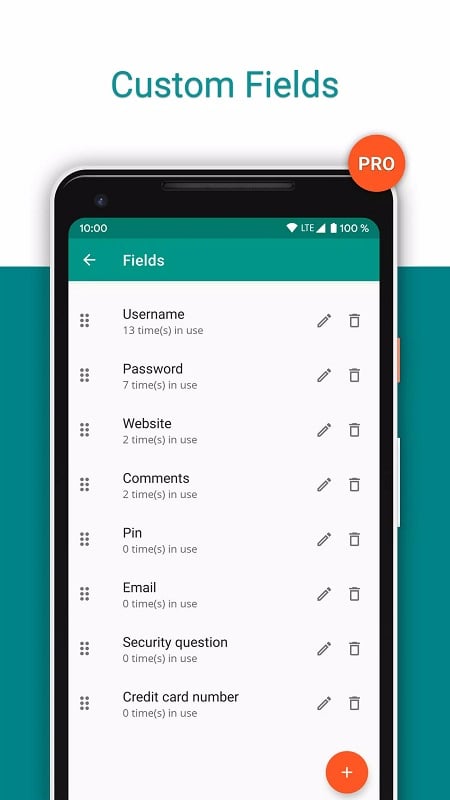
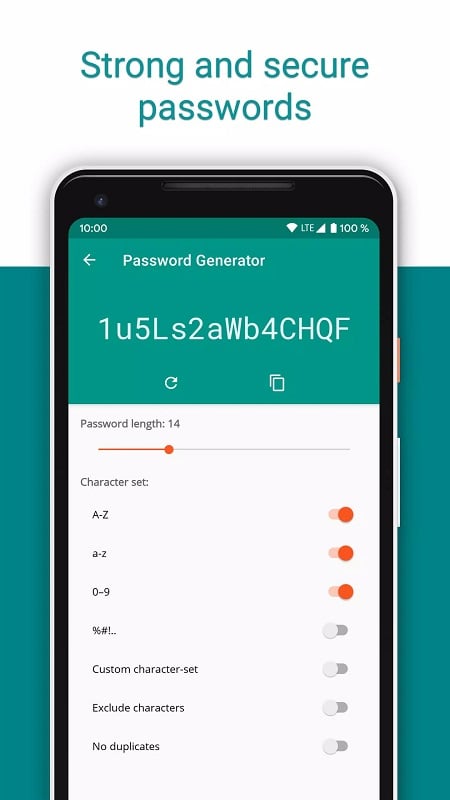
Password Safe and Manager is a local password vault that securely stores logins, PINs and notes behind a single master password. The app encrypts your entire database with AES-256 and runs offline so you can manage dozens or hundreds of accounts without sending data to remote servers. Password Safe and Manager includes a built-in password generator and strength indicator, lets you organize entries by category or favorites, and supports encrypted backups to your own cloud storage or manual transfers between devices.
Key Features
Password Safe and Manager protects the vault with industry standard AES-256 encryption and a single master password. The app runs fully offline, does not require internet permissions and does not enable automatic cloud sync by default. It provides a built-in password generator, a password strength indicator and an automatic clipboard clearing option that may be limited on some devices. Encrypted backup and restore, local auto-backup and CSV import/export let you move your database to another device or your personal cloud. Entries can be organized with categories and statistics, and the app offers Wear OS support and configurable widgets; additional export options are available in the Pro edition.
Advantages
Industry-standard encryption and a single master password make protection straightforward. Offline operation keeps your data under your control and reduces exposure to external servers. Flexible backup, import and export workflows allow secure transfers between devices, and the clean, customizable interface together with the password generator improve daily use. Optional biometric login is available in the Pro edition for faster access where supported.
Disadvantages
Password Safe and Manager does not offer automatic online sync, so backups and transfers must be handled manually. If the master password is lost, encrypted data cannot be recovered and there is no reset option. Clipboard clearing can be restricted on some devices and some advanced features require upgrading to the Pro version.