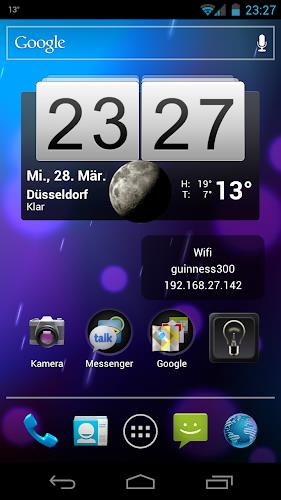
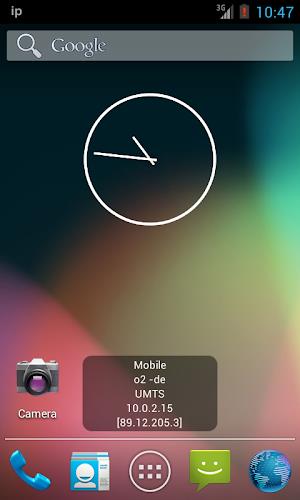
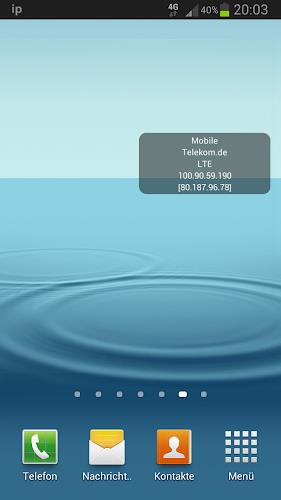
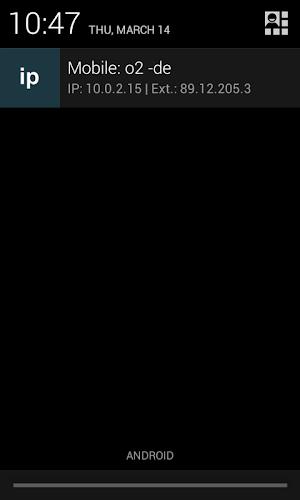
Keep track of your mobile carrier name, IP address, and wireless LAN information with this handy IP Widget app. Say goodbye to annoying ads and customize the display to your liking by choosing what information you want to see. With features like battery-saving technology, local and external IP address display, WiFi speed, and more, this app is a must-have for anyone looking to stay informed about their network connection. Available in multiple languages and with the option to contact the developer for translations, this app is perfect for tech-savvy users who want to easily monitor their network status.
Features of IP Widget:
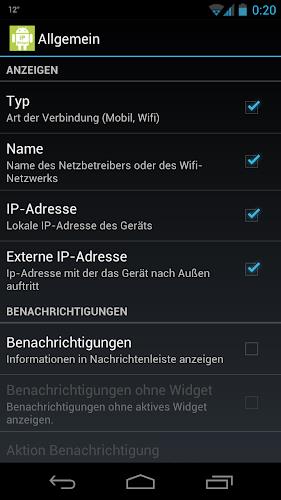
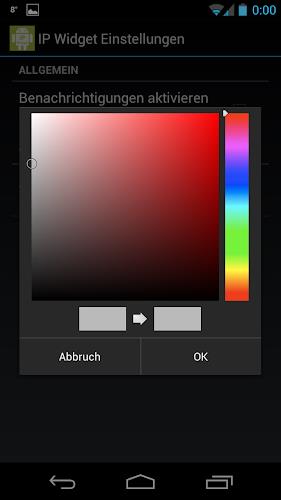
> Customizable Display: Users can select which information to display on the widget, including background, text size, text color, and text opacity.
> Battery Saving Feature: The widget does not poll for IP information, saving battery life. It gets updated when a change occurs in the system.
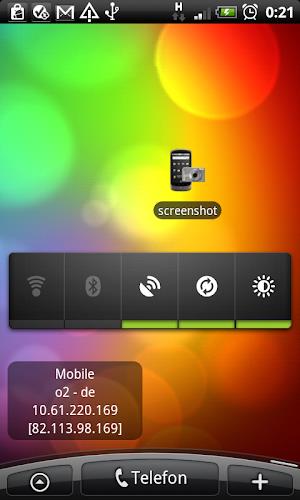
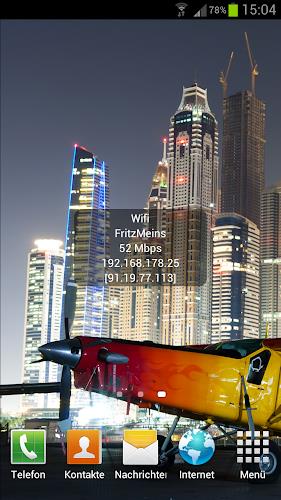
> Wide Range of Information: The widget can show various types of IP addresses (local and external), wifi speed, connection type, and more.
> Multilingual Support: The app is available in multiple languages, making it accessible to a diverse user base.
FAQs of IP Widget:
> Why are Channel & frequency not shown?
Since Android > the location permission is needed to scan for wifi networks around to get this information.
> What permissions does the app require?
The app requires permissions for full internet access, read phone status and identity, change Wi-Fi status, view network status, modify/delete storage contents, control vibration, and run at startup.
Conclusion:
With its customizable display, battery-saving feature, wide range of information, and multilingual support, this IP Widget app offers users a convenient and efficient way to monitor their network connections. Its user-friendly interface and diverse language options make it a valuable tool for users worldwide.