TV Cast for Samsung TV

2.59
DOWNLOAD APK
4.5/5 Votes: 38
Updated
Jun 16, 2025
Size
9.00M
Category
Tools
Version
2.59
Requirements
Android
Package ID
de.twokit.video.tv.cast.browser.samsung
Developer
2kit consulting
Report this app

DESCRIPTION

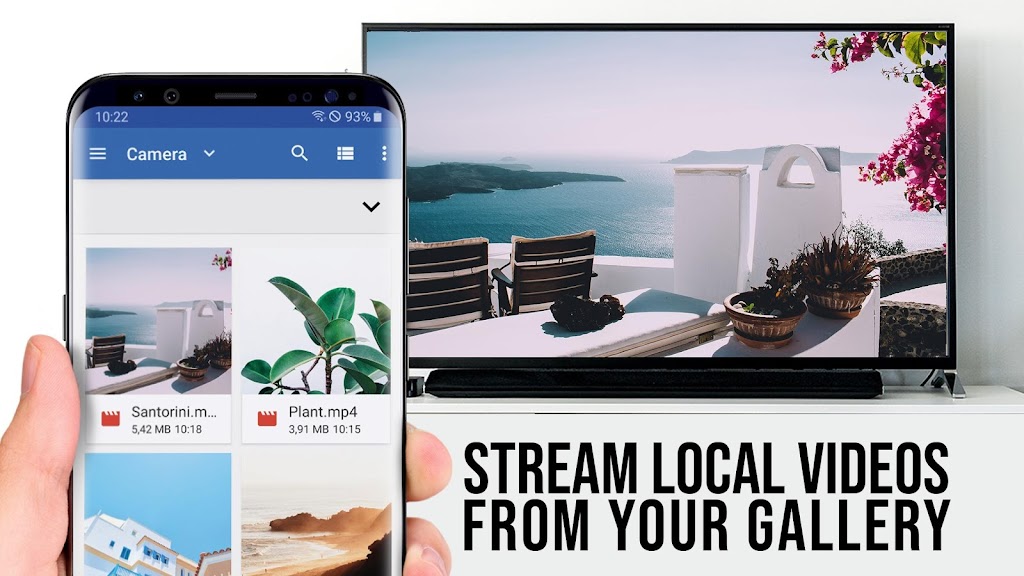
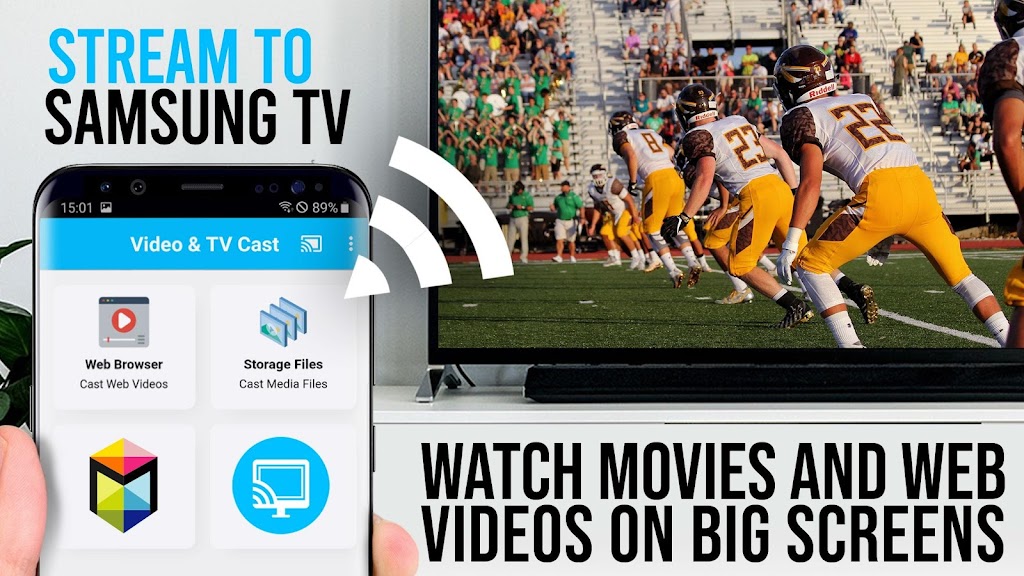
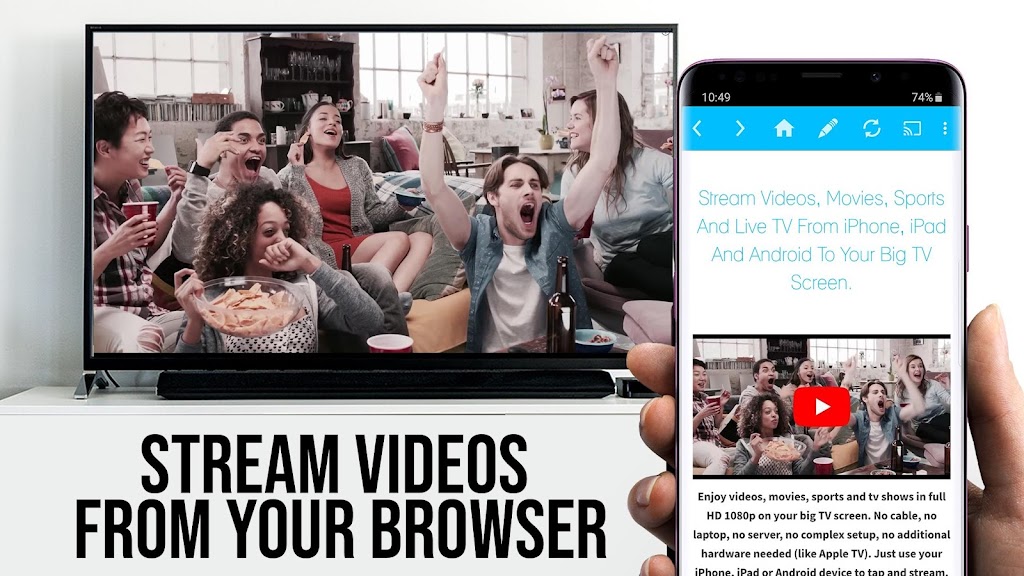
Upgrade your Samsung Smart TV and Blu-ray Player with the ultimate web video streaming app. With TV Cast for Samsung TV, you can watch webvideos, online movies, livestreams, and live-tv shows directly on your biggest screen without the need for any additional streaming box. This user-friendly app supports a variety of video formats, including Mp4, m3u8, and hls livestreams, ensuring a seamless streaming experience. Simply browse the web on your Android device, tap to send the video to your Samsung TV or Blu-ray Player, and enjoy your favorite content in Full HD. Say goodbye to small screens and enhance your viewing experience with TV Cast for Samsung TV today.

Features of TV Cast for Samsung TV:

> Stream videos directly to your Samsung Smart TV or Blu-ray Player.

> Easy to use - simply tap to send videos from your favorite websites to your TV.

> Support for various video formats including Full HD.

> No additional streaming box required.

FAQs:

> How do I enable video casting on my Samsung device?

> Which videos are not supported for casting?

> What should I do if the connection does not work?

Conclusion:

Upgrade your Samsung Smart TV and Blu-ray Player with the TV Cast for Samsung TV to easily stream webvideos, online movies, livestreams, and live TV shows directly to your biggest screen. Enjoy the convenience of browsing the web and casting videos with a single tap, without the need for an additional streaming box. With support for various video formats and an easy-to-use interface, TV Cast is the perfect companion for your Samsung devices. Download the app TV Cast for Samsung TV now and start enjoying a seamless streaming experience.
IMAGES

Comment

  • Edit; answer to developer response. Casting suggests you can use the cast option in-app or mirror screens. Copy and pasting YouTube links is obsolete. Yt has that integrated Horrible app. it can only use copy and pasted website links. Has an option to mirror screens for the paid service which when you buy just takes you to another app that also costs money amd doesn't work with your connected TV through Samsung account. Not an ad either. It's the only option for mirror screens like chromecast.
    Jun 22, 2025 00:35:03
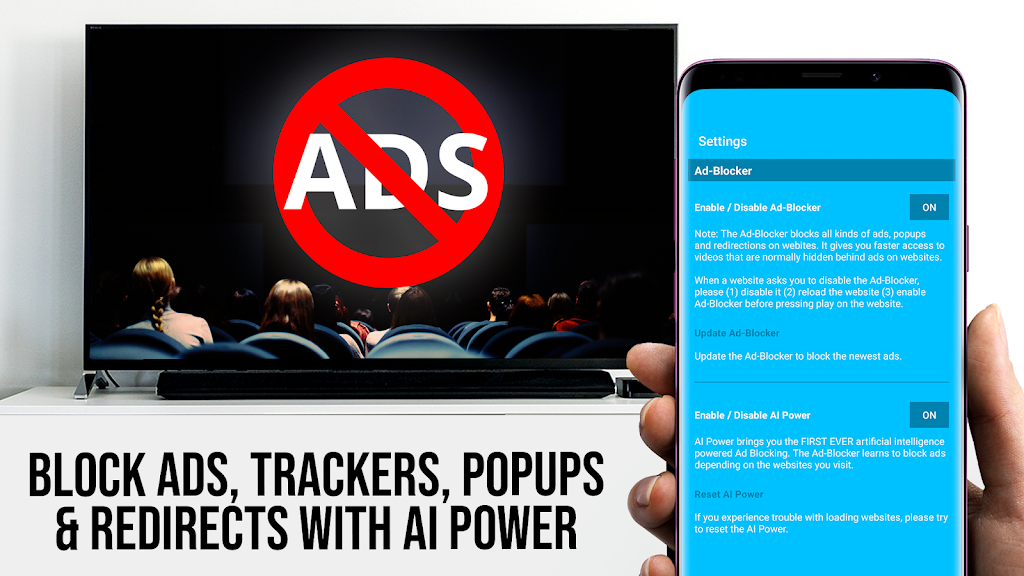
  • wow. I've never seen such app. The app itself creates unecessary ads and asks if I need an ad blocker. When I play it in my browser it shows only 2 or 3 ads and then stops. But in this apps browser it constantly shows never ending ads. What a garbage. That's how you make money huh? creating your own ads and asks us to pay for an ad blocker??
    Jun 21, 2025 15:33:22
  • horrible app which makes you pay money to use verg basic features. So this is just another Samsung ploy to get more money out of your pockets. You are better off going out to buy a chromecast which wont charge you monthly to stream from your other devices. Even the basic function which are "free" makes you watch a mandatory 30 second ads. I would give this app a 0 star if i could, but it works so 1
    Jun 19, 2025 12:31:30
  • I love this app! I bought the full premium version to rid of ads, etc. Now, I watch pretty much anything from my phone directly onto my big screen. Perfect! Keep it up. Thanks! Edit: unlike other reviewers, I have no trouble following the instructions (I guess they're not tech savvy or they're only as smart as their smartphones). Also, I can watch videos seamlessly and quickly on my TV while my phone screen is off to save battery!!
    Jun 19, 2025 12:22:03
  • Very glitchy. On selecting phone files get error messages stating phone needs to connect to same Wifi as tv even though it is or that phone isn't connected to tv even though it is. Have to select video several times to successfully cast. Then watch 30 second advert. After each error message App returns to Home screen so you have to select phone videos and scroll through AGAIN! Frustrating.
    Jun 18, 2025 22:02:57
  • This app is horrible. Tried to cast the hockey game on cbc, and it stopped casting every single commercial break. It doesn't mirror your screen, instead it relies on it's own lag-ridden browser to stream video elements. If your video source is offered in multiple qualities or there are ads on the page, good luck finding the source you want in the definition you wanted.
    Jun 18, 2025 15:10:25