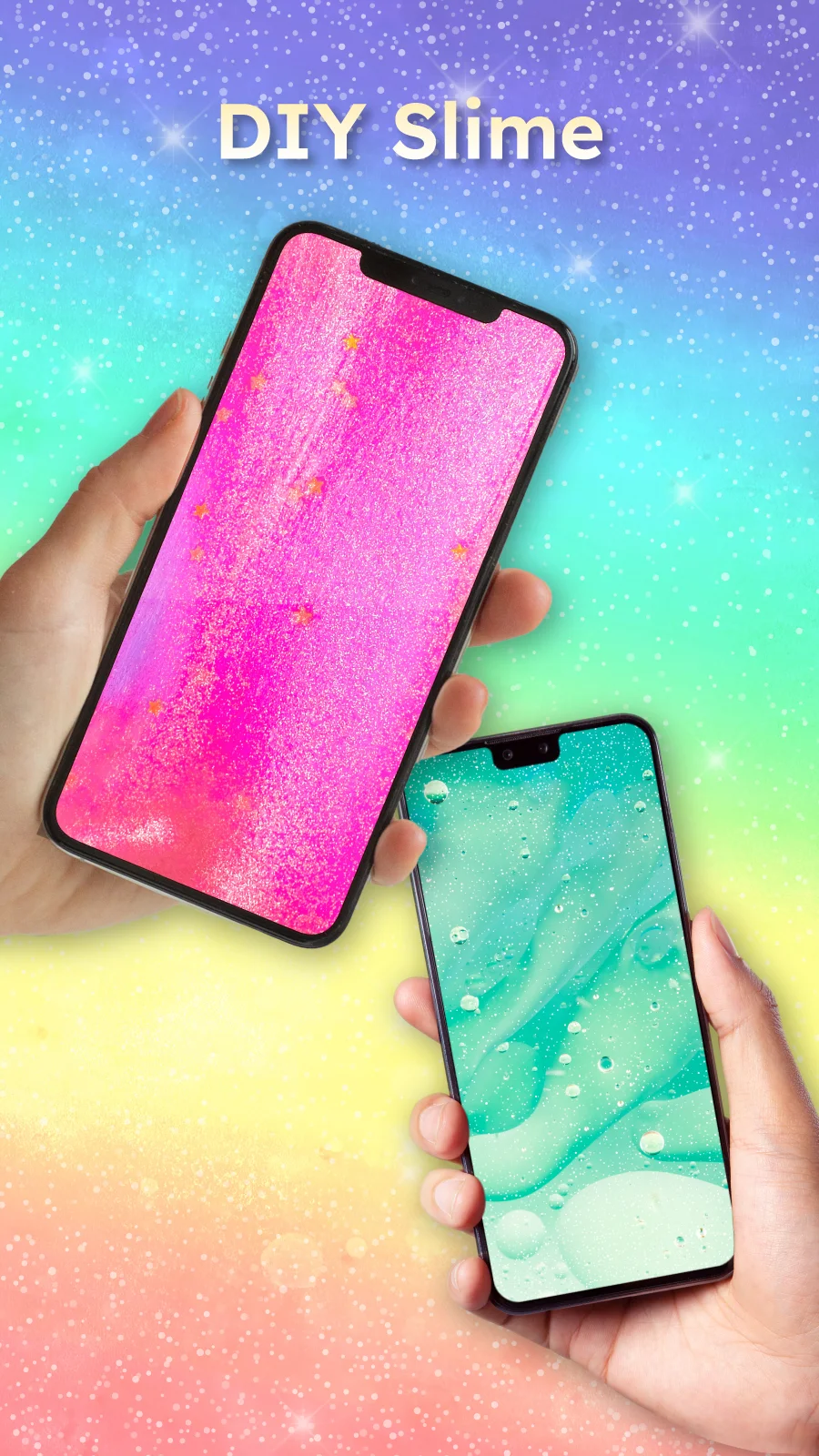
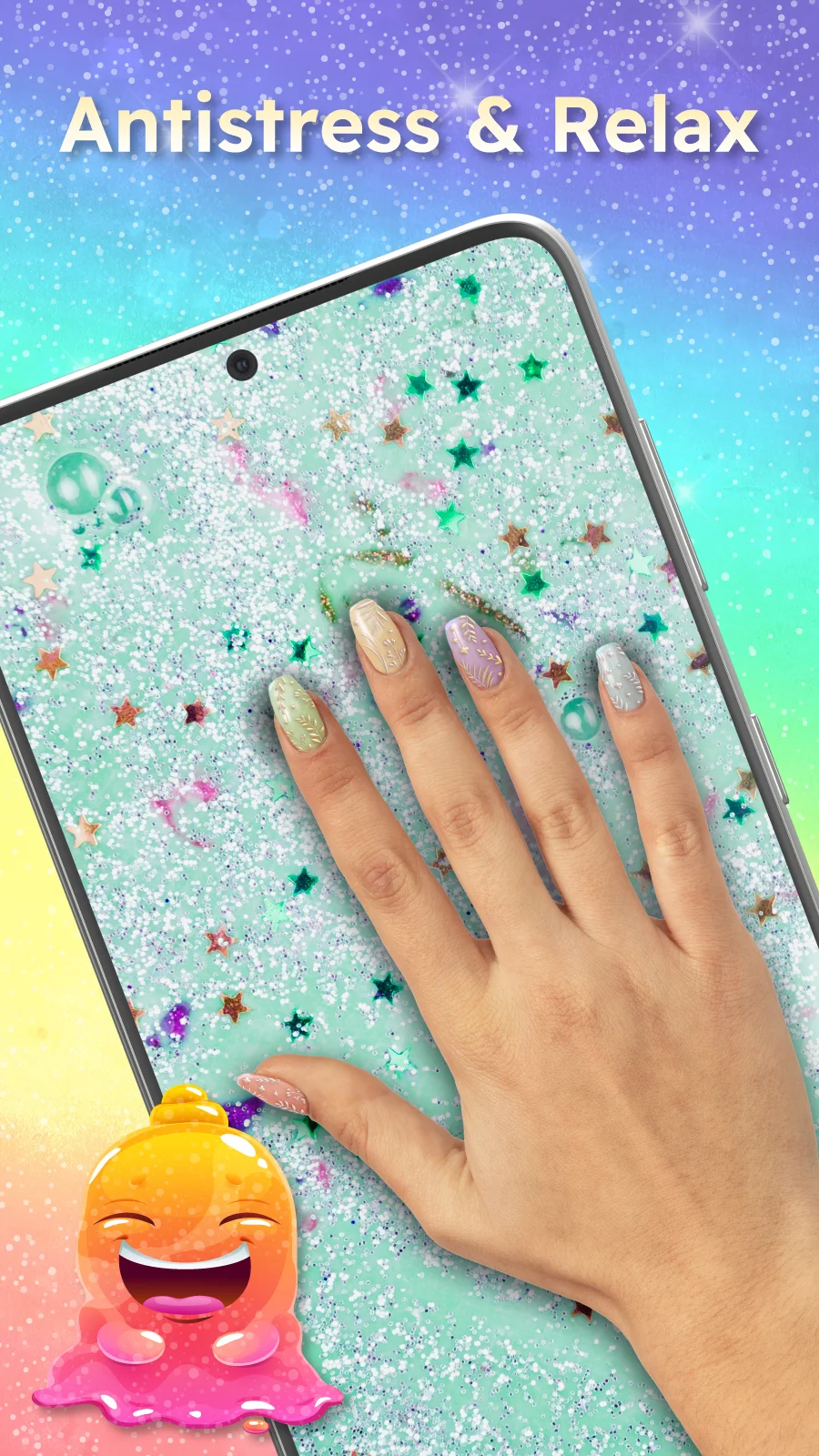
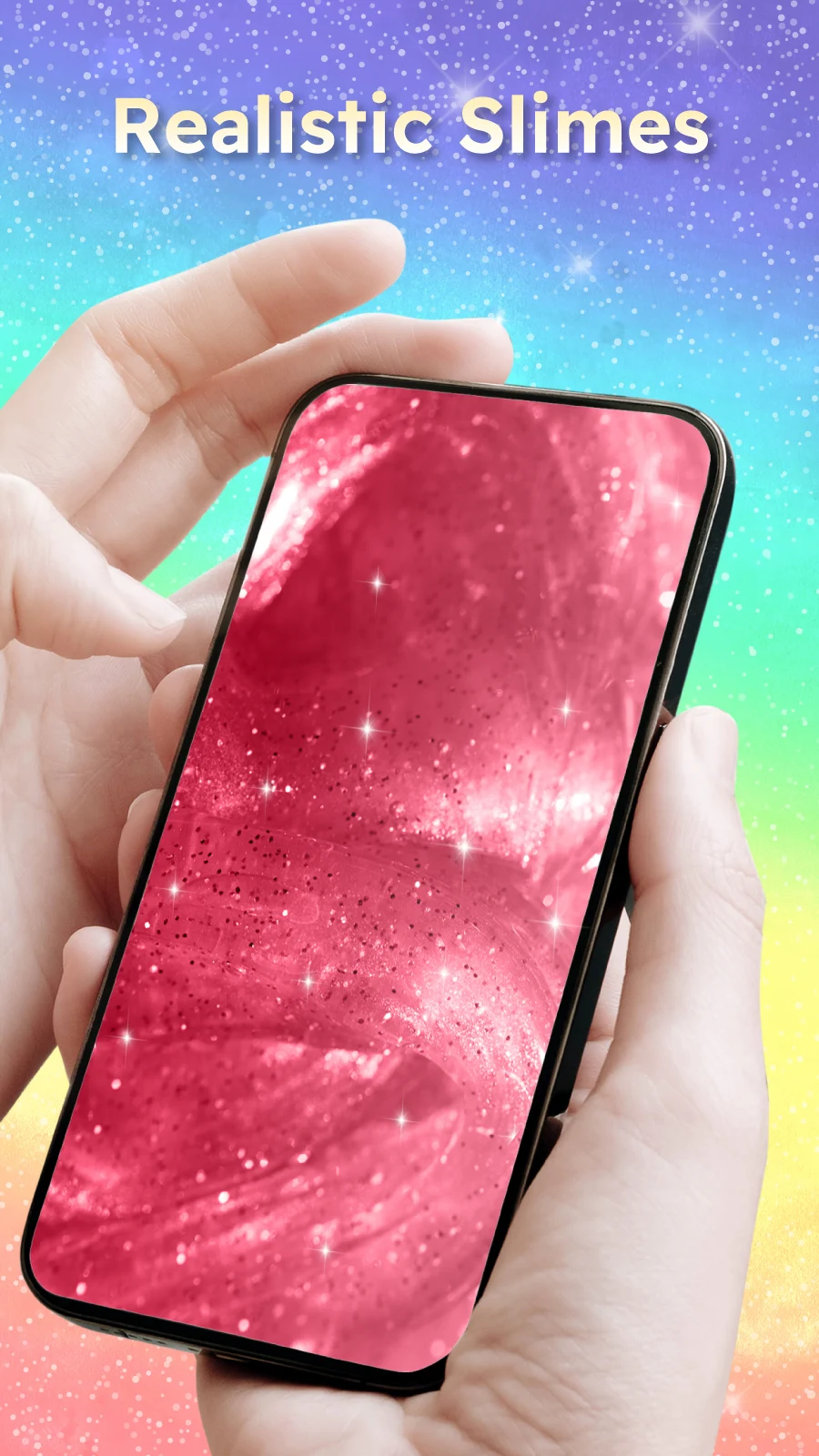
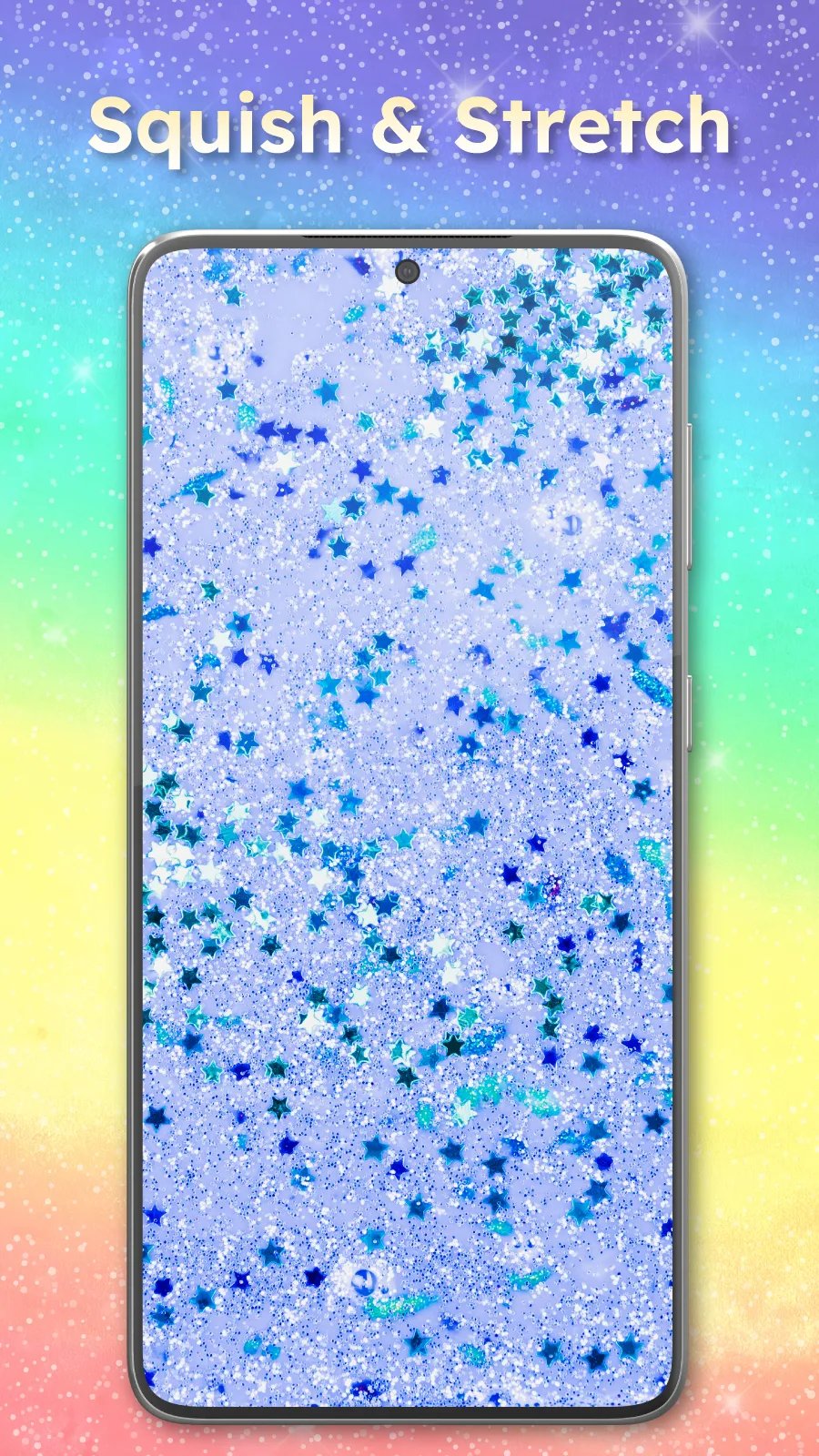
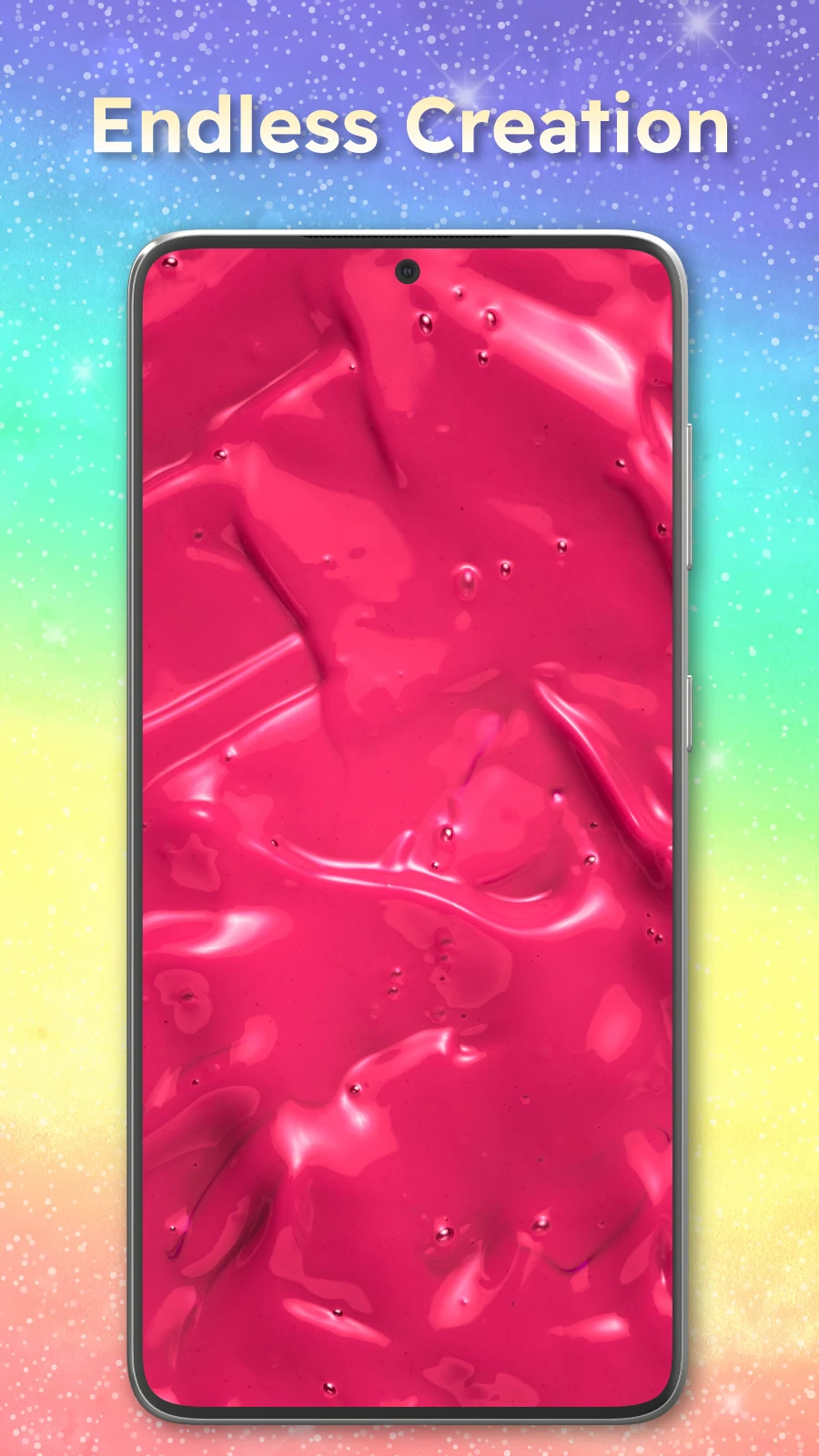
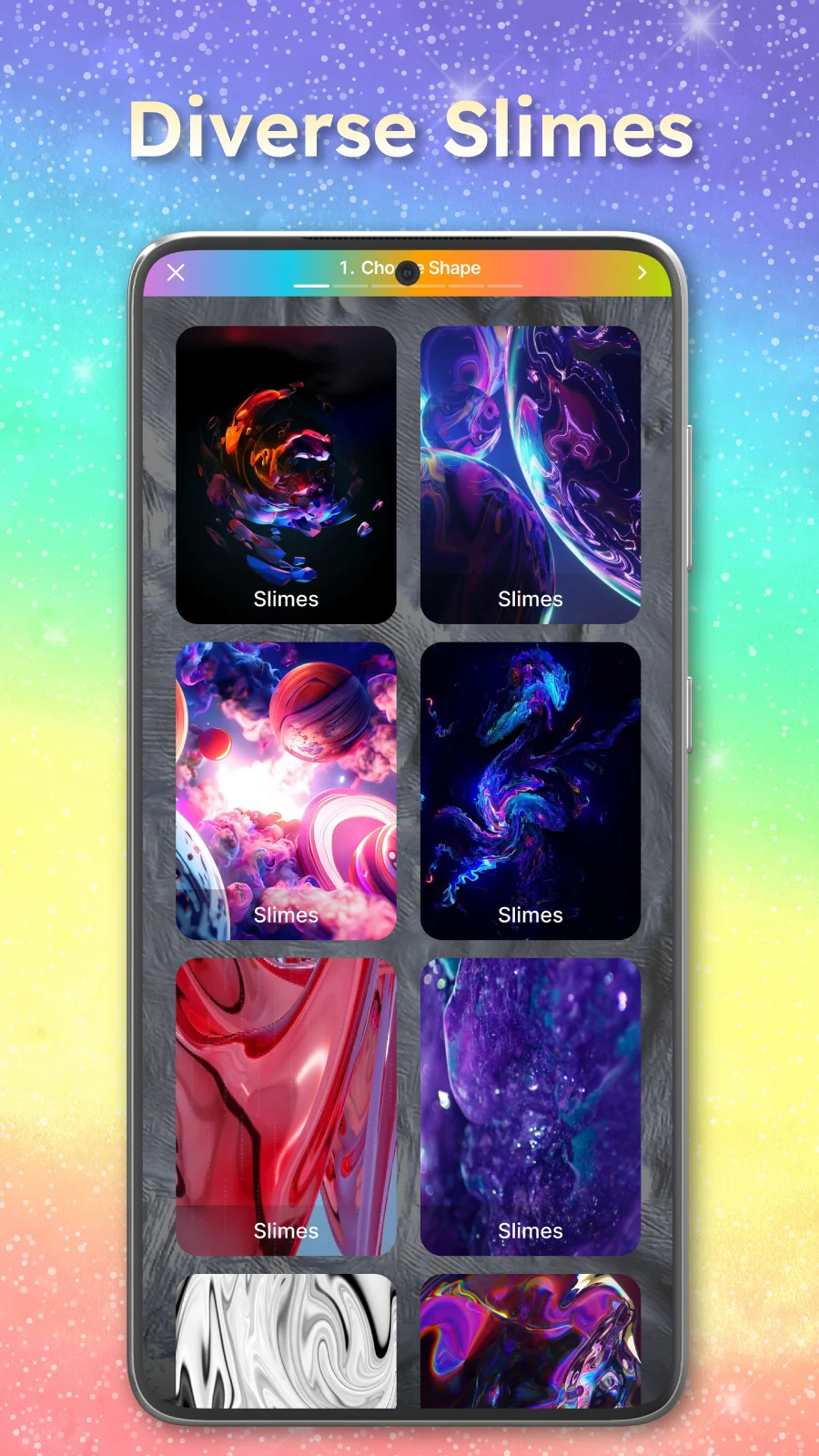
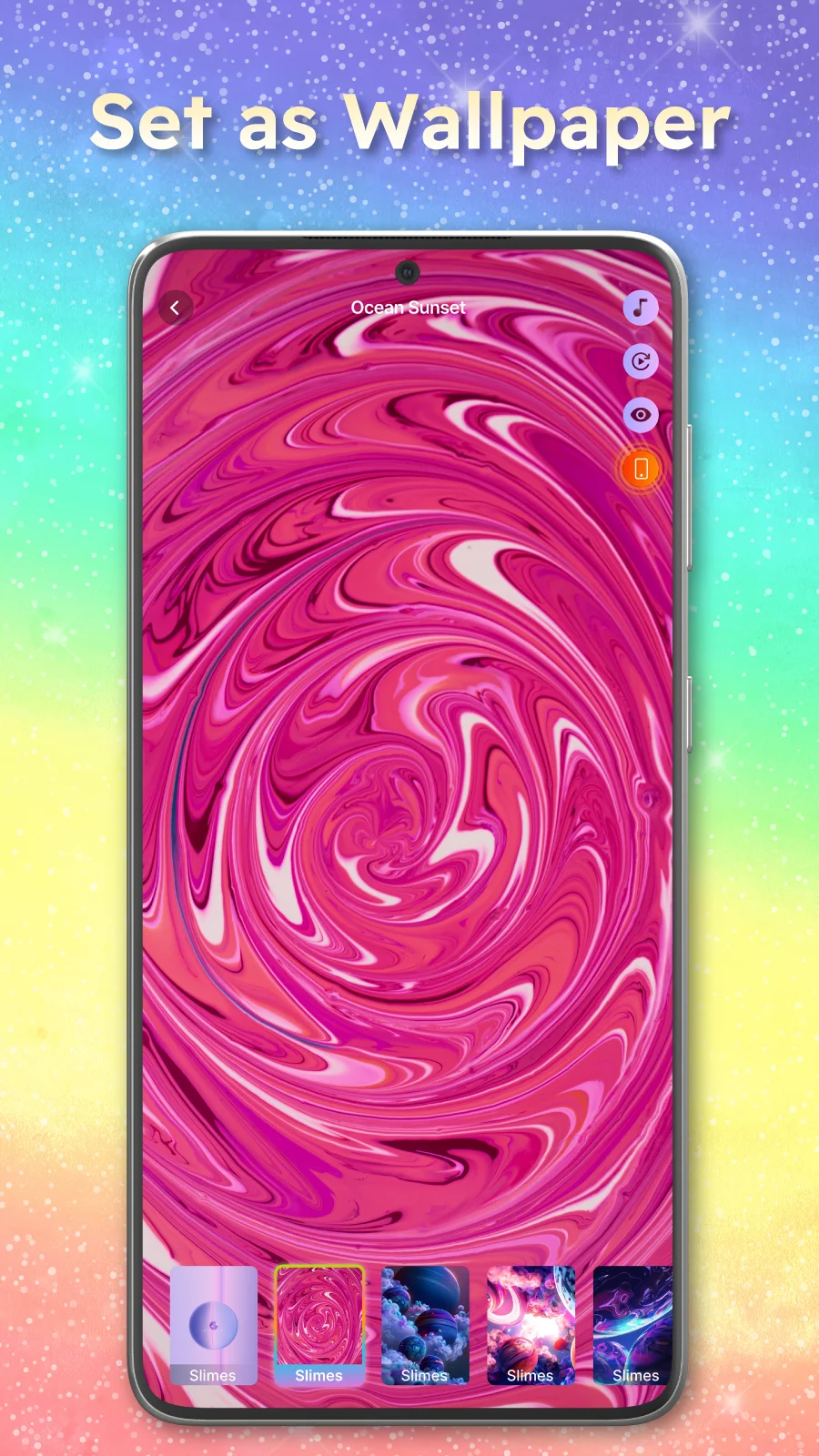
Slime Simulator is a customizable live wallpaper and anti-stress tool that places realistic, interactive slime simulations on your device and appears within the first moments of use. Slime Simulator offers a tactile-feeling visual experience where you can press, drag and reshape soft bodies of virtual slime on the screen, choose from a large set of textures and colors, and tune physical properties such as viscosity and elasticity to create slow, flowing gels or fast, bouncing blobs. The studio-like design controls are accessible from the main interface so newcomers can experiment quickly while more detailed options are available for people who enjoy fine-tuning visuals and behaviors.
How it works and core mechanics
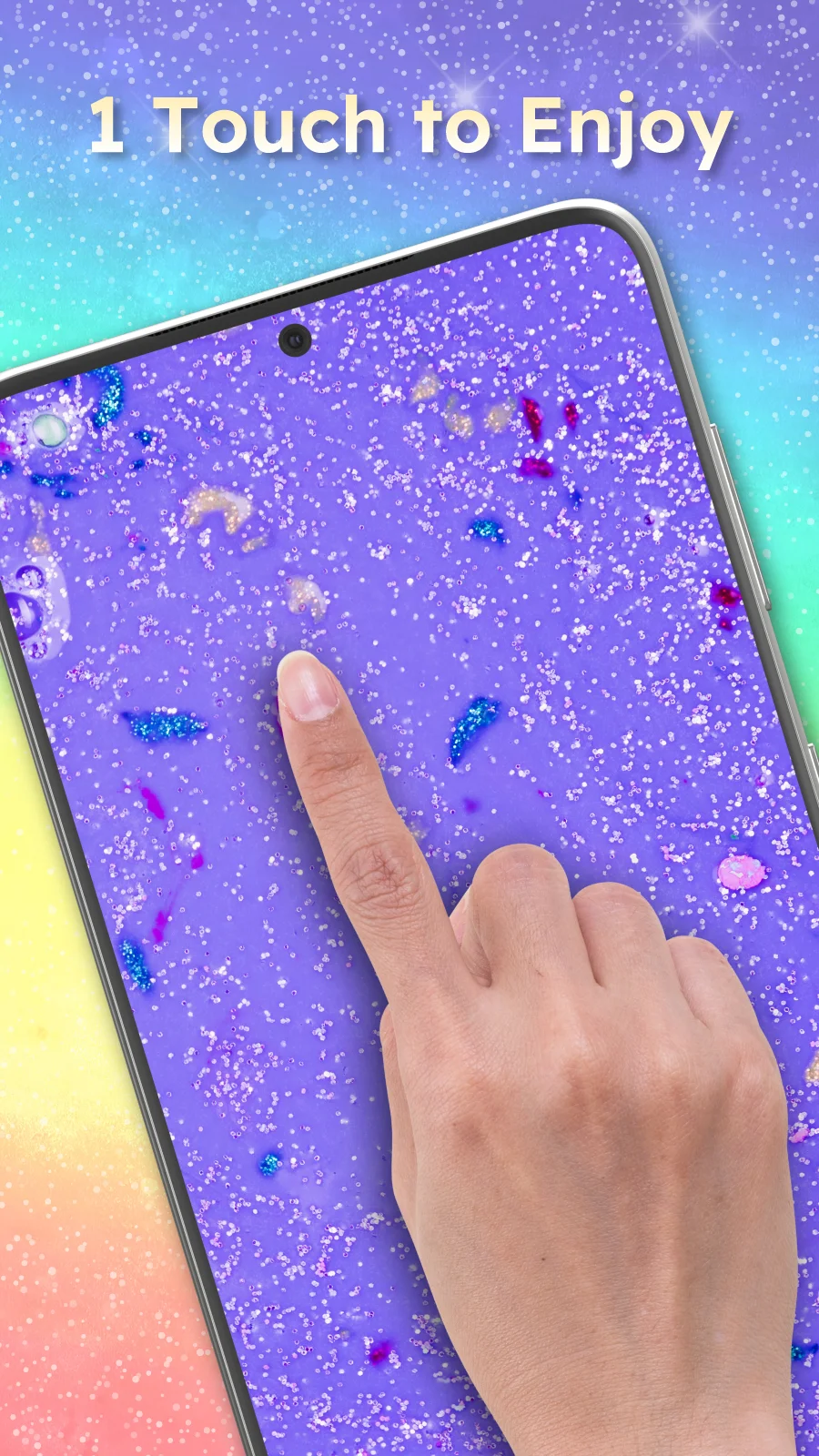
The simulation runs a real-time physics engine optimized for mobile that models stretch, compression and surface tension to produce natural-looking motion. Controls are gesture-based: one-finger taps and smashes generate local deformation, swipes drag and pull masses of slime across the screen, and two-finger pinch gestures adjust scale. Slime Simulator also provides slider controls for viscosity, bounce and spread so you can shift the same visual into several distinct responses — for example a thick, slow compound or a light, frothy compound that settles quickly.
Customization and visual style
Customization is central to the experience. Choose from a growing library of surface textures, from glossy and translucent to matte, grainy or glitter-like finishes. Color controls include solid fills, gradient blending and adjustable sheen so highlights and depth read convincingly on different backgrounds. Visual quality is supported by lighting and shading adjustments that keep each creation feeling tactile at a glance; presets let you jump to popular looks, while fine-tune sliders allow you to craft subtle variations.
Modes, presets and progression
Rather than a traditional level structure, the app organizes content into modes and scene presets that act as starting points for creative development. Pick a calming slow-flow scene, a playful bouncy scene, or a compact pocket scene designed for low-resource devices. As you experiment you build a personal collection of favorites by saving versions and creating named presets. This kind of iterative progression lets you develop increasingly refined slime designs over time, encouraging replay as you remix textures, sounds and behaviors to create new combinations.
Controls, performance and compatibility
Controls are intentionally simple and responsive to make the tool approachable for users of all ages: single-tap interactions, drag-to-pull gestures, pinch-to-scale and easy sliders for physical properties. A performance setting provides options to reduce particle count and visual fidelity for older devices or to preserve battery life, while high-quality modes maximize detail on modern hardware. The app is designed to run offline so you can use it anywhere without a network connection and save or apply wallpapers without dependency on external services.
Sound design and sharing
Audio is optional and designed to complement the visuals with subtle squelches, plops or calming ambient cues; each sound can be toggled or muted in settings for accessibility and environments where audio is inappropriate. Slime Simulator includes straightforward export and sharing features so you can save your creations to the device, set them as live wallpapers, or share static previews with friends and social feeds. The share flow emphasizes privacy by keeping all content local until you choose to send it.
User experience, accessibility and updates
The interface favors clarity and language-inclusive design with readable labels and contextual help tips that appear where people commonly experiment. Accessibility options include reduced-motion mode, a mute switch for sound, and simplified control layouts for one-handed use. Regular updates add new textures, color options and presets while maintaining compatibility notes so you know when certain animations may require a newer OS. Community feedback has guided incremental improvements to make the app more stable and approachable over time.
Replay value and limitations
The replay value comes from endless combinations of texture, color, physical parameters and sound; small adjustments produce markedly different behaviors and appearances, which encourages ongoing experimentation. Keep in mind that Slime Simulator is a visual and interactive simulation: it replicates the look and motion of slime on-screen but cannot reproduce the physical sensation of real, tactile material. Additionally, continuous live wallpapers and high-detail animations may use more battery and can be less compatible with some older devices or strict system power settings.