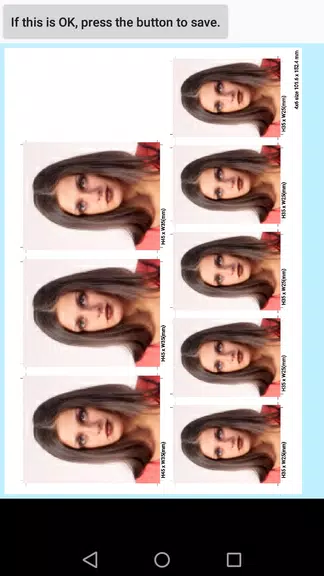
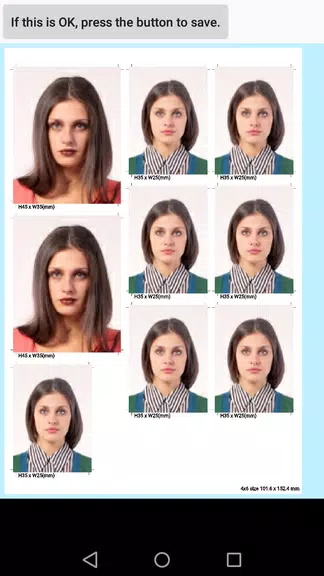
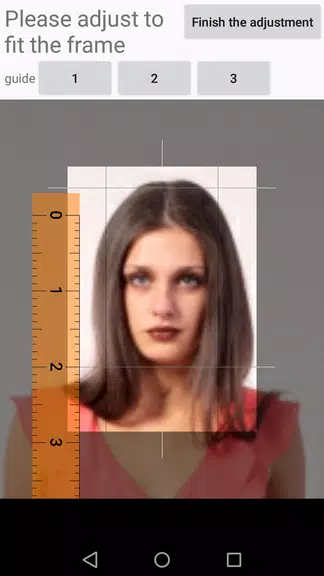
ID Photo application makes it simple to turn smartphone photos into ready-to-print ID photos, letting you crop, save and arrange images for home printing or digital use. ID Photo application creates JPEG files sized to fit standard 4x6 photo paper (101.6mm × 152.4mm) and supports multiple preset ID dimensions as well as custom sizes, so you can produce the measurements you need. The app is designed for quick, straightforward results and supports unlimited retakes plus the ability to save individual photo data for later reprints.
Key Features
ID Photo application converts smartphone pictures into JPEG files formatted for standard 4x6 prints and keeps image quality suitable for home or professional printing workflows.
Save individual photo data and retake shots as often as needed; stored data makes it simple to reprint or adjust images without starting over.
Choose from multiple preset ID sizes such as 51×51mm (2×2 in), 25×25mm (1×1 in), 45×35mm, 50×35mm, 48×33mm, 35×25mm, 45×45mm and 40×30mm, or enter custom dimensions to meet specific requirements.
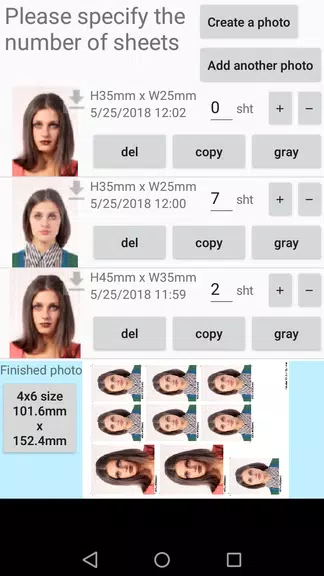
Arrange multiple cropped ID photos on a single 4x6 print and mix different sizes on one sheet to make home printing more efficient and reduce paper waste.
Convert color images to black-and-white (grayscale) and change the finished print size from the default 4x6 when needed.
Advantages
ID Photo application is easy to use and focuses on producing print-ready JPEGs from phone pictures with minimal setup.
Unlimited retakes and saved photo data help you capture the right shot and reprint copies quickly when adjustments are required.
The wide selection of preset sizes plus custom dimensions covers most common ID photo needs without additional software.
Disadvantages
Home printing requires a printer that supports photo printing from smartphones or digital files; without a compatible printer, getting a physical copy may require a print service.
The app exports photos as standard JPEG files; other file types are not provided.
The default output is set to 4x6 size (101.6mm × 152.4mm), so you must change settings if you prefer a different paper size.