Blossom is a plant identification and care app that helps users recognize species and develop routines to keep their plants healthy. In the first moments after you open Blossom you can take or upload a photo, get a likely match from a large reference collection and receive practical steps tailored to that species; this introduction explains how the app organizes identifications, care guidance and daily reminders so both beginners and experienced gardeners can benefit.
Key features and what they do
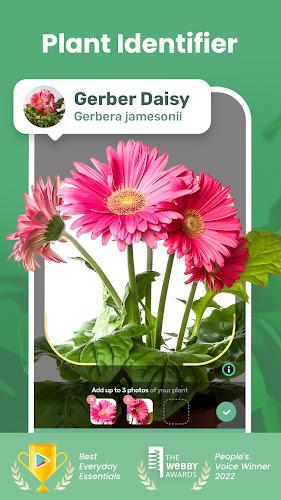
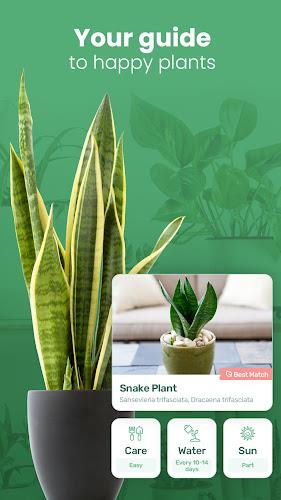
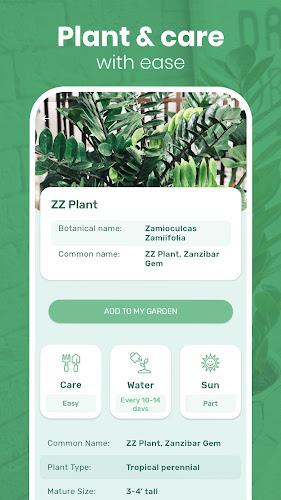
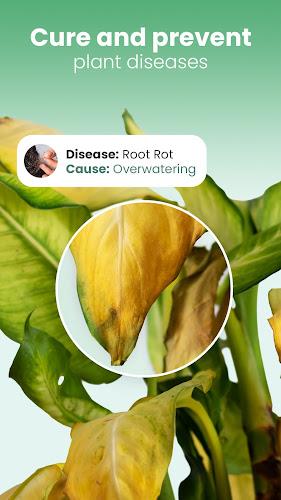
The core experience centers on fast image identification: point your camera at a leaf, flower or whole plant, or choose pictures from your gallery, and the app compares visual cues against thousands of documented entries to suggest matches and short descriptions. Results include common and scientific names, typical growing conditions, expected size and seasonal behavior, and an immediate set of care recommendations such as light preference and watering frequency. The app also interprets symptoms you photograph — yellowing leaves, brown spots or drooping stems — and offers likely causes plus step-by-step troubleshooting you can follow at home. A library of articles and short tutorial videos complements the automated tools, explaining potting mixes, pruning basics and propagation techniques in clear, actionable language.
How the app works and controls
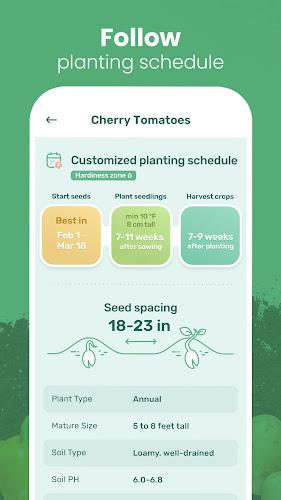
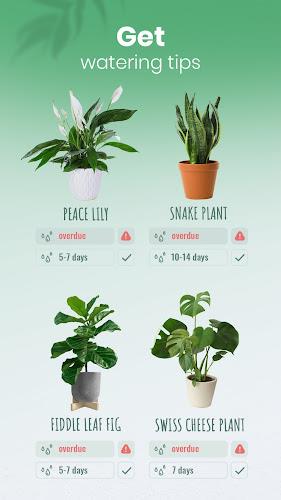
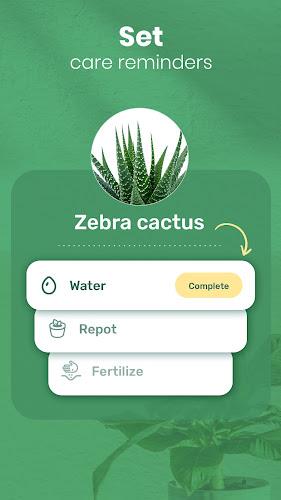
Interactions are designed to be simple and direct: use the in-app camera with framing guides to capture diagnostic images, or import multiple photos to improve identification confidence. You can manually edit plant names or add notes if you know the species, and every identification creates a plant profile in your personal collection. From each profile you control care schedules, add photos that document growth, and log treatments such as repotting or fertilizing. Notifications are customizable so reminders arrive at the times and frequencies that match your routine; changing a plant’s schedule updates all future reminders without losing past history. For expert help, the app includes an option to send formatted queries and images to a botanist support team when automated guidance isn’t enough.
Progression, personalization and learning
Rather than gamified levels, progression is measured by a growing plant journal and improved recognition accuracy over time. As you identify more specimens and record outcomes, Blossom tailors care advice to your local conditions by factoring in the plants in your collection and the notes you’ve added. Personalized care plans evolve seasonally, suggesting adjustments for winter dormancy or summer active growth. Learning tools include short quizzes and guided challenges that reinforce identification skills and care best practices, helping users move from uncertainty to confident stewardship. Your personal plant library becomes a searchable reference that reflects both species information and your real-world results.
Visual design, accessibility and offline use
The visual style focuses on clean photo-forward screens with easy-to-read typography and color-coded health indicators that make plant status obvious at a glance. High-contrast themes and adjustable text sizes improve readability for a wide range of users, and descriptive labels support screen readers for basic navigation. The app caches recent identifications and essential care articles for offline access so you can reference watering schedules or treat a plant even when you’re away from cellular service. Camera capture and local image analysis are optimized to be responsive on typical Android devices while conserving battery life.
How structure and replay value support long-term use
The app is structured around individual plant profiles rather than fixed levels, which supports ongoing use as gardens and indoor collections change. Regular reminders, seasonal plan updates and the ability to track problems and remedies create natural re-engagement: users return to check results after treatments, update photos as plants grow, and consult the knowledge base when trying new species. Because the app stores a history for each plant, it becomes a useful record for diagnosing recurring issues or documenting growth over months and years, increasing its value as a reference.
Limitations, accuracy and practical tips
No automated identification tool is perfect: results depend on clear, well-lit photos and visible diagnostic features, and very rare or visually similar species may not be resolved confidently. To improve outcomes, take multiple shots from different angles, include close-ups of leaves and flowers, and add notes about where the plant is located. When in doubt, use the expert support option to send images and context as directed by the app’s query format. With careful photos and regular logging, Blossom becomes a reliable companion for plant identification, day-to-day care and ongoing learning.