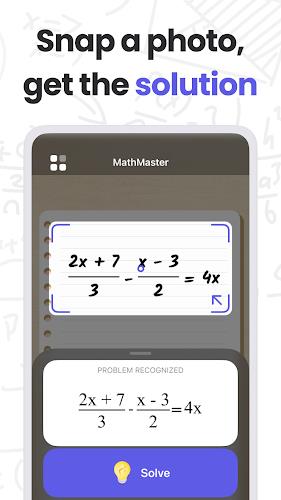
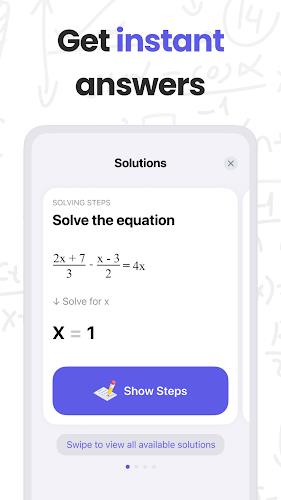
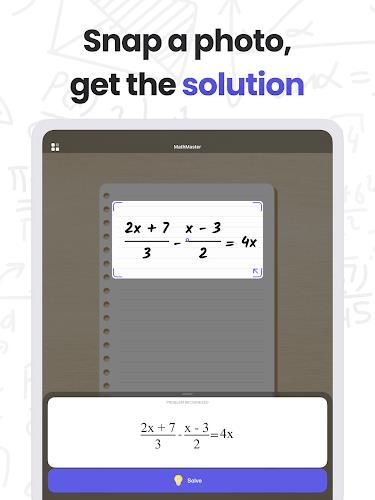
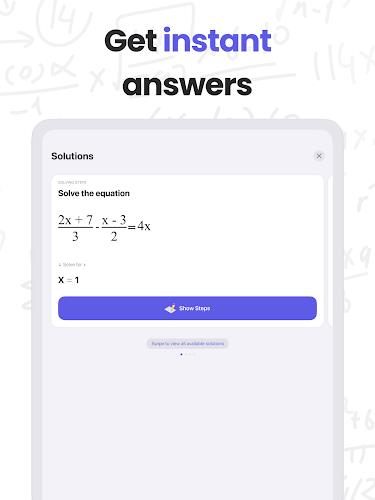
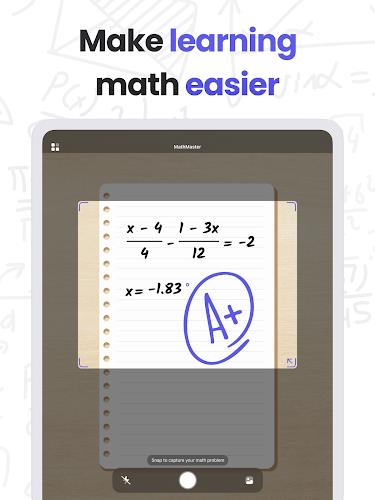
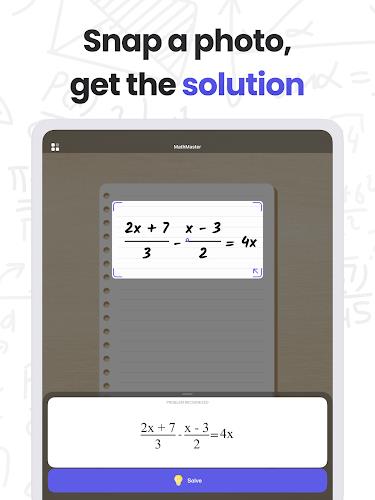
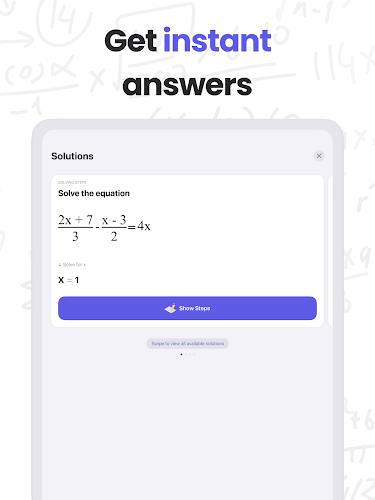
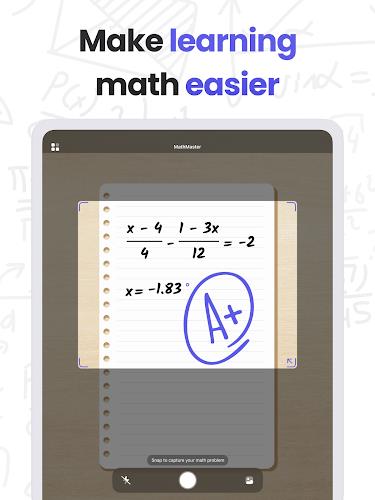
MathMaster is a practical math-solving app that turns photos or uploaded images of printed or handwritten problems into immediate answers and clear, teachable explanations. Designed for students, parents and self-learners, MathMaster focuses on helping you understand the method as well as the result: point your camera at a question or pick an image from your gallery to get a solution with optional step-by-step reasoning that you can follow at your own pace.
Key Features
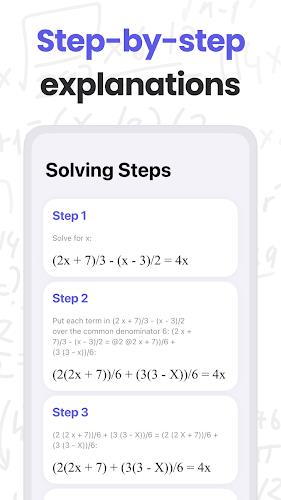
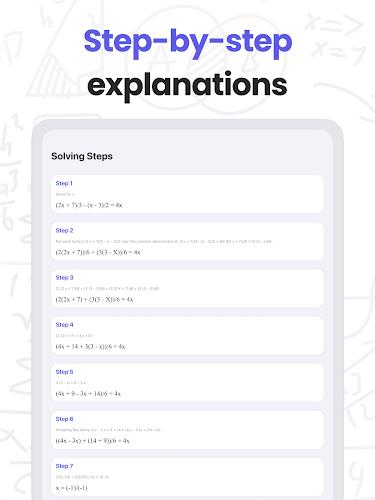
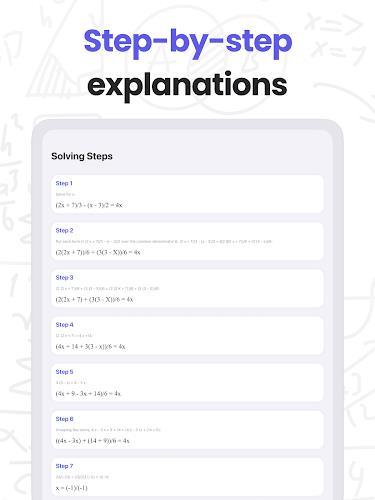
The core features of MathMaster include fast recognition of both printed and handwritten math, instant parsing of common problem formats, and richly explained solutions across a wide range of topics. The app covers arithmetic foundations, algebraic manipulation, trigonometric identities and solving, introductory calculus concepts such as derivatives and integrals, and basic statistics. Each solved problem can display multiple levels of detail so you can choose a short answer or a full worked walkthrough that highlights intermediate steps and reasoning.
How It Works
Using MathMaster is straightforward: open the camera mode to capture a problem or import an image from your device. The interface allows you to crop the problem area before processing and to tap any line of the displayed solution to expand that step. Behind the scenes the app combines image recognition with symbolic parsing to interpret expressions and provide human-readable explanations. For handwriting, clearer penmanship and well-lit photos improve accuracy; the app also attempts to auto-detect common mistakes such as ambiguous symbols and will prompt you to confirm unclear characters.
Learning Progression and Practice
Beyond one-off answers, MathMaster supports steady learning through topic-based practice and adjustable difficulty settings. You can focus on a specific area—such as linear equations, trig identities, or integral techniques—and work through progressively harder problems to reinforce concepts. The app keeps a local history of solved problems so you can revisit earlier examples, repeat practice on similar problem types, and monitor improvement over time. These features make it useful both for daily homework help and for structured exam preparation.
Controls, Customization and Visual Style
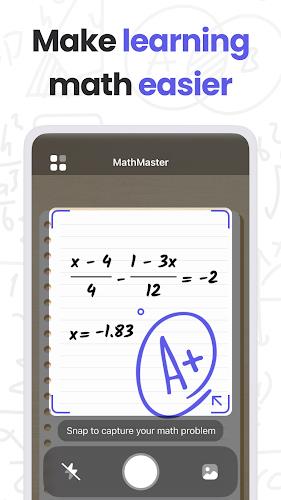
MathMaster presents a clean, uncluttered layout with straightforward camera controls: tap to focus, pinch to zoom while cropping, and swipe through saved solutions. Settings let you adjust the level of explanation, change font size for readability, and switch between light and dark interface preferences to suit your environment. The app prioritizes clarity in its step-by-step displays, using consistent notation and short explanatory phrases to make each transformation easy to follow on small screens.
Accessibility, Offline Use and User Experience
The app includes features designed for accessibility and flexible use. Text size adjustments and high-contrast display options help readers with visual needs, while narrated explanations (text-to-speech) can read steps aloud for auditory learners. MathMaster also stores recent solved problems locally so you can review explanations offline without an internet connection; note that processing new photos or using advanced parsing may require network access depending on device capabilities. The overall experience aims to be fast and predictable so students can get help during study sessions, classroom reviews and last-minute exam prep.
Challenge Systems, Replay Value and Practical Tips
To keep practice engaging, MathMaster encourages repeated review of solved types and lets you re-run problems to compare different solution approaches. Replay value comes from choosing alternate step detail, attempting the same problem with a different method, or practicing a sequence of related problems from your study topic. For best results, capture photos in good light, write problems clearly if you use handwritten input, and crop tightly around the expressions to reduce parsing errors. Remember that MathMaster is intended to supplement learning and reinforce techniques; it works best when paired with active practice and classroom study.
Limitations and Responsible Use
Accuracy depends on photo quality, formatting and complexity of the problem: very elaborate or unusually formatted equations may not parse perfectly. Step-by-step explanations are designed to teach common approaches but do not replace in-depth theoretical instruction. Use MathMaster as a study aid to check work, learn methods, and practice problem types rather than as a substitute for completing assigned coursework without understanding the material.