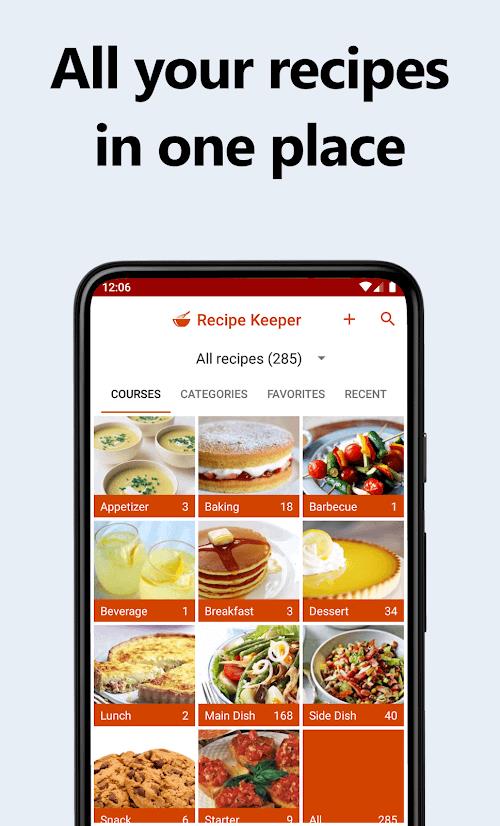
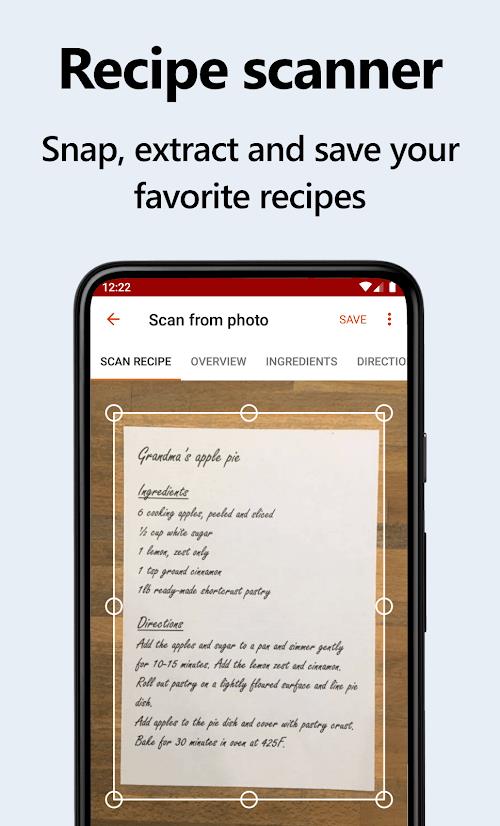
Recipe Keeper helps you store all your favorite recipes on your phone, tablet, or PC so you can organize, search, and use them while you cook. The app supports adding recipes by pasting text from magazines, websites, or other apps, and by scanning printed pages and PDFs with your camera; built-in OCR converts images into editable, searchable recipes.
Key Features
Recipe Keeper lets you scan printed recipes and PDFs with your camera, turning photos into editable entries through OCR so you can correct or update instructions and ingredient lists.
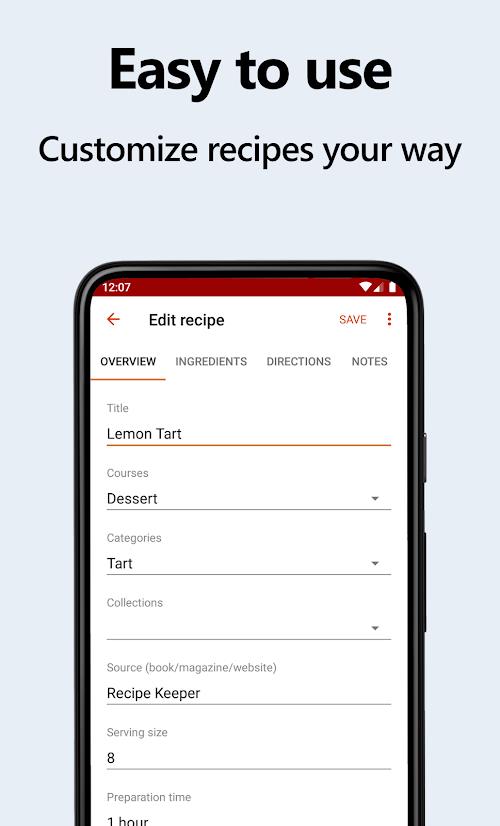
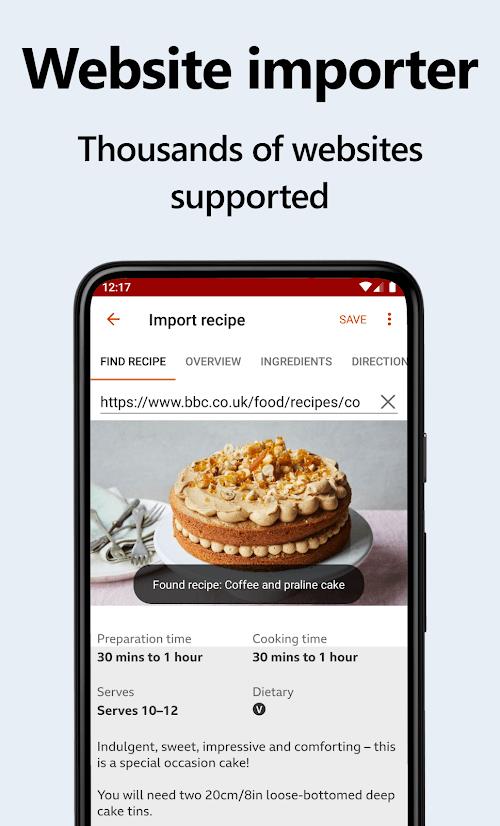
Paste or import recipes from periodicals, websites, and other apps, then personalize quantities, notes, and steps to match your taste and technique.
Bookmark, rate, search, and categorize recipes to find dishes by name, ingredient, or cooking method, and keep family favorites in a single place.
Generate downloadable PDF cookbooks with customizable covers, chapter structure, and page layouts to share or archive collections.
Automatically scale ingredient quantities based on the number of servings and plan meals for a week or a month to simplify shopping and preparation.
Sync recipes, shopping lists, and the menu planner (available free or for a small fee) and use voice assistant integration for hands-free cooking and quick recipe searches.
Advantages
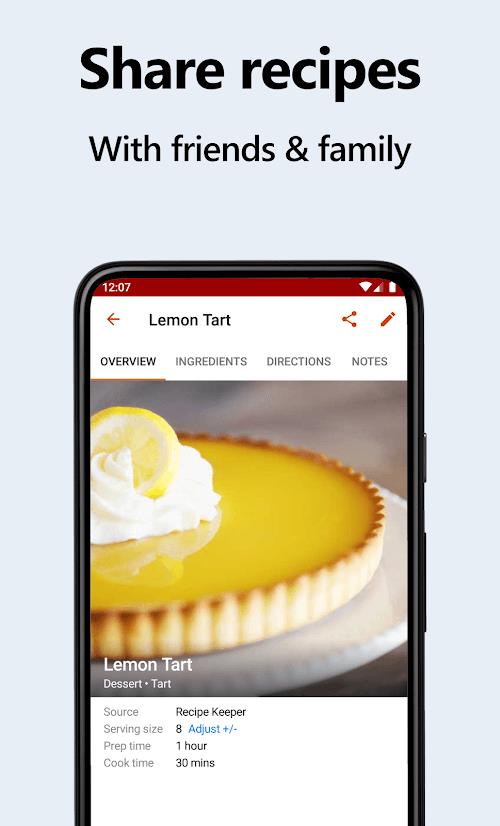
Centralizing recipes on one device reduces time spent searching through magazines and multiple apps, and the scanning plus OCR workflow speeds up capturing old or printed recipes. Recipe Keeper also makes it straightforward to export collections, share recipes, and preserve family favorites.
Disadvantages
Many entries require pasting or manual entry, so setting up a large collection can take time. Some syncing and advanced features may be offered only for a small fee rather than entirely free.