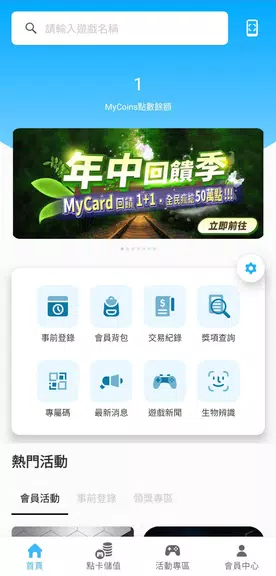
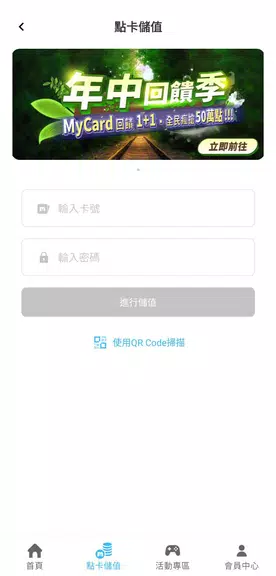
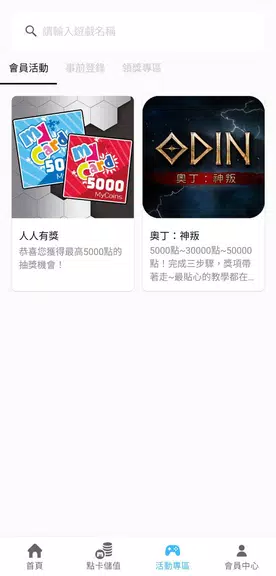
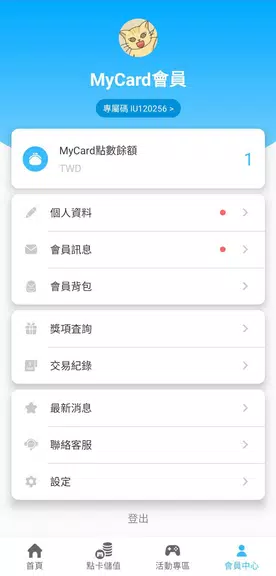
MyCard helps you manage digital cards such as loyalty, membership, and business cards in one secure place. MyCard organizes card details, supports quick lookup and sharing, and keeps your information accessible on your device.
Key features of MyCard
- Store multiple card types with optional photos or scanned copies for quick reference
- Scan physical cards or enter details manually to add new cards
- Share selected cards securely using QR codes or shareable links
- Organize cards with tags and folders and use search to find them quickly
- Backup and restore your collection to a cloud account to keep data available across devices
Security and sync
MyCard uses device protection and industry-standard encryption for stored data, and it supports biometric unlock or a PIN. Optional cloud sync keeps updates consistent across devices while allowing offline access to saved cards.
Getting started
To begin with MyCard, add your first card by scanning or manual entry, set a secure unlock method, and enable backup if you want cross-device sync. Help resources are available in the app for common tasks.